BIOS CONFIGURATION
75
I/O Port Addr : 28000000h, F2(Tab): Select Controller, F10: Reboot System
ArrowKey Or AZ:Move Cursor, Enter: Select, ESC: Escape, L:Line Draw, X: Redraw
Areca Technology Corporation RAID Controller
Main Menu
Quick Volume/Raid Setup
Raid Set Function
Volume Set Function
Physical Drives
Raid System Function
Ethernet Conguration
View System Events
Clear Event Buffer
Hardware Monitor
System information
Ethernet Conguration
Ethernet Conguration
DHCP Function : Enable
Local IP Address : 192.168.001.100
HTTP Port Number : 80
Telent Port Number : 23
SMTP Port Number : 25
EtherNet Address : 00. 04. D9.7F .FF. FF
Telnet Port Number : 23
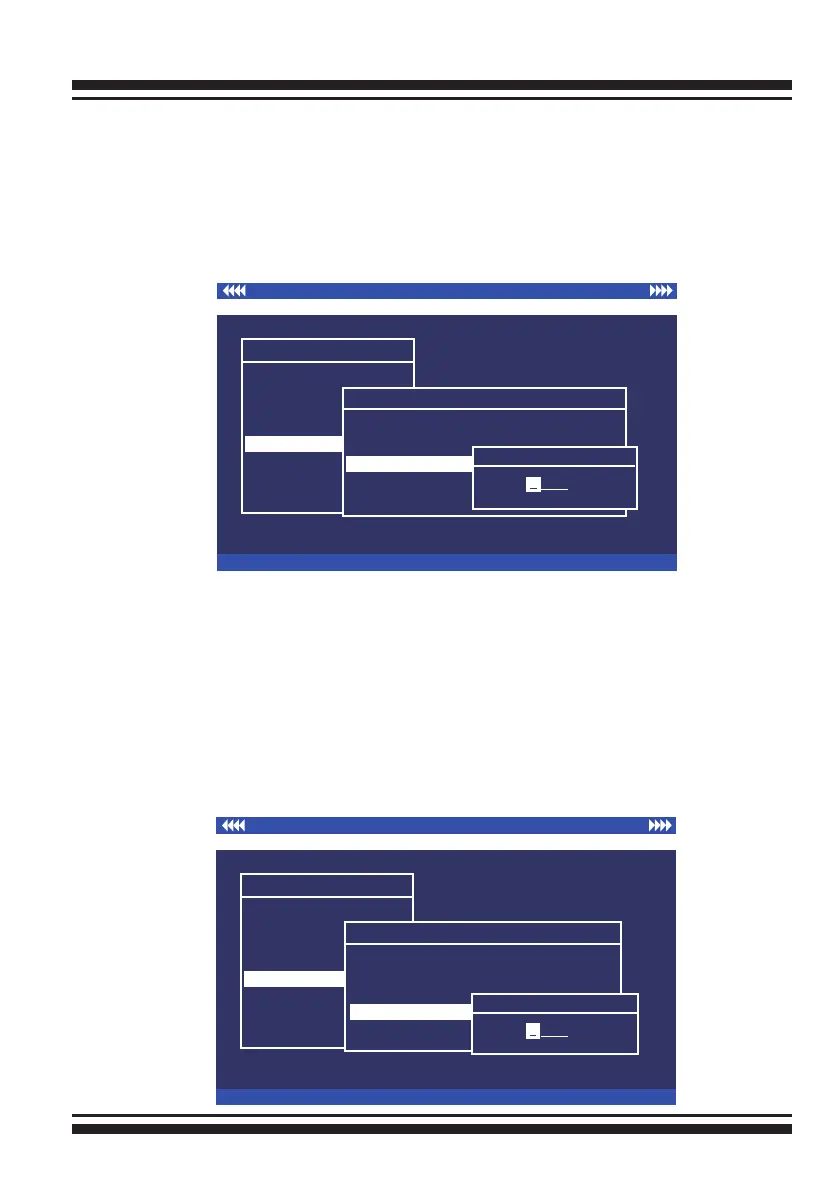
Edit The Telent Port Number
0023
0
3.7.6.4 Telnet Port Number
To manually congure the “Telnet Port Number” of the control-
ler, move the cursor bar to “Telnet Port Number” item, then
press the Enter key to show the default address setting in the
RAID controller. You can then reassign the default “Telnet Port
Number” of the controller.
I/O Port Addr : 28000000h, F2(Tab): Select Controller, F10: Reboot System
ArrowKey Or AZ:Move Cursor, Enter: Select, ESC: Escape, L:Line Draw, X: Redraw
Areca Technology Corporation RAID Controller
Main Menu
Quick Volume/Raid Setup
Raid Set Function
Volume Set Function
Physical Drives
Raid System Function
Ethernet Conguration
View System Events
Clear Event Buffer
Hardware Monitor
System information
Ethernet Conguration
Ethernet Conguration
DHCP Function : Enable
Local IP Address : 192.168.001.100
HTTP Port Number : 80
Telnet Port Number : 23
SMTP Port Number : 25
EtherNet Address : 00. 04. D9.7F .FF. FF
SMTP Port Number : 25
Edit The SMTP Port Number
0025
0
3.7.6.5 SMTP Port Number
To manually congure the “SMTP Port Number” of the control-
ler, move the cursor bar to the main menu “Ethernet Congu-
ration” function item and then press Enter key. The “Ethernet
Conguration” menu appears on the screen. Move the cursor
bar to “SMTP Port Number” item, then press Enter key to show
the default address setting in the RAID controller. You can then
reassign the default “SMTP Port Number” of the controller.



 To Next Page