WEB BROWSER-BASED CONFIGURATION
126
Select this option to view the system events information: Timer,
Device, Event type, Elapse Time and Errors. The RAID control-
ler does not have a built-in real time clock. The time information
is the relative time from the system time setting. The maximum
event no. is 256 per controller.
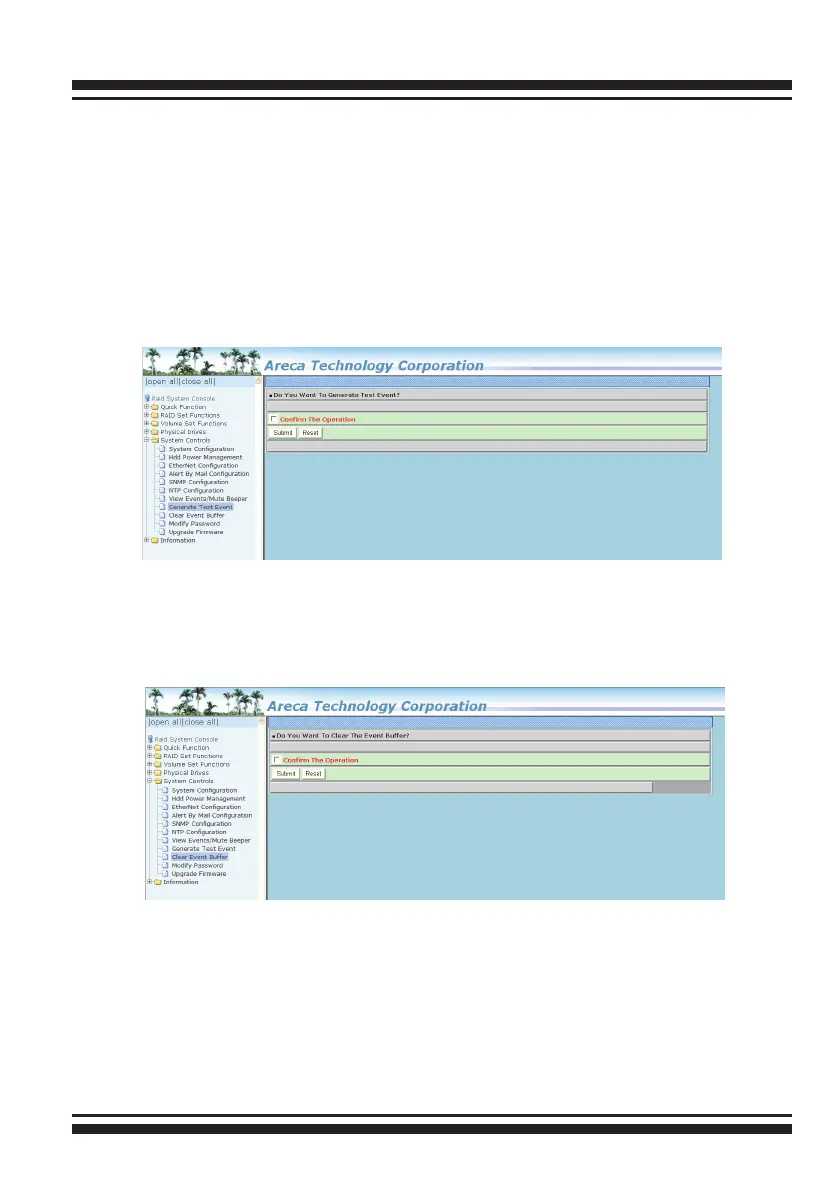
6.8.7 Generate Test Event
Use this feature is generate events for testing purposes.
6.8.8 Clear Events Buffer
Use this feature to clear the entire events buffer information.
6.8.9 Modify Password
To set or change the SAS RAID controller password, select “Sys-
tem Controls” from the menu and click on the “Modify Password”
link. The “Modify System Password” screen appears.



 To Next Page