BIOS CONFIGURATION
68
I/O Port Addr : 28000000h, F2(Tab): Select Controller, F10: Reboot System
ArrowKey Or AZ:Move Cursor, Enter: Select, ESC: Escape, L:Line Draw, X: Redraw
Areca Technology Corporation RAID Controller
Main Menu
Quick Volume/Raid Setup
Raid Set Function
Volume Set Function
Physical Drives
Raid System Function
Ethernet Conguration
View System Events
Clear Event Buffer
Hardware Monitor
System information
Raid System Function
Raid System Function
Mute The Alert Beeper
Alert Beeper Setting
Change Password
JBOD/RAID Function
Background Task Priority
SATA NCQ Support
HDD Read Ahead Cache
Stagger Power on
HDD SMART Status Polling
Controller Fan Detection
Auto Activate Raid Set
Capacity Truncation
Background Task Priority
Background Task Priority
UltraLow(5%)
Medium(50%)
High(80%)
Low(20%)
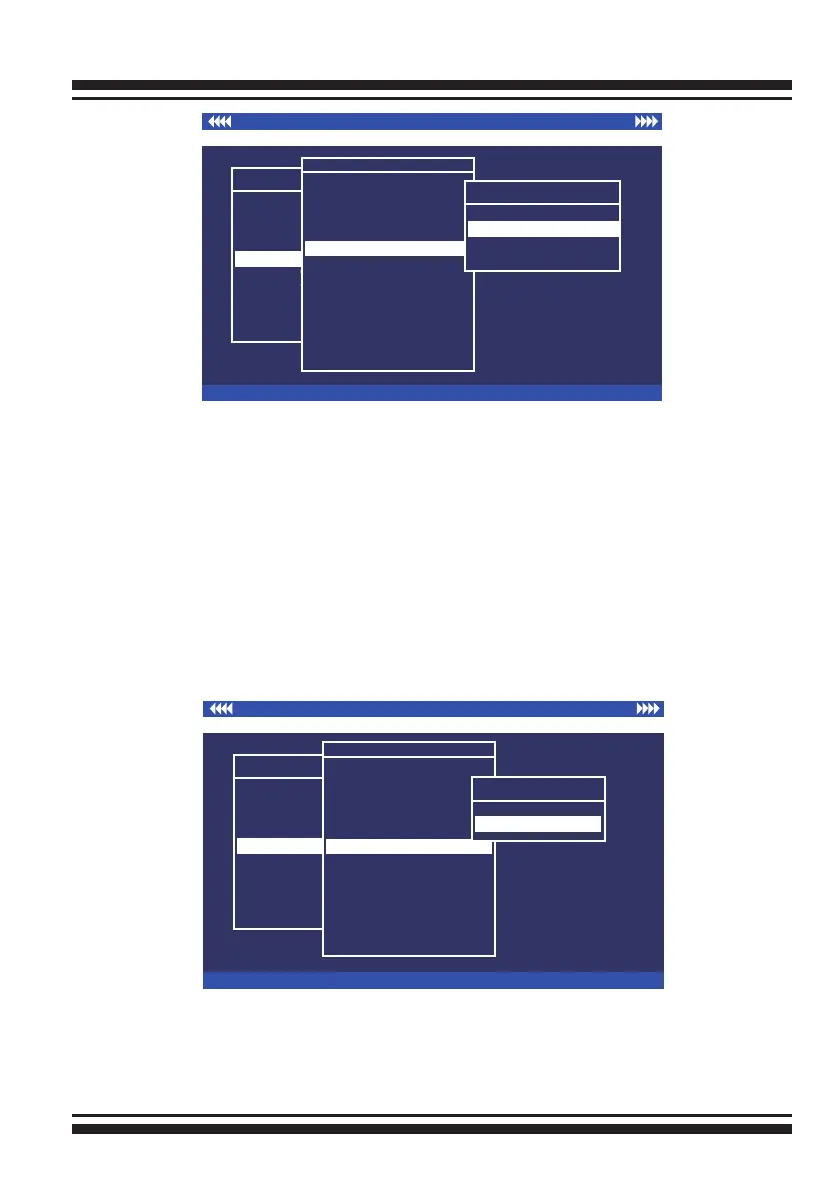
3.7.5.6 SATA NCQ Support
The controller supports both SAS and SATA disk drives. The
SATA NCQ allows multiple commands to be outstanding within
a drive at the same time. Drives that support NCQ have an
internal queue where outstanding commands can be dynami-
cally rescheduled or re-ordered, along with the necessary track-
ing mechanisms for outstanding and completed portions of the
workload. The SAS RAID controller allows the user to select the
SATA NCQ support: “Enabled” or “Disabled”.
I/O Port Addr : 28000000h, F2(Tab): Select Controller, F10: Reboot System
ArrowKey Or AZ:Move Cursor, Enter: Select, ESC: Escape, L:Line Draw, X: Redraw
Areca Technology Corporation RAID Controller
Main Menu
Quick Volume/Raid Setup
Raid Set Function
Volume Set Function
Physical Drives
Raid System Function
Ethernet Conguration
View System Events
Clear Event Buffer
Hardware Monitor
System information
Raid System Function
Raid System Function
Mute The Alert Beeper
Alert Beeper Setting
Change Password
JBOD/RAID Function
Background Task Priority
SATA NCQ Support
HDD Read Ahead Cache
Stagger Power on
HDD SMART Status Polling
Controller Fan Detection
Auto Activate Raid Set
Capacity Truncation
SATA NCQ Support
SATA NCQ Support
Enabled
Disabled



 To Next Page