BIOS CONFIGURATION
72
same capacity for both of these drives so that one could replace
the other.
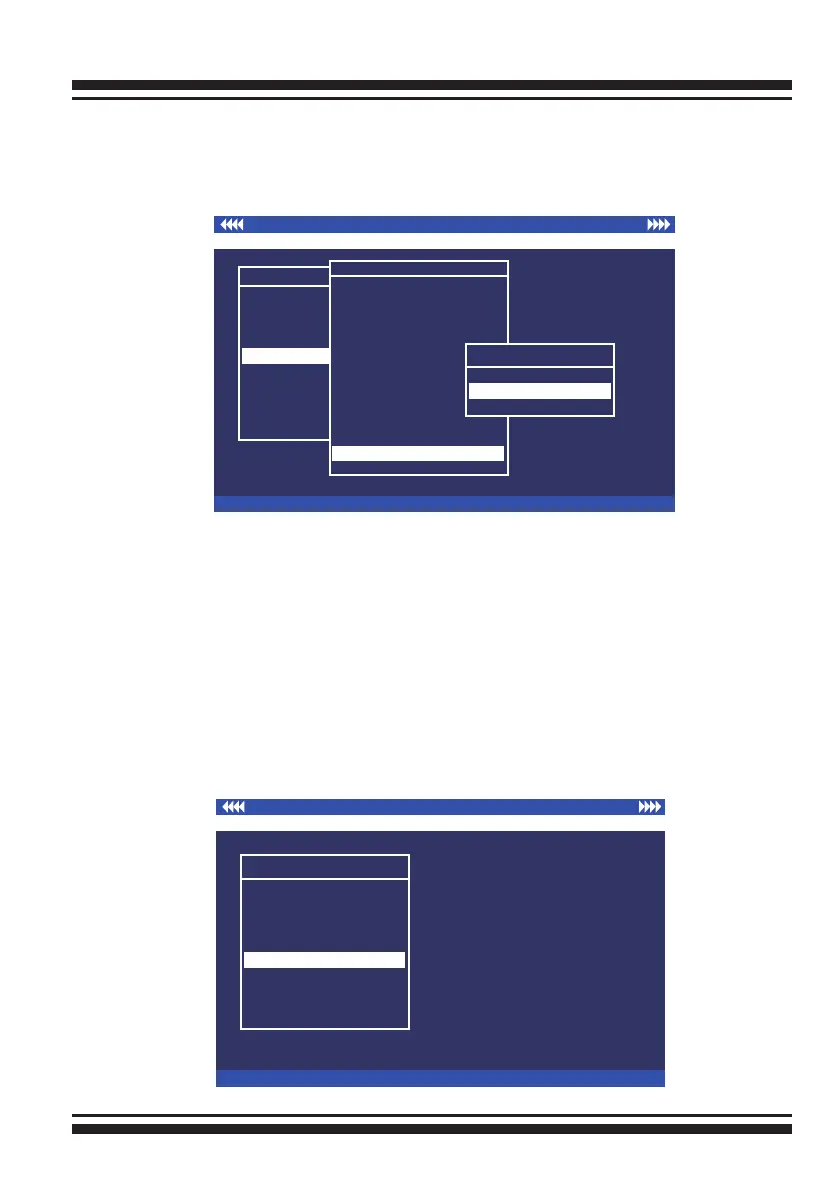
No Truncation: It does not truncate the capacity.
3.7.6 Ethernet Conguration
Use this feature to set the controller Ethernet port congura-
tion. It is not necessary to create reserved disk space on any
hard disk for the Ethernet port and HTTP service to function;
these functions are built into the controller rmware.move the
cursor bar to the main menu “Ethernet Conguration Function”
item and then press the Enter key. The “Ethernet Conguration”
menu appears on the screen. Move the cursor bar to an item,
then press Enter key to select the desired function.
I/O Port Addr : 28000000h, F2(Tab): Select Controller, F10: Reboot System
ArrowKey Or AZ:Move Cursor, Enter: Select, ESC: Escape, L:Line Draw, X: Redraw
Areca Technology Corporation RAID Controller
Main Menu
Quick Volume/Raid Setup
Raid Set Function
Volume Set Function
Physical Drives
Raid System Function
Ethernet Conguration
View System Events
Clear Event Buffer
Hardware Monitor
System information
Ethernet Conguration
Main Menu
Quick Volume/Raid Setup
Raid Set Function
Volume Set Function
Physical Drives
Raid System Function
Ethernet Conguration
View System Events
Clear Event Buffer
Hardware Monitor
System information
Raid System Function
I/O Port Addr : 28000000h, F2(Tab): Select Controller, F10: Reboot System
ArrowKey Or AZ:Move Cursor, Enter: Select, ESC: Escape, L:Line Draw, X: Redraw
Areca Technology Corporation RAID Controller
Raid System Function
Mute The Alert Beeper
Alert Beeper Setting
Change Password
JBOD/RAID Function
Background Task Priority
SATA NCQ Support
HDD Read Ahead Cache
Stagger Power on
HDD SMART Status Polling
Controller Fan Detection
Auto Activate Raid Set
Capacity Truncation
Capacity Truncation
Truncate Disk Capacity
To Multiples of 10G
To Multiples of 1G
No Truncation
To Multiples of 1G



 To Next Page