WEB BROWSER-BASED CONFIGURATION
106
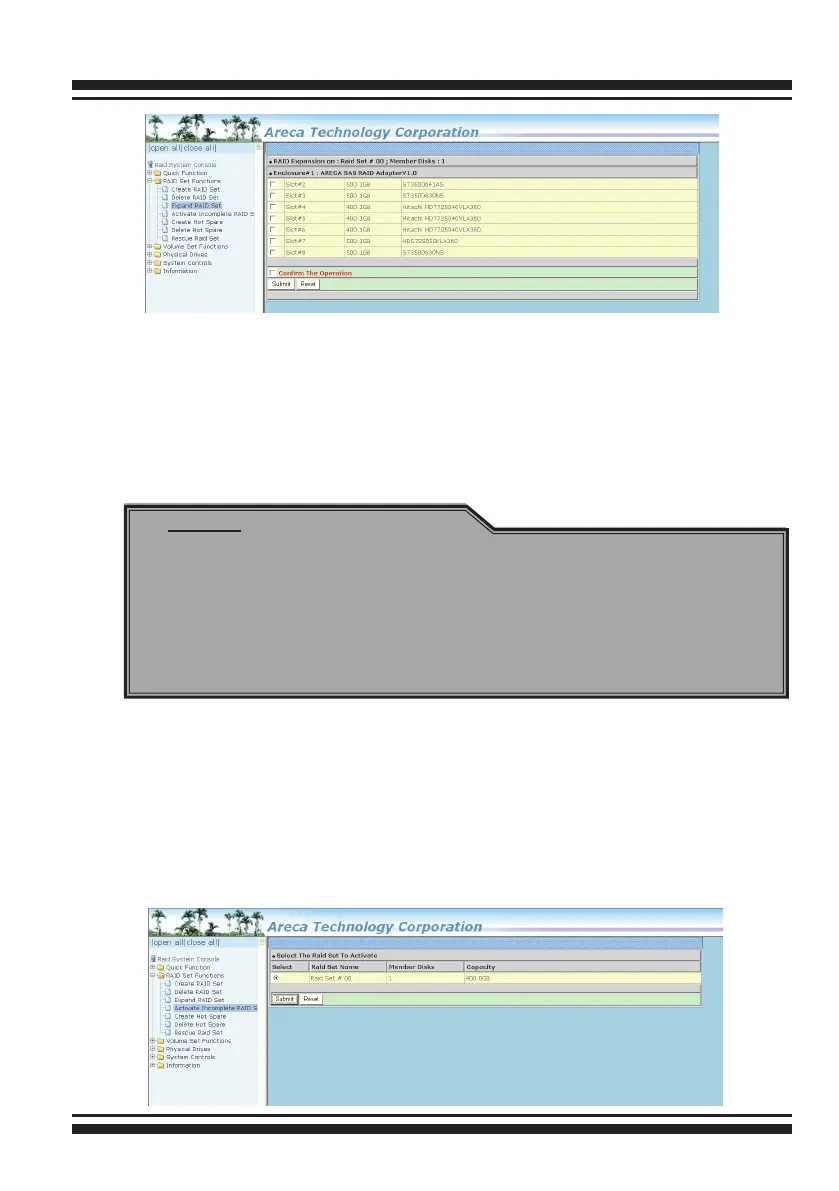
Press the Yes key to start the expansion on the RAID set.
The new additional capacity can be utilized by one or more volume
sets. The volume sets associated with this RAID set appear for
you to have chance to modify RAID level or stripe size. Follow the
instruction presented in the “Modify Volume Set ” to modify the
volume sets; operation system specic utilities may be required
to expand operating system partitions.
6.5.4 Activate Incomplete Raid Set
If one of the disk drives is removed in power off state, the RAID
set state will change to “Incomplete State”. If the user wants to
continue to operate the controller without power-off the SAS RAID
controller, the user can use the “Activate Incomplete Raid Set” op-
tion to active the RAID set. After the user completes this function,
the Raid State will change to “Degraded Mode” and start to work.
Note:
1. Once the “Expand Raid Set” process has started, user can
not stop it. The process must be completed.
2. If a disk drive fails during raid set expansion and a hot
spare is available, an auto rebuild operation will occur after
the RAID set expansion completes.
3. RAID 30/50/60 does n't support the 'Expand Raid Set'.



 To Next Page