BIOS CONFIGURATION
66
I/O Port Addr : 28000000h, F2(Tab): Select Controller, F10: Reboot System
ArrowKey Or AZ:Move Cursor, Enter: Select, ESC: Escape, L:Line Draw, X: Redraw
Areca Technology Corporation RAID Controller
Main Menu
Quick Volume/Raid Setup
Raid Set Function
Volume Set Function
Physical Drives
Raid System Function
Ethernet Conguration
View System Events
Clear Event Buffer
Hardware Monitor
System information
Raid System Function
Raid System Function
Mute The Alert Beeper
Alert Beeper Setting
Change Password
JBOD/RAID Function
Background Task Priority
SATA NCQ Support
HDD Read Ahead Cache
Stagger Power on
HDD SMART Status Polling
Controller Fan Detection
Auto Activate Raid Set
Capacity Truncation
Alert Beeper Setting
Alert Beeper Setting
Enabled
Disabled
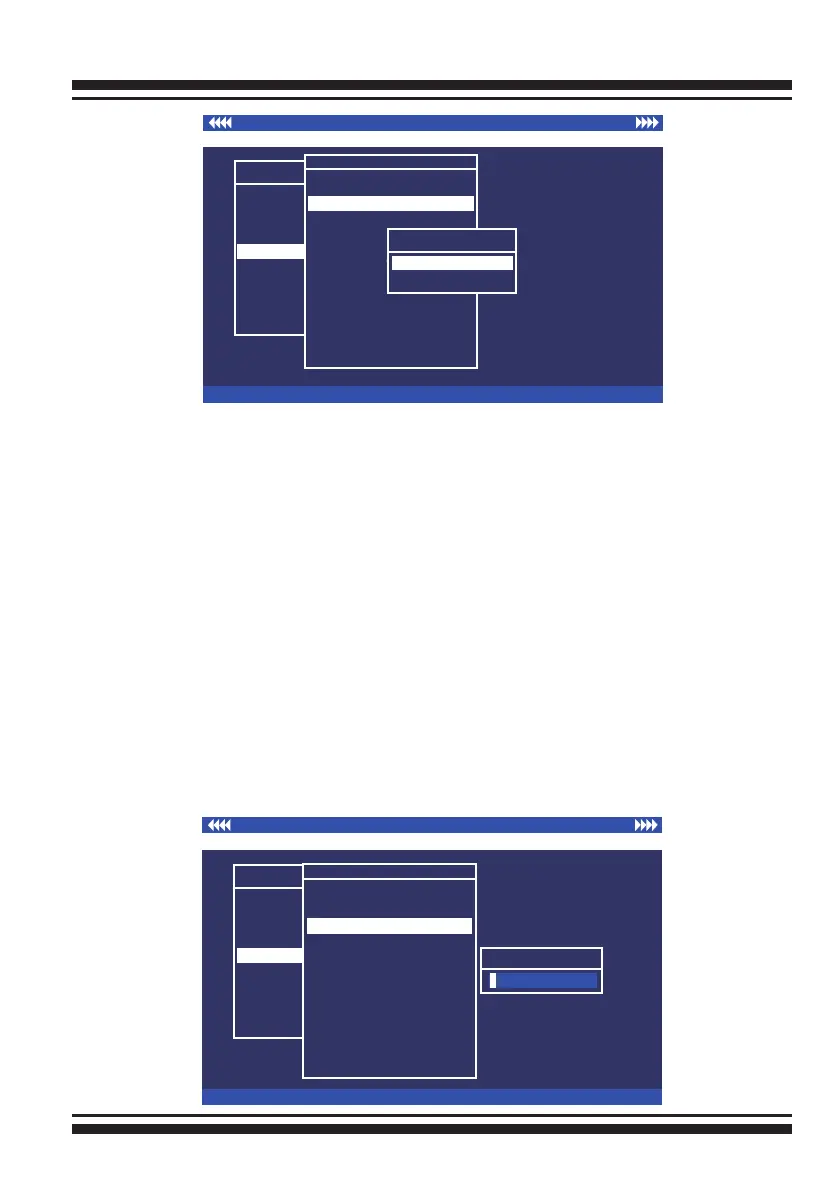
3.7.5.3 Change Password
The manufacture default password is set to 0000. The
password option allows user to set or clear the password pro-
tection feature. Once the password has been set, the user can
monitor and congure the controller only by providing the cor-
rect password. This feature is used to protect the internal RAID
system from unauthorized access. The controller will check the
password only when entering the main menu from the initial
screen. The system will automatically go back to the initial
screen if it does not receive any command in 5 minutes. Do not
use spaces when you enter the password, If spaces are used,
it will lock out the user. To set or change the password, move
the cursor to “Raid System Function” screen, press the “Change
Password” item. The “Enter New Password” screen will appear.
I/O Port Addr : 28000000h, F2(Tab): Select Controller, F10: Reboot System
ArrowKey Or AZ:Move Cursor, Enter: Select, ESC: Escape, L:Line Draw, X: Redraw
Areca Technology Corporation RAID Controller
Main Menu
Quick Volume/Raid Setup
Raid Set Function
Volume Set Function
Physical Drives
Raid System Function
Ethernet Conguration
View System Events
Clear Event Buffer
Hardware Monitor
System information
Raid System Function
Raid System Function
Mute The Alert Beeper
Alert Beeper Setting
Change Password
JBOD/RAID Function
Background Task Priority
SATA NCQ Support
HDD Read Ahead Cache
Stagger Power on
HDD SMART Status Polling
Controller Fan Detection
Auto Activate Raid Set
Capacity Truncation
Change Password
Enter New Password



 To Next Page