BIOS CONFIGURATION
64
To delete a pass-through drive from the pass-through drive pool,
move the cursor bar to the “Delete Pass-Through Drive” item,
then press the Enter key. The “Delete Pass-Through conrma-
tion” screen will appear; select Yes to delete it.
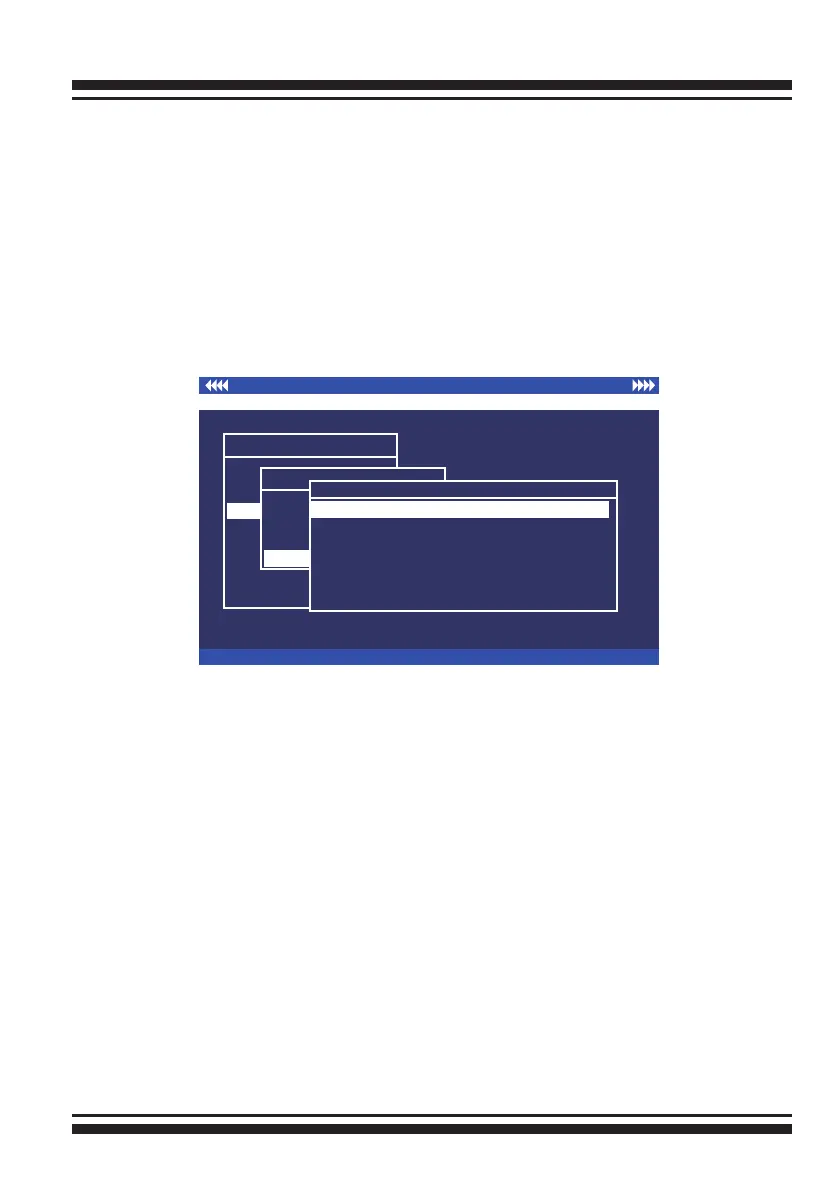
3.7.4.5 Identify Selected Drive
To prevent removing the wrong drive, the selected disk fault LED
Indicator will light for physically locating the selected disk when
the “Identify Selected Device” is selected.
I/O Port Addr : 28000000h, F2(Tab): Select Controller, F10: Reboot System
ArrowKey Or AZ:Move Cursor, Enter: Select, ESC: Escape, L:Line Draw, X: Redraw
Areca Technology Corporation RAID Controller
Main Menu
Quick Volume/Raid Setup
Raid Set Function
Volume Set Function
Physical Drives
Raid System Function
Ethernet Conguration
View System Events
Clear Event Buffer
Hardware Monitor
System information
Physical Drive Information
Physical Drive function
View Drive Information
Create Pass-Through Disk
Modify Pass-Through Disk
Delete Pass-Through Disk
Identify Selected Drive
Select The Drives
E#1Solt#2 : 500.1GB : HDS725050KLA360
E#1Solt#3 : 500.1GB : ST3500630NS
E#1Solt#4 : 400.1GB : Hitachi HDT725040VLA360
E#1Solt#5 : 400.1GB : Hitachi HDT725040VLA360
E#1Solt#6 : 400.1GB : Hitachi HDT725040VLA360
E#1Solt#7 : 500.1GB : HDS725050KL360
E#1Solt#8 : 500.1GB : ST3500630NS
E#1Solt#2 : 500.1GB : HDS725050KLA360
3.7.5 Raid System Function
To set the “Raid System Function”, move the cursor bar to the
main menu and select the “Raid System Function” item and then
press Enter key. The “Raid System Function” menu will show
multiple items. Move the cursor bar to an item, then press Enter
key to select the desired function.



 To Next Page