127
WEB BROWSER-BASED CONFIGURATION
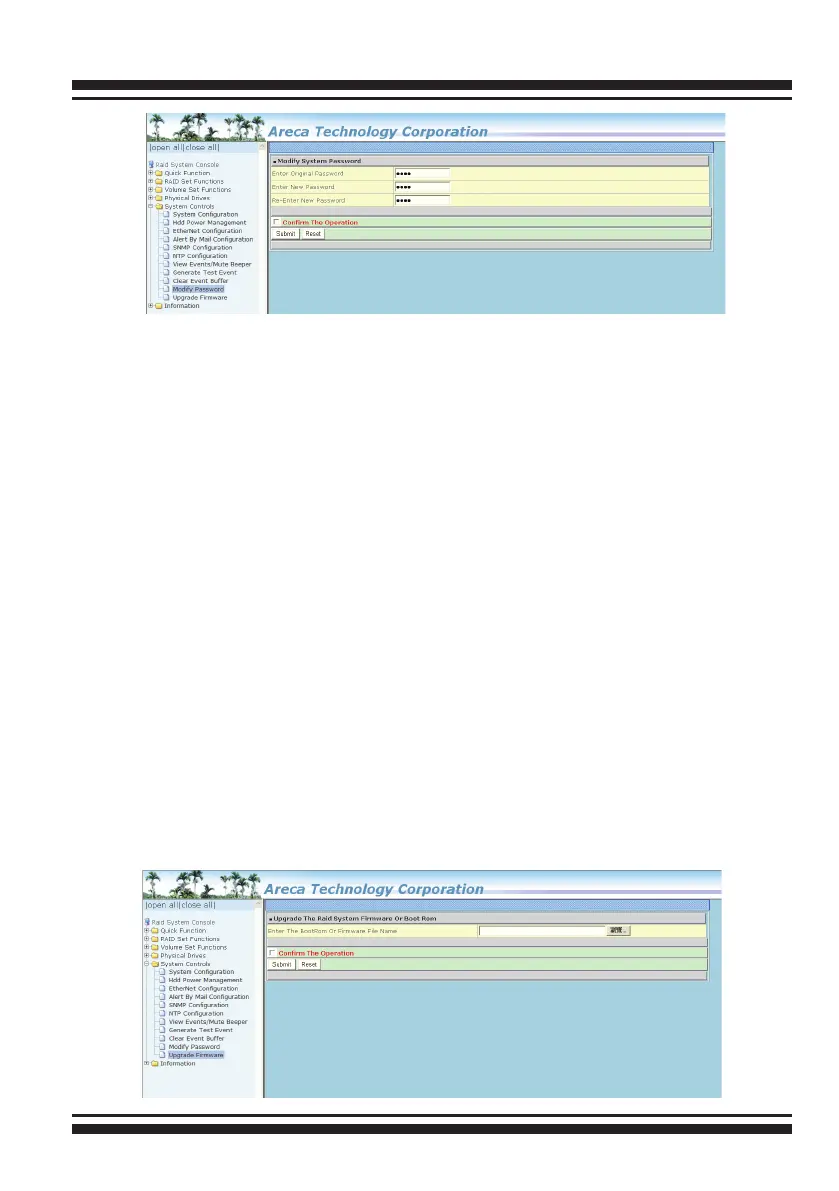
The manufacture default password is set to 0000.
The password option allows user to set or clear the SAS RAID
controller’s password protection feature. Once the password has
been set, the user can only monitor and congure the SAS RAID
controller by providing the correct password. The password is
used to protect the SAS RAID controller from unauthorized en-
try. The controller will check the password only when entering
the main menu from the initial screen. The SAS RAID controller
will automatically go back to the initial screen when it does not
receive any command in 5 minutes. Do not use spaces when you
enter the password, If spaces are used, it will lock out the user.
To disable the password, leave the elds blank. Once the user
conrms the operation and clicks the “Submit” button, the exist-
ing password will be cleared. Then, no password checking will
occur when entering the main menu from the starting screen.
6.8.10 Update Firmware
Please refer to the appendix A Upgrading Flash ROM Update Pro-
cess



 To Next Page