WEB BROWSER-BASED CONFIGURATION
118
6.7.3 Delete Pass-Through Disk
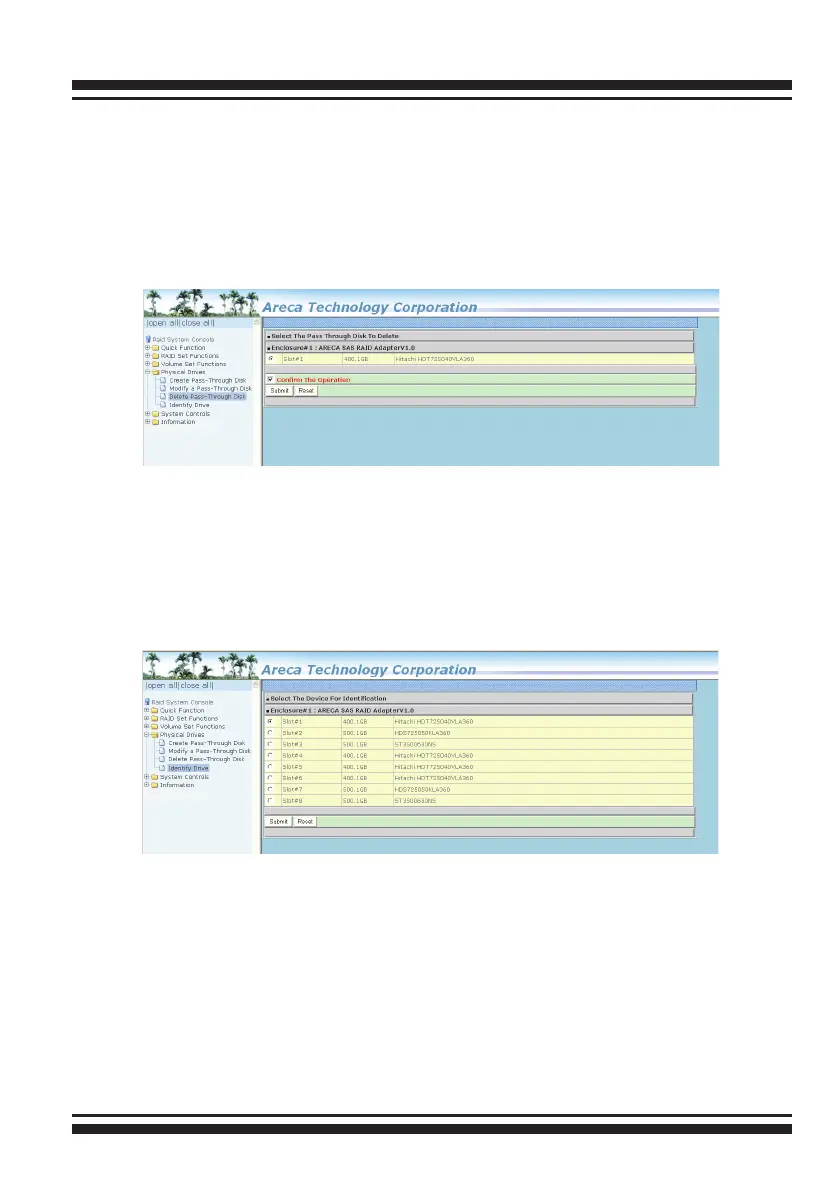
To delete a pass-through drive from the pass-through drive pool,
move the mouse cursor bar to the main menus and click the “De-
lete Pass Through” link. After you complete the selection, mark
the check box for “Conrm The Operation” and click the “Submit”
button to complete the delete action.
6.7.4 Identify Drive
To prevent removing the wrong drive, the selected disk fault
LED indicator will light for physically locating the selected disk
when the “Identify Selected Device” is selected.



 To Next Page