113
WEB BROWSER-BASED CONFIGURATION
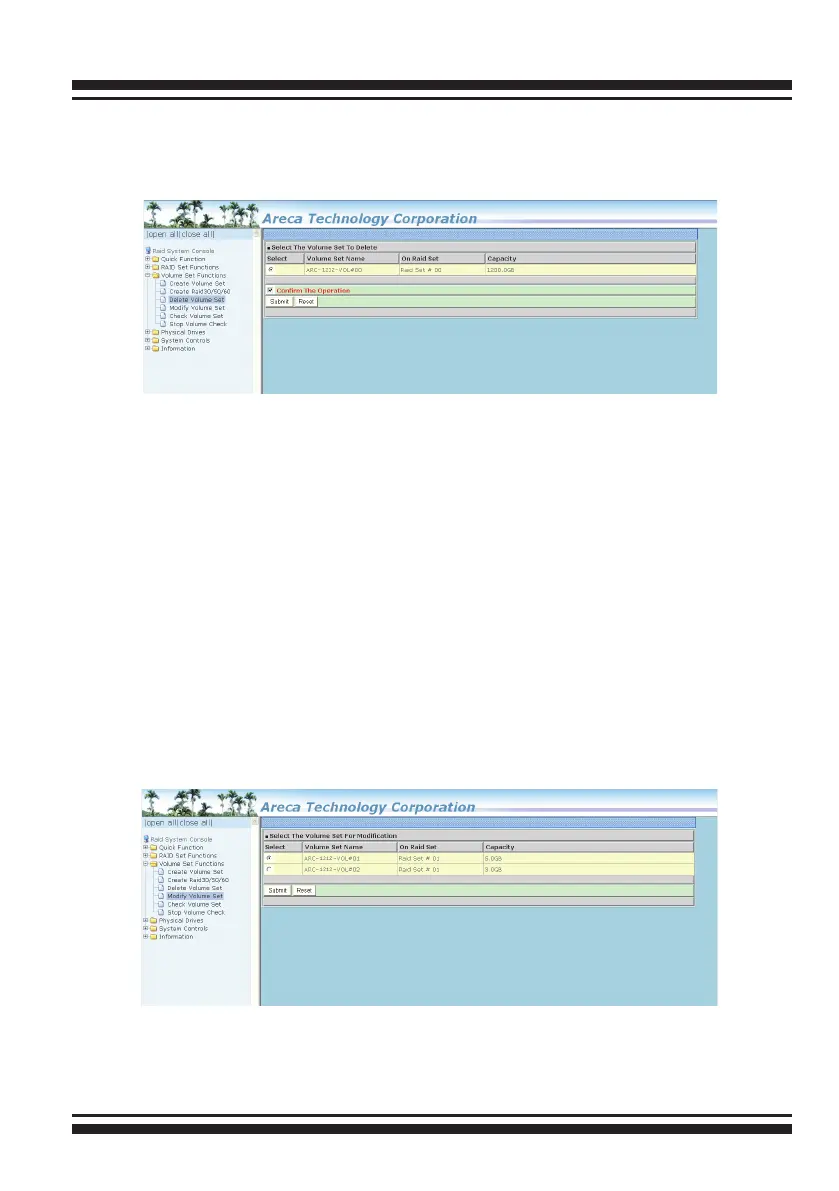
items in the selected RAID set. Click a volume set number and
the “Conrm The Operation” check box and then click the “Sub-
mit” button to delete the volume set.
6.6.4 Modify Volume Set
To modify a volume set from a RAID set:
(1). Click on the “Modify Volume Set” link.
(2). Click the volume set check box from the list that you wish to
modify. Click the “Submit” button. The following screen appears.
Use this option to modify the volume set conguration. To modify
volume set attributes, move the cursor bar to the volume set
attribute menu and click it. The “Enter The Volume Attribute”
screen appears. Move the cursor to an attribute item and then
click the attribute to modify the value. After you complete the
modication, click the “Conrm The Operation” check box and
click the “Submit” button to complete the action. The user can
only modify the last volume set capacity.



 To Next Page