WEB BROWSER-BASED CONFIGURATION
116
(1). Click on the “Check Volume Set” link.
(2). Click on the volume set from the list that you wish to check.
Tick on “Conrm The Operation” and click on the “Submit” button.
Use this option to verify the correctness of the redundant data in
a volume set. For example, in a system with dedicated parity, vol-
ume set check means computing the parity of the data disk drives
and comparing the results to the contents of the dedicated parity
disk drive. The checking percentage can also be viewed by click-
ing on “RAID Set Hierarchy” in the main menu.
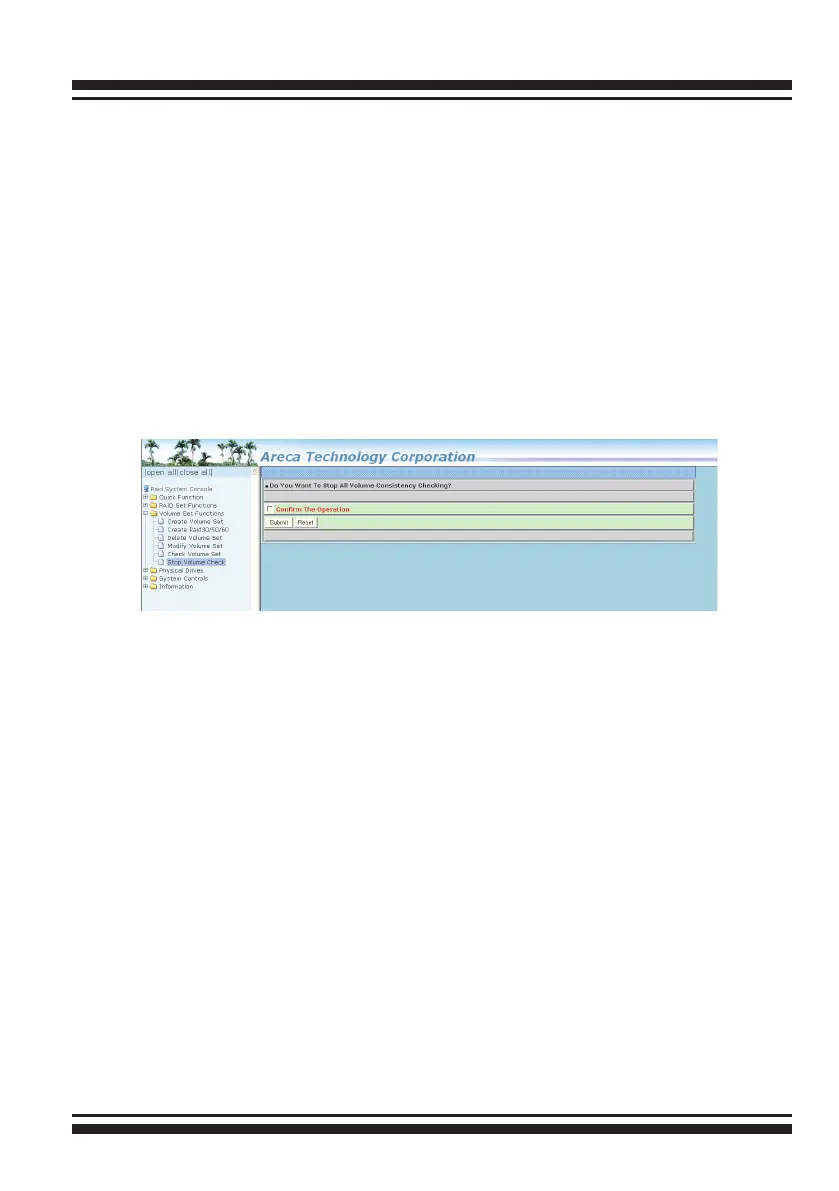
6.6.6 Stop Volume Set Check
Use this option to stop the “Check Volume Set” function.
6.7 Physical Drive
Choose this option to select a physical disk from the main menu
and then perform the operations listed below.
6.7.1 Create Pass-Through Disk
To create pass-through disk, move the mouse cursor to the main
menu and click on the “Create Pass-Through” link. The “relative
setting function” screen appears. A pass-through disk is not con-
trolled by the SAS RAID controller rmware, it cann’t be a part of
a volume set. The disk is available to the operating system as an
individual disk. It is typically used on a system where the operat-
ing system is on a disk not controlled by the RAID rmware. The
user can also select the Cache Mode, Tagged Command Queuing,
SCSI channel/SCSI_ID/SCSI_LUN for this pass-through disk.



 To Next Page