141
APPENDIX
Starting the SNMP Function Setting
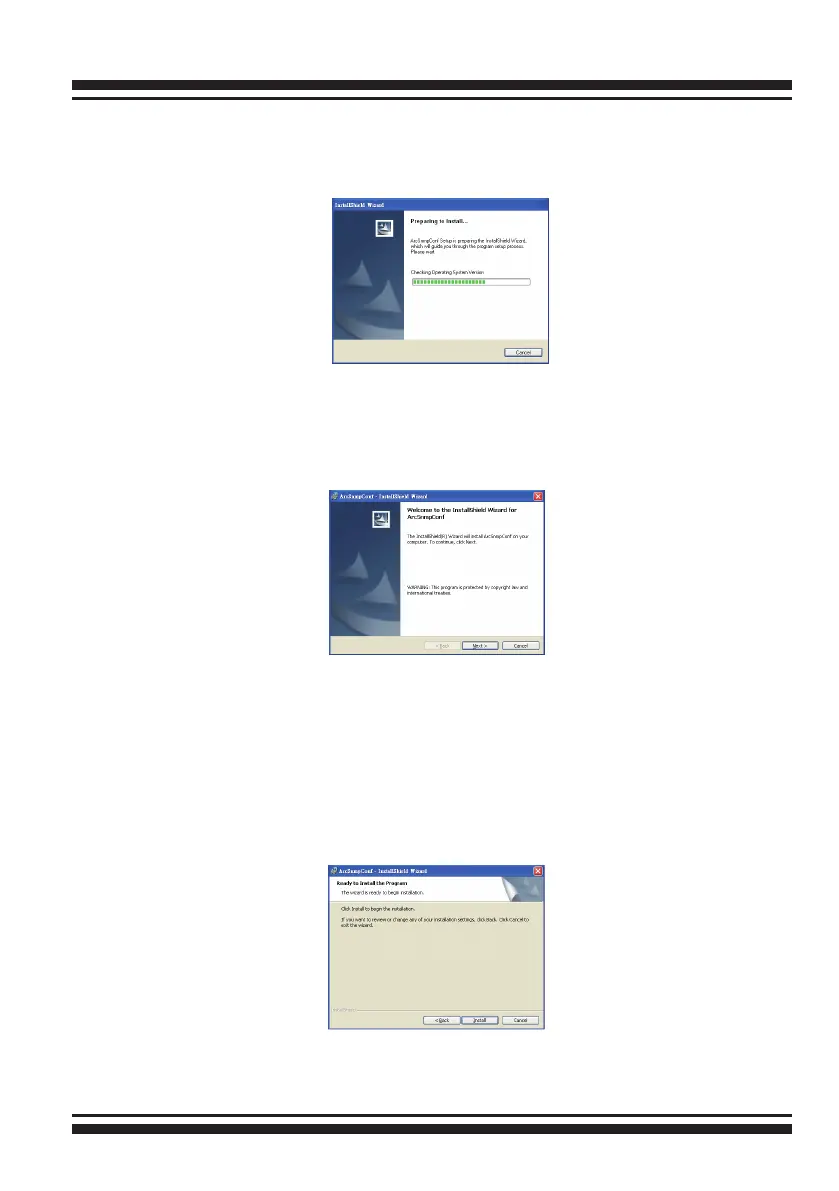
2. Run the setup.exe le that resides at: <CD-ROM>\packages\
windows\http\setup.exe on the CD. (If SNMP service was not
installed, please install SNMP service rst.)
3. Click on the “Setup.exe” le then the welcome screen appears.
4. Click the “Next” button and then the “Ready Install the Pro-
gram” screen will appear. Follow the on-screen prompts to com-
plete Areca SNMP extension agent installation.



 To Next Page