PU-4010 5-1
Chapter 5 Troubleshooting
You will see an error code on the display (and also on the printout, if using the printer) when
there is something wrong with the instrument. See the following table to recover the
instrument from the error. If the error persists, contact your distributor.
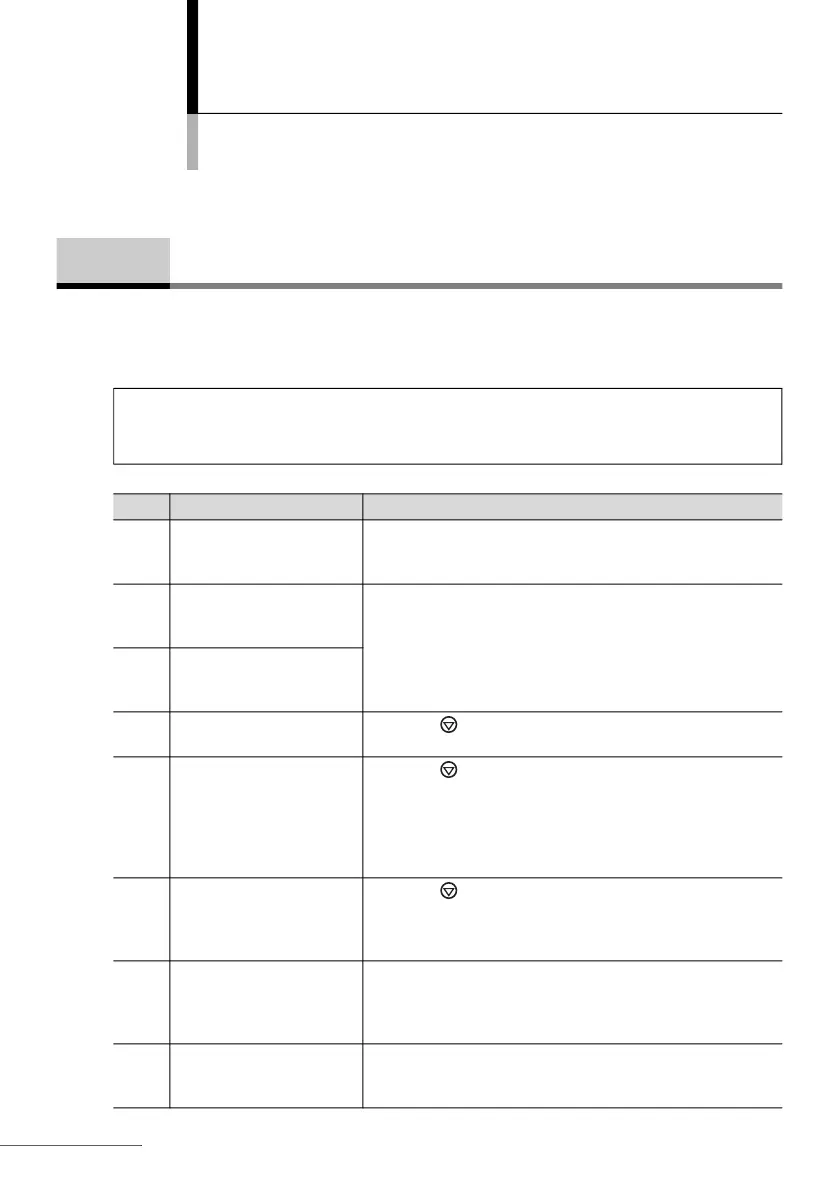
Code Cause Remedy
E001 The test strip holder does
not move correctly.
Check to see if the test strip holder is correctly attached to
the instrument and turn on and off the power. Clean the
holder base and guide rails (see page
4-1).
E002 The LED emits too much
light for the instrument to
perform testing.
Turn off the power. Wipe dirt off the white plate (white circle
portion) on the test strip holder using a soft cloth dampened
with water or alcohol. Then, clean the reading unit (see page
4-4).
E003 The LED emits insufficient
light for the instrument to
perform testing.
E004 The printer ran out of the
printer paper.
Press the button to return to the standby screen. Load a
printer paper and press the FEED button.
E005 The printer is not working
correctly.
Press the button to return to the standby screen. Check
to see if the printer is correctly attached to the instrument
(see page
1-12). Detach the printer and wipe dirt off the gold
metallic printer terminal on the instrument and the gold four-
wire terminal on the printer using a dry, soft piece of cloth or
cotton swab.
E006 The test strip is not
correctly positioned on
the test strip holder.
Press the button to return to the standby screen. Check
to see if the tip of test strip contacts the end of the grooves
on the test strip holder. If samples or contamination are
coagulated on the grooves, remove them.
E007 The test strip on the test
strip holder does not
match the test strip type
selected.
Check to see if:
• You have selected the correct test strip type (see page 2-5).
• The test strip is applicable with the instrument.
E008 The reading unit is
subjected to strong light.
If “E008” appears half way through measurement, close the
reading unit cover. Make sure “E008” disappears and
continue the measurement.
5-1 When an Error Occurs
IMPORTANT: If an error code appears, clear the error and retry testing using a new
test strip. You may obtain incorrect results if a certain amount of time has passed
since the test strip was dipped into the sample.








 To Next Page