146 ALEXA Studio
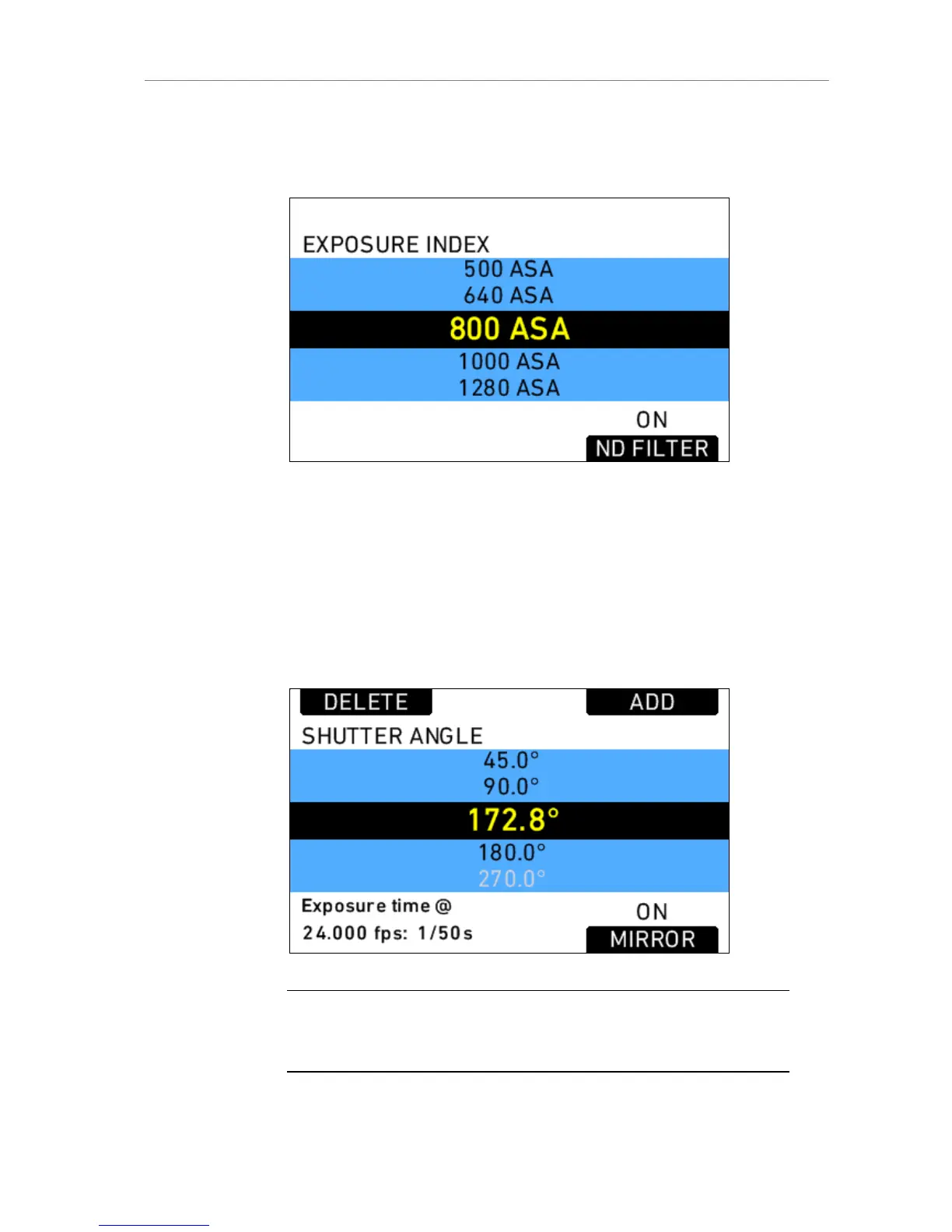
In the EI screen, press the lower right screen button labeled ND
FILTER to move the ND filter in and out of the optical path.
Figure 112: EI screen
Mirror shutter activation
In the Homescreen, press SHUTTER.
In the Shutter screen, press the lower right screen button labeled
MIRROR to activate or deactivate the mirror shutter.
Note: When mirror shutter is active, the shutter angle is limited to 180.0 degrees.
Frame rates higher than 37 fps for 4:3 and higher than 46 fps for 16:9 reduce the
shutter angle range further!











 To Next Page