54 Camera Controls
11.1.3.2 FPS
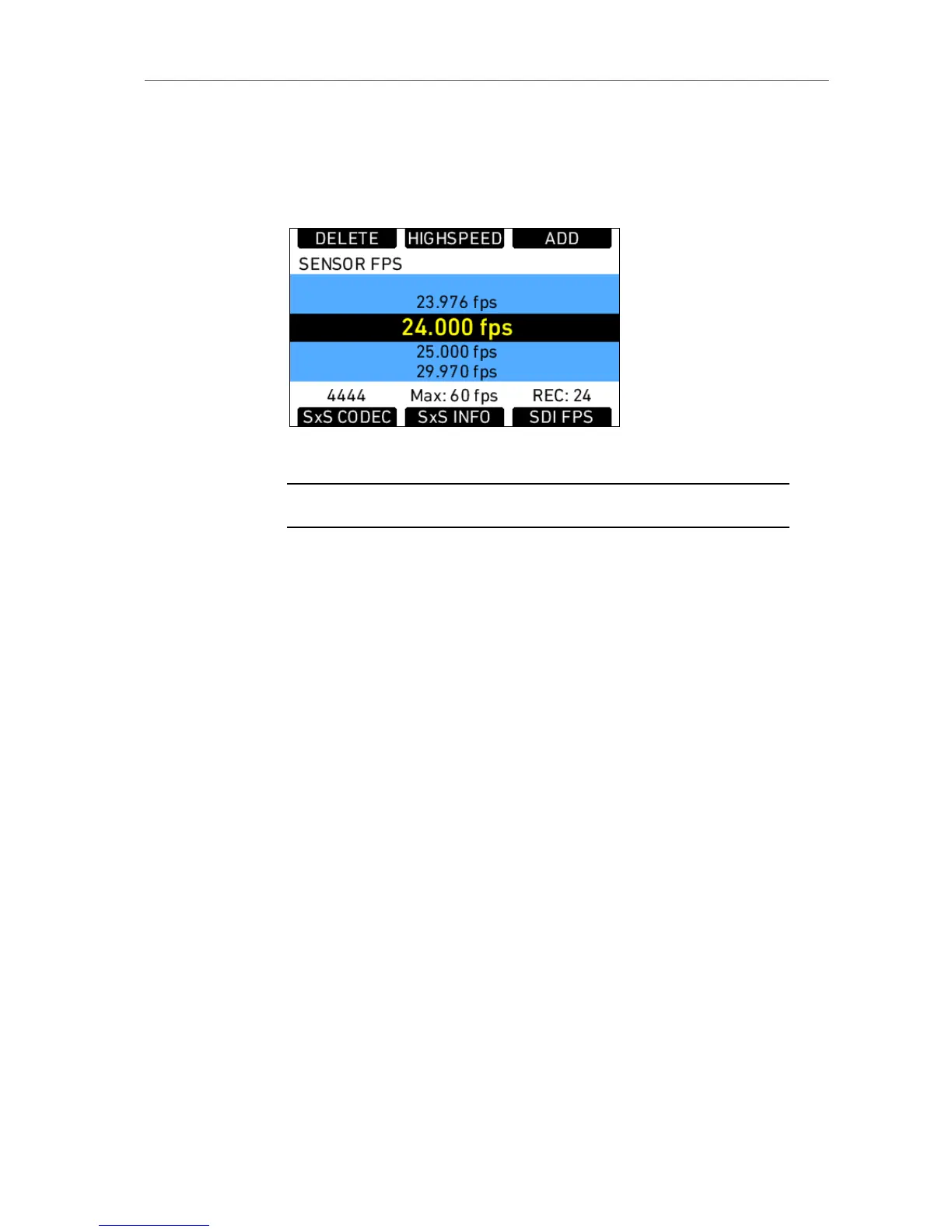
Pressing the FPS screen button opens the FPS list screen. It contains the
default frame rates 23.976, 24.000, 25.000, 29.970, 30.000, 48.000, 50.000,
59.940 and 60.000 fps.
Figure 33: Sensor fps list
Note: Access to this screen is disabled during record.
The maximum fps value that can be set is determined by the maximum
frame rate recordable by the SxS PRO card in use. This value is influenced
by the codec set for recording, as well as the write speed of the card. While
the write speed is a constant factor, the codec and its data rate can change
the maximum frame rate the card can record at.
The following table shows the maximum available frame rate for all
codec/card combos.
Regular Speed
mode
High Speed mode
Codec
SxS
PRO 8-
32 GB
SxS
PRO
64 GB
SxS
PRO 8-
32 GB
SxS
PRO 64
GB
ProRes 422
Proxy
60 fps 60 fps 120 fps 120 fps
ProRes 422 LT 60 fps 60 fps 120 fps 120 fps
ProRes 422 60 fps 60 fps 60 fps 120 fps
ProRes 422 HQ 60 fps 60 fps 60 fps 120 fps
Prores 4444 40 fps 60 fps --- ---
If the desired frame rate cannot be set because it is greyed out, changing the
SxS codec to one with a lower data rate can re-enable the high frame rates.
The lower screen buttons provide shortcuts to the screens of SxS CARDS
(MENU>Recording>SxS CARDS) and SxS INFO (INFO>SxS CARDS) and
SDI FPS. In the SDI FPS screen, both MON OUT and REC OUT frame rates
can be adjusted within the limits of their current format settings.











 To Next Page