98 Camera Controls
Compare mode Interleave creates an interlaced image from the live image
and the loaded image. Toggle only displays the laoded
image.
Active on EVF Sets the compare function on the EVF on or off.
Active on MON Sets the compare function on the MON OUT on or off.
Note: The image quality on the MON OUT in interleave mode depends strongly on
the connected display device. Displays with a resolution different from full HD
(1920x1080) may show flickering images or other artifacts. This is not caused by the
camera, but the display's electronics.
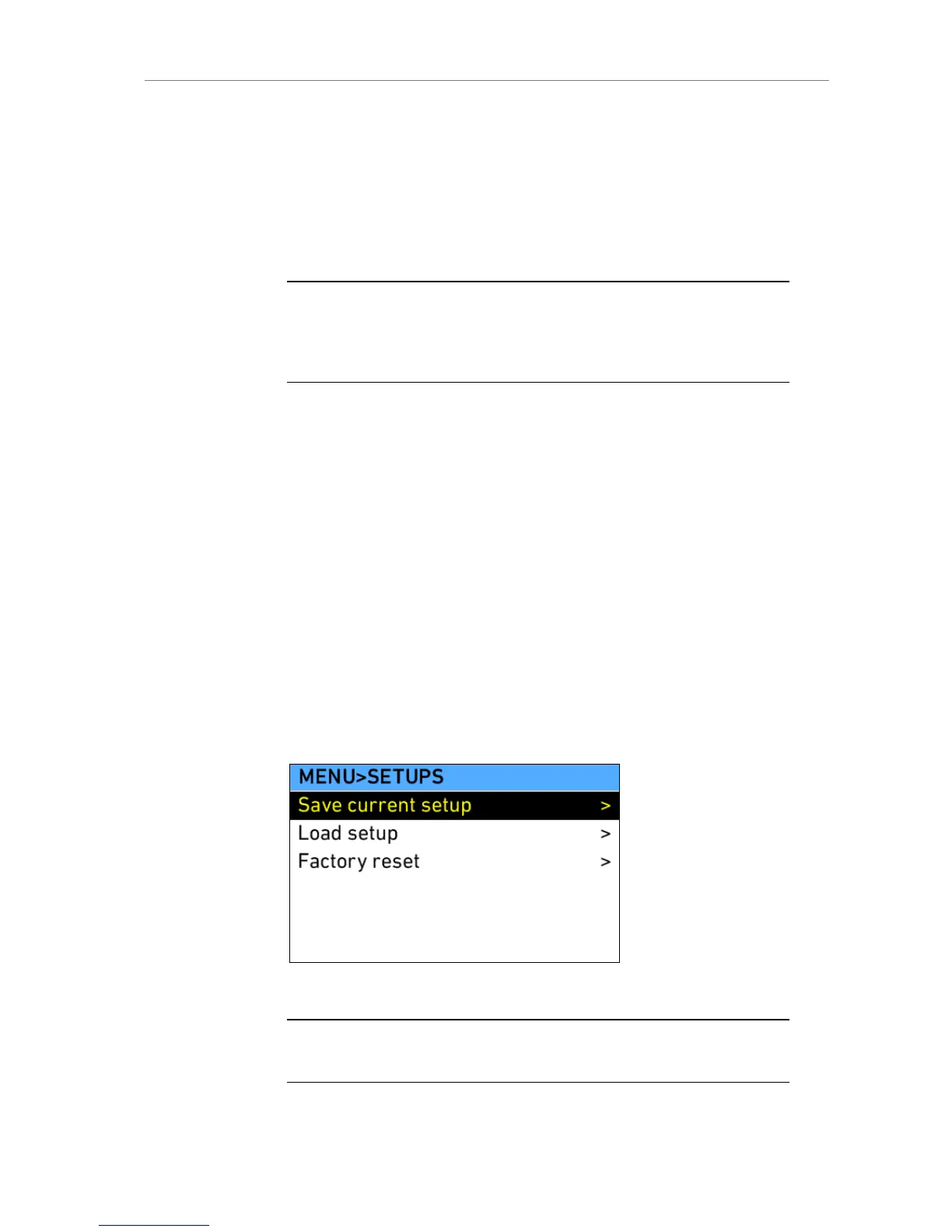
11.1.5.6 User Setups
In this section the user can store the current setup to the SD card or load
previously stored setups from the SD card. An SD card must be present in
the camera to perform these operations. Only complete camera setups can
be stored or loaded!
Save current
setup
A setup containing the current camera settings is
stored to the SD card. File is named with time and
date stamp.
Load setup Loads a list with all setups located on the SD card.
Select a setup and load it. Check that the project
settings of this setup really match those of your
current project.
Factory reset Resets the camera to factory defaults. Confirm
factory reset by pushing the two lower outer screen
buttons simultaneously when the request appears.
Figure 78: MENU>SETUPS
Note: Before loading or saving a setup, make sure an SD card is present. When
saving a setup, the write protection of the SD card must be switched off.











 To Next Page