Gold Mount Batteries 25
7.7 Gold Mount Batteries
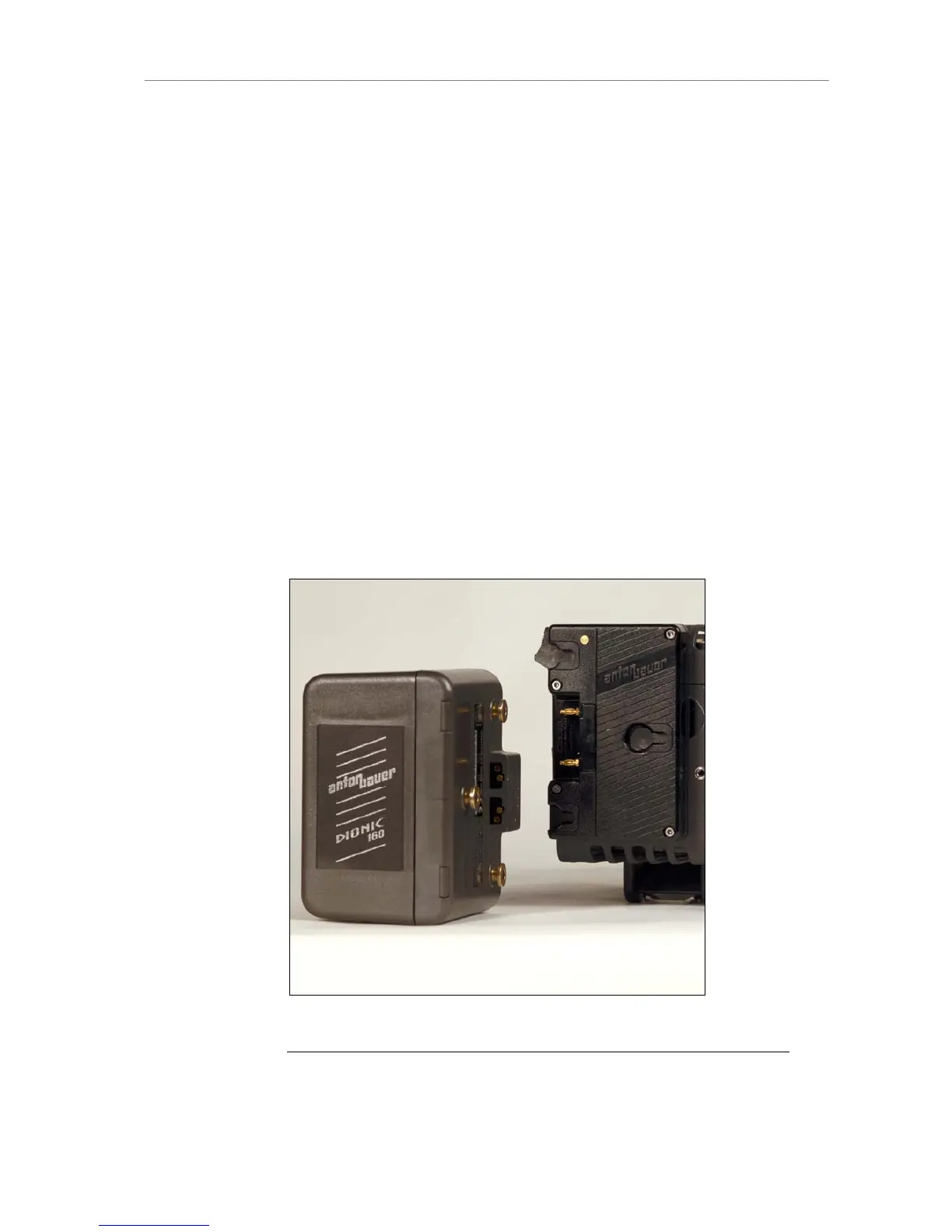
Gold Mount is the battery mounting system of Anton Bauer batteries. The
batteries transmit information on their remaining capacity to the camera.
ALEXA displays the remaining capacity in percent on the Homescreen of the
camera display. For Gold Mount batteries, the user does not need to set the
battery warning level due to the communication of camera and battery.
Attaching the battery to the adapter
Place the battery with the three pins into the adapter so that the pins
sit in the corresponding holes of the mount.
Move the battery to the right until you hear a snap.
Make sure it is connected correctly and sits tight.
Releasing the battery
When facing the battery, move the lever located on the left side of the
mount down.
Move the battery left, then pull it towards you and remove it.
Figure 9: Camera with BAB-G and a Gold Mount battery
Note: Not all Gold Mount batteries deliver enough power to supply the camera. We
recommend to not use any batteries with a capacity of less than 90 Wh to prevent











 To Next Page