Main Controls 67
11.1.4.1 TC (Time Code)
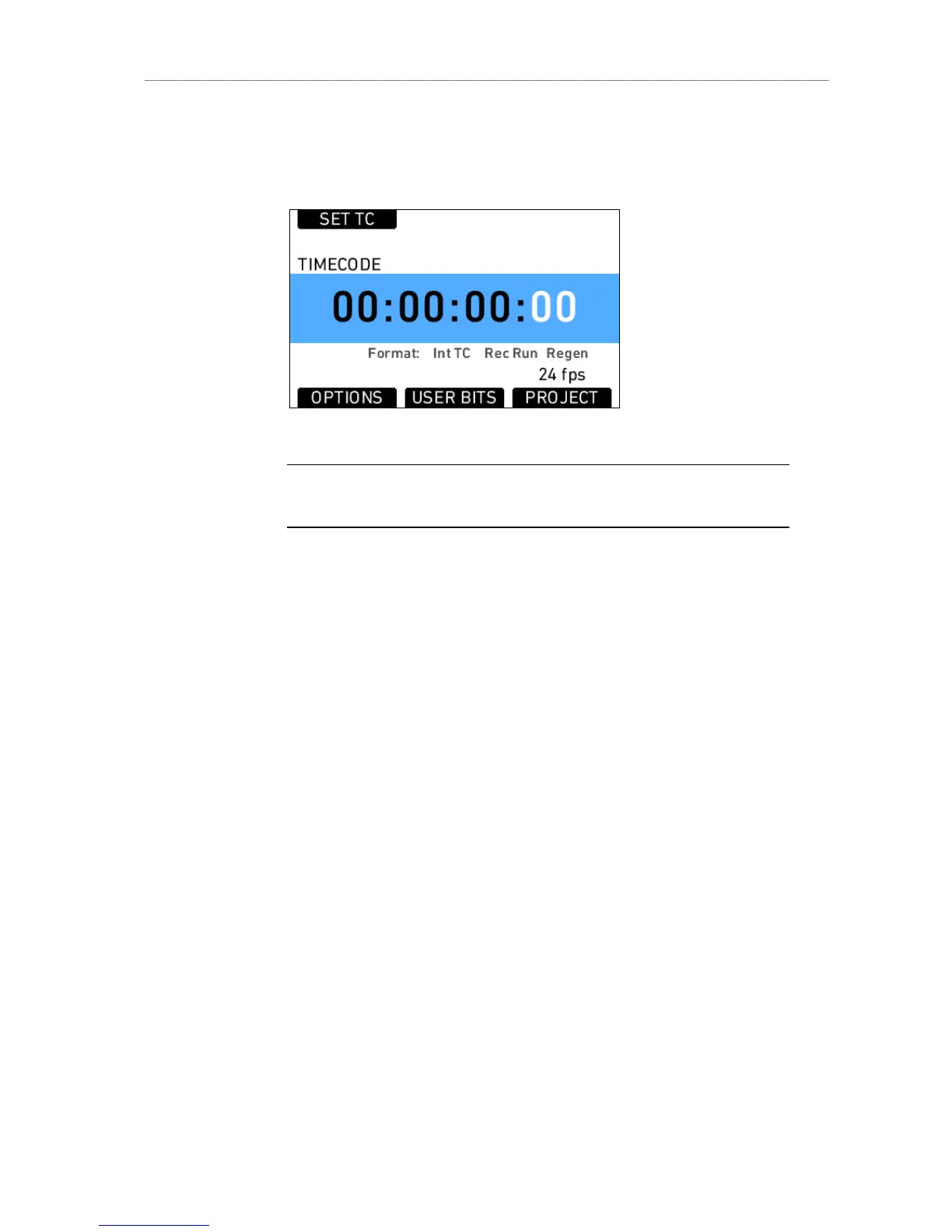
The TC screen shows the currently set TC. The currently active TC settings
are displayed below the TC values.
Figure 47: Timecode screen
Note: Individual frame values are not shown in the screen, even though they are
counted.
By pressing the OPTIONS screen button, the Time Code options list opens,
where TC settings can be changed.
Source: Choose the TC source
Int TC Internal TC counter
Ext LTC TC is read from the LTC input. Only possible with
Mode set to Free Run, and the project fps must
match the sensor fps setting!
Mode: Defines how the TC is counted
Rec Run TC will only increment during record. The TC value is
increasing with every frame generated by the sensor
during record while counting with the set time base
(=project fps).
Free Run TC is running free. If the source is set to Int TC, and
the sensor frame rate does not match the time base
of the TC, the value is incrementing with every new
frame generated by the sensor while counting with
the set time base (=project fps).
Generator:











 To Next Page