32 Installation of The Camera
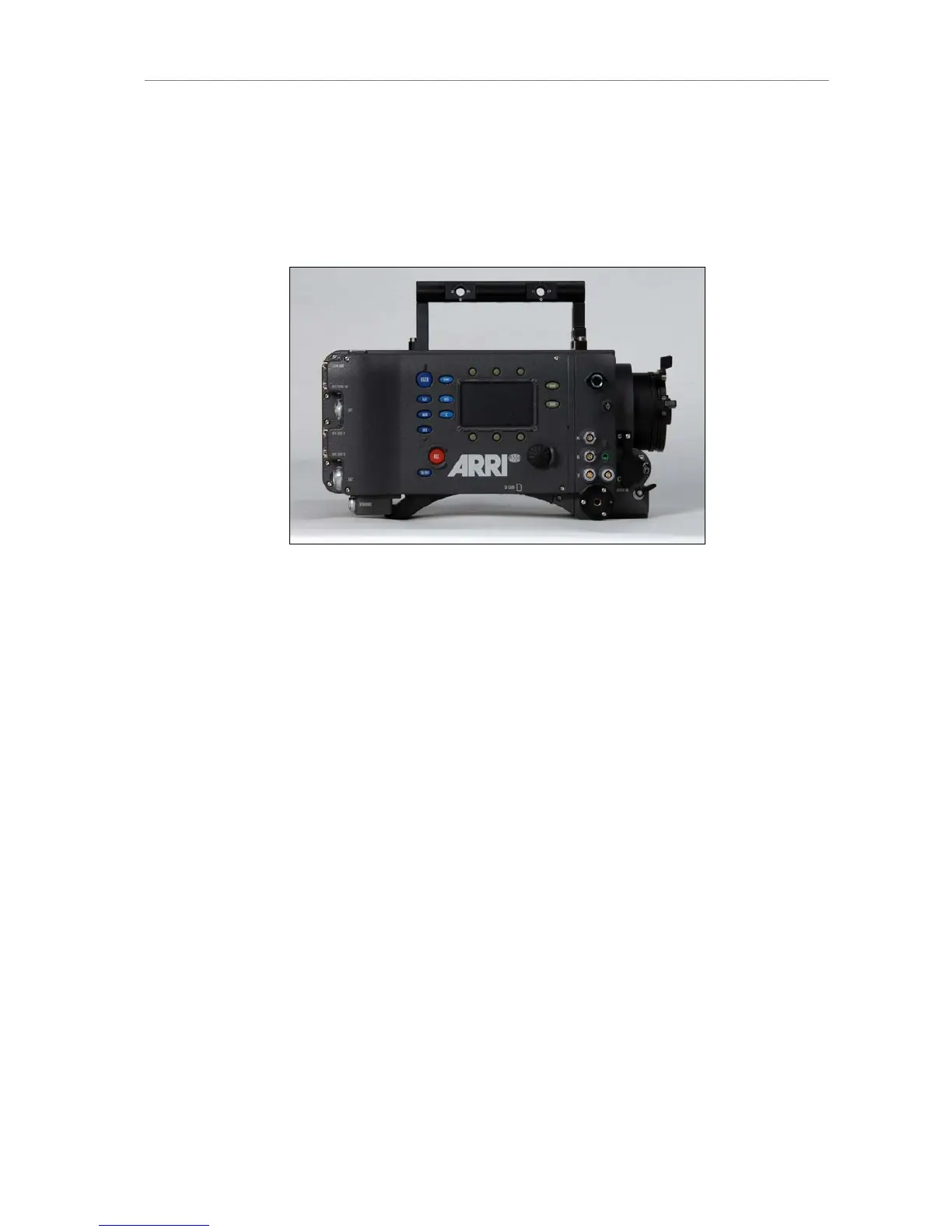
8.4 Center Camera Handle CCH-1
The Center Camera Handle CCH-1 is attached to the camera top with 3
screws, two at the front and one at the back. Make sure the screws are well
tightened with a 3mm Allen key.
Figure 16: Camera with CCH-1, side view











 To Next Page