144 ALEXA Studio
Remove the optical viewfinder.
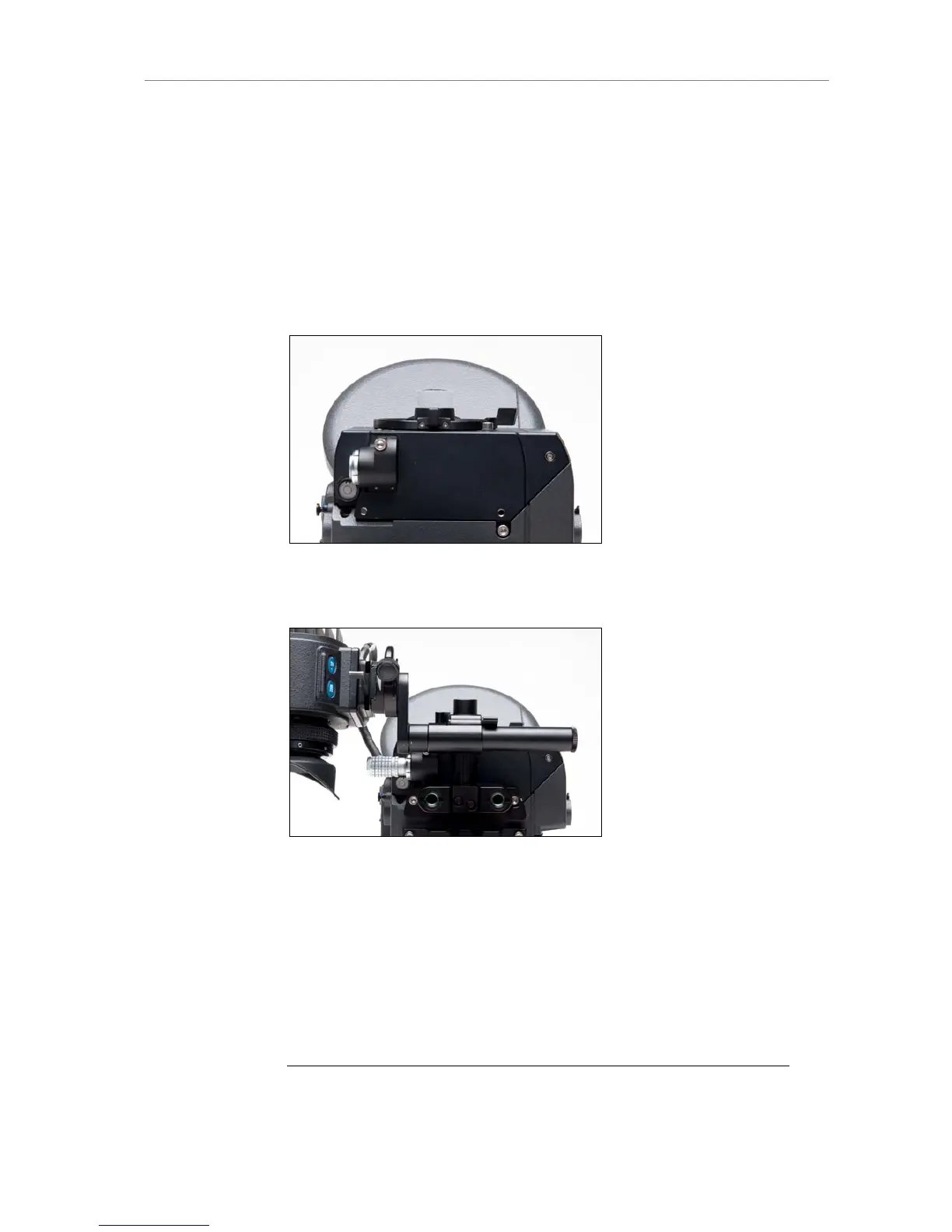
Place the EVA-1 electronic viewfinder adapter plate where the optical
viewfinder was.
Tighten the 2x 3mm hex screws.
Attach the EVF mounting bracket with the EVF-1 to the camera
housing with its 2x 3mm allen screws.
Connect the EVF cable to the camera.
Power the camera.
Figure 110: Electronic viewfinder adapter EVA-1
Figure 111: ALEXA Studio with mounted EVF-1
14.3.4 ND Filter
The ALEXA Studio has a ND filter in front of the sensor, which can be be
moved in and out of the optical path. The motorized filter slider contains a
ND filter with a density of 1.3, and a cover glass without additional density.
The filter slider is sealed, so that no dirt or dust can enter the area between
the slider and the sensor.
Note: Perform regular dust checks on the outside of the ND filter slider, as dust that
might collect on top of it. As the slider is very close to the sensor, dust or dirt











 To Next Page