150 RCU-4
15 RCU-4
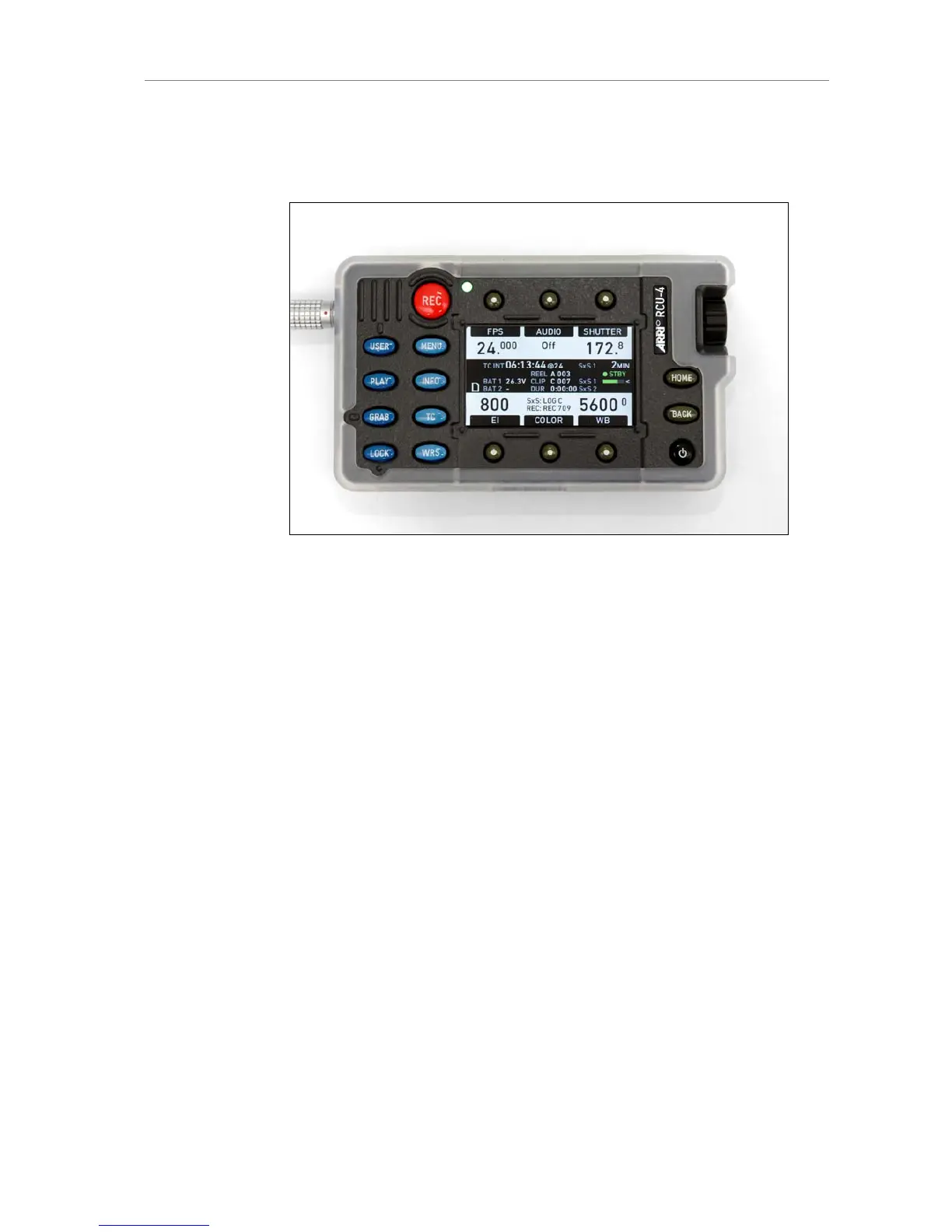
Figure 113: RCU-4 remote control unit
The camera can be remote controlled with an RCU-4. This device mirrors
the controls on the camera's right side. It is connected to the camera's
Ethernet port. Power is supplied via the Ethernet cable.
To power the RCU-4, press the power button after connecting the device to
a camera.
During boot-up, the RCU-4 compares its firmware version with the camera
firmware version. If it detects a difference, it will update itself to match the
camera's firmware version. When the update is completed, the RCU-4 will
shut down automatically.
The power button of the RCU-4 only affects the RCU-4. It is not possible to
power or to shut down the camera with the RCU-4. When the camera is
powered down, the RCU-4 shuts down automatically as it loses its power
supply.
The LOCK button of the RCU-4 locks only the RCU-4. It does not affect the
camera lock.
For more info, please refer to the RCU-4 user manual.











 To Next Page