Main Controls 77
Playback and Look Files
Look settings of the camera outputs also apply to any clip during playback, if
this clip was recorded in LOG C. A clip recorded in REC 709 or ITU P3 with
or without look will be played back "as is", even if the output is set to LOG C.
Please note that the currently active look is applied to the clip, not the one
that was active at the time of recording. It is the courtesy of the user to make
sure the right look is applied during playback.
11.1.5 Menu
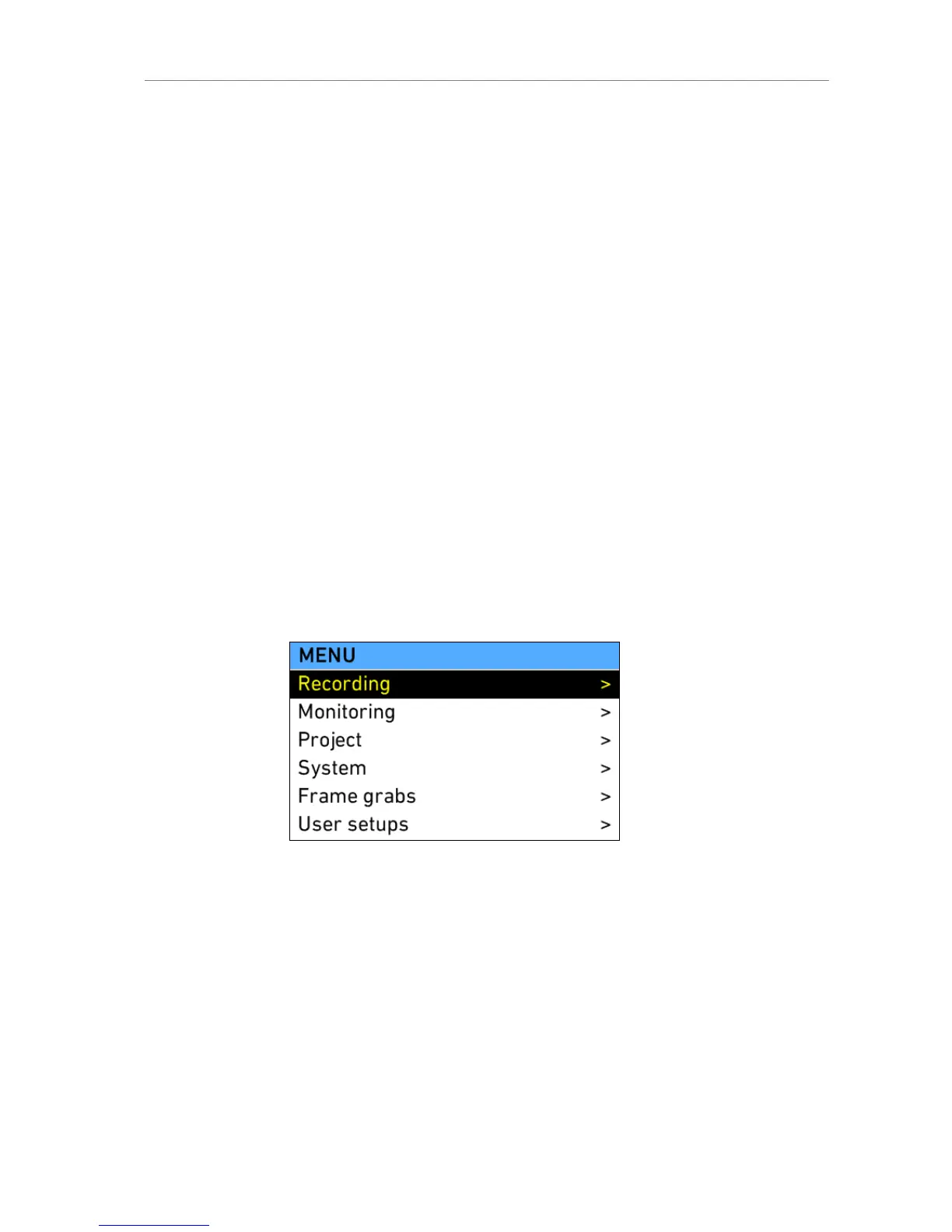
The menu contains parameters for the basic camera setup. It has a tree
structure and the current path in the menu is displayed in the top section of
every screen.
To access a new menu level, select the group with the jogwheel and press
the jogwheel. This will open the next level.
To go one level back up, press BACK. A parameter has its value displayed
at the right part of the screen. Select it with the jogwheel and press the
jogwheel to edit it.
Cancel an edit action by pressing BACK, confirm the setting by clicking the
jogwheel.
Figure 58: MENU











 To Next Page