76 Camera Controls
To stop playback and return to the live image, press HOME or BACK. If you
press REC, playback is stopped, recording is started and the Home screen
is loaded.
OPTIONS
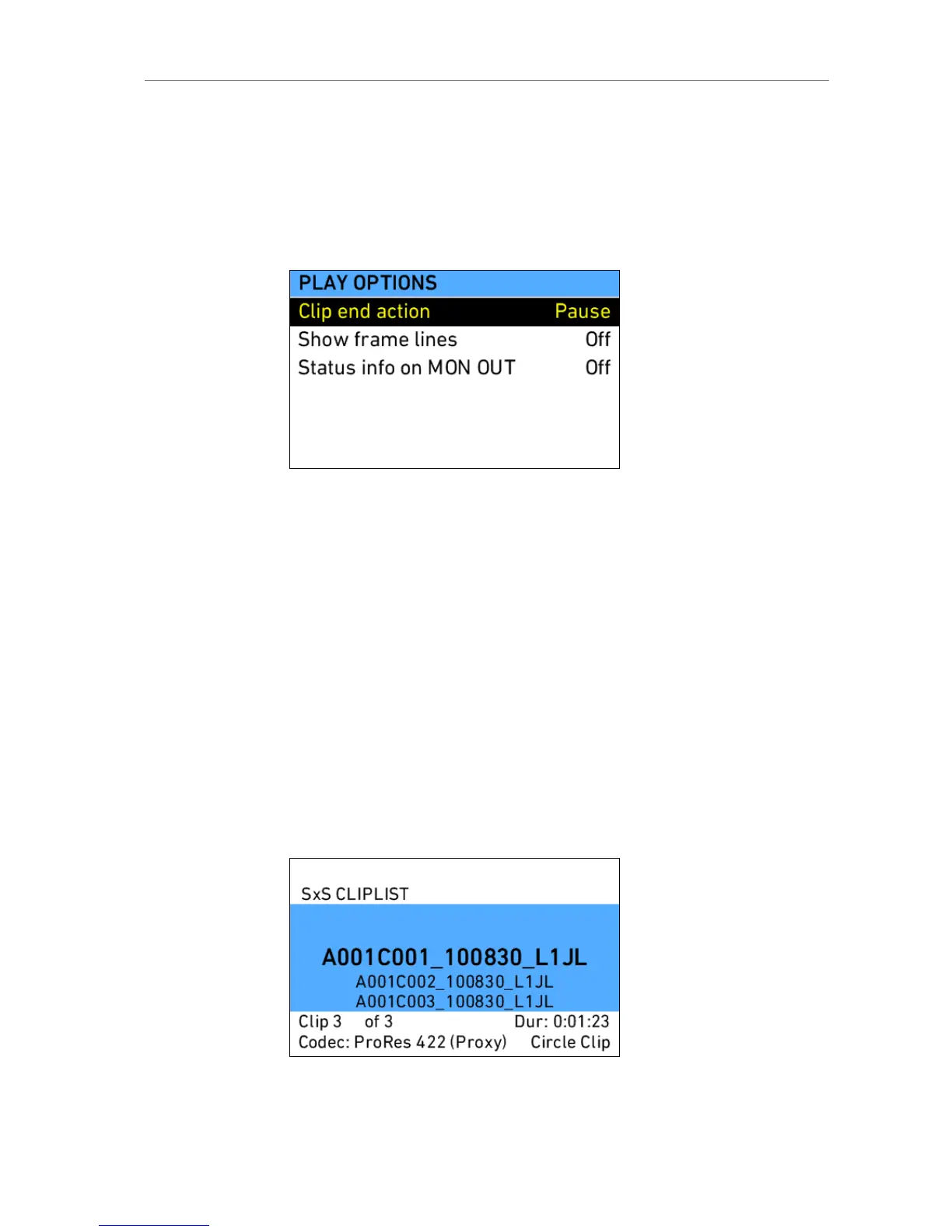
The OPTIONS screen button opens a list of general playback options.
Figure 56: Play options screen
Clip end action Determines what happens when the end of a
clip is reached. Options are Pause and Loop.
Show frame lines Sets frame lines to On or Off during playback.
Center mark is always switched off during
playback.
Status info on MON
OUT
Sets status info overlays on MON OUT on or
off during playback.
CLIPLIST
The CLIPLIST screen button loads a list of all clips on the SxS card, where a
different clip can be selected for playback. Additional clip info is shown at the
bottom of the screen.
Figure 57: Cliplist screen











 To Next Page