Main Controls 55
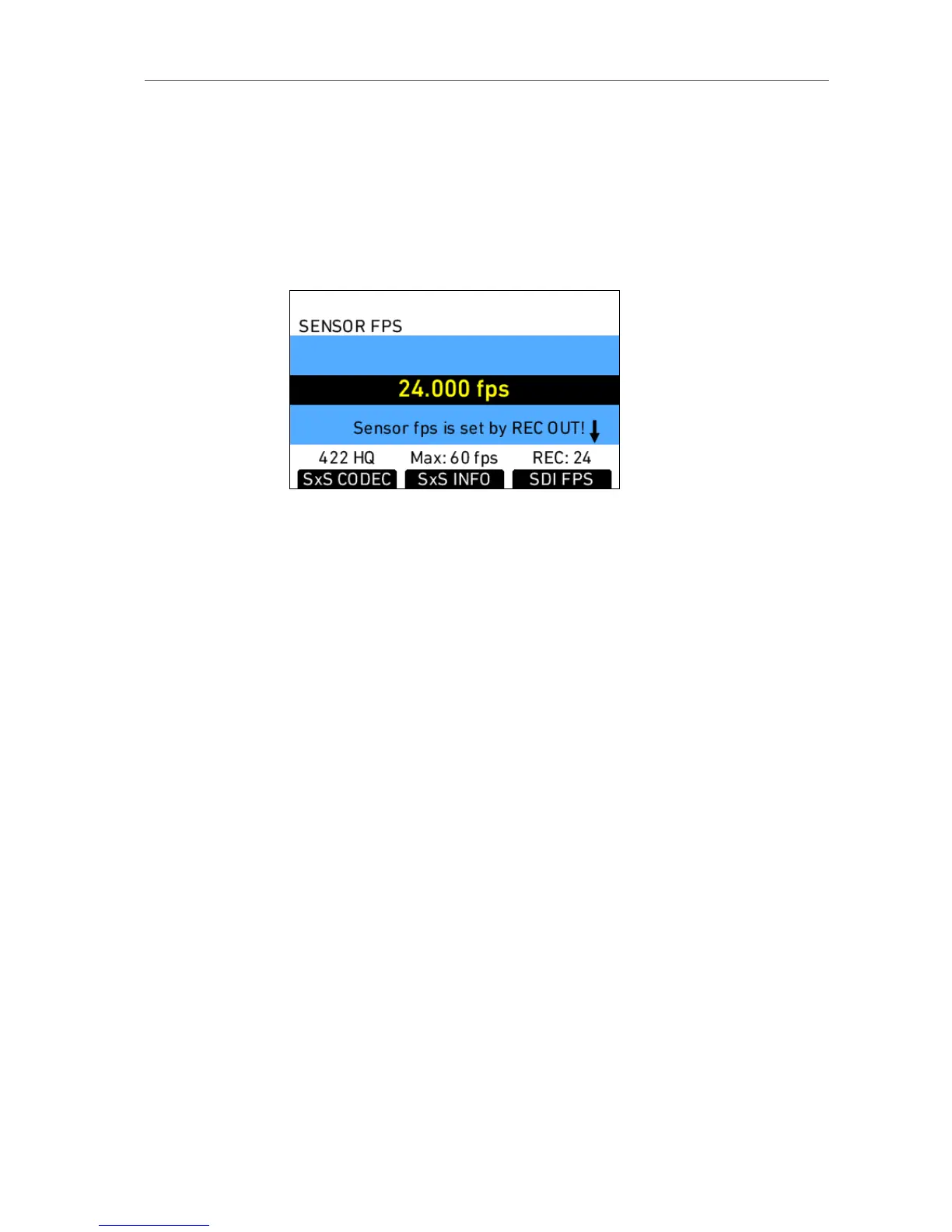
Setting sensor fps through REC OUT fps
If the sensor fps is linked to the REC OUT frame rate, a message appears
instead of the list. While this setting is active, sensor fps can only be
changed by changing the REC OUT frame rate.
To change this setting, access the REC OUT menu screen
(MENU>Recording>REC OUT) and set "REC OUT fps sets sensor fps" to
"Off".
Figure 34: Fps screen with linked sensor fps
Setting correct frame rates for recording with external devices
It is very important to pay good attention to setting frame rates when
recording with external devices. Mistakes can result in dropped frames and
ruin the shot.
The sensor fps setting determines the amount of frames per second
generated by the sensor. This can be anywhere in the range between 0.750
and 60.000 frames per second. The images are then processed by the
camera electronics for the different output paths.
The REC OUT is the recording output path, which transmits images to an
external recorder that stores the images. Its frame rate can only be set to
standard speeds.
Ideally the REC OUT frame rate matches the sensor frame rate! If the REC
OUT frame rate is lower than the sensor frame rate, the images cannot be
output as fast as they are created by the sensor, resulting in dropped frames
which are irretrievably lost!
If the REC OUT frame rate is higher than the sensor frame rate, duplicate
frames are output on the REC OUT. For example, if the sensor is running at
10 fps and the REC OUT is set to 30 fps, every image is output 3 times,
resulting in two duplicate frames following every active frame. A standard
recorder would record these duplicate frames, which have to be removed in
post.











 To Next Page