Main Controls 53
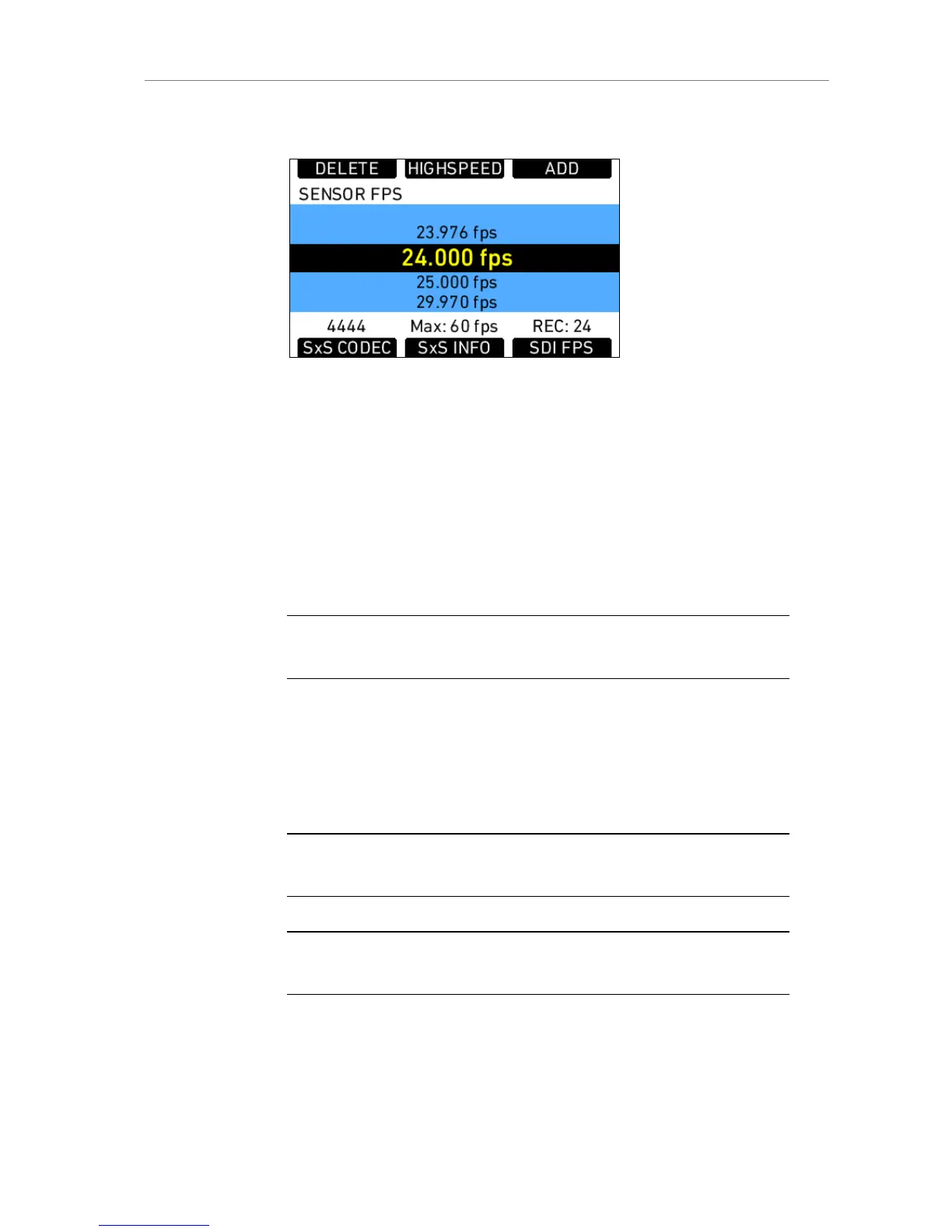
Select a list value
Figure 32: Sensor fps list
To select a list value, turn the jogwheel until the selection bar is on the
desired value and press the jogwheel.
Add a list value
If the list lacks the required setting, press the ADD screen button. This opens
a screen where the desired value can be set. Either use the jogwheel for
changing the value, or use the screen buttons for bigger adjustment steps.
When the desired value is set, press the jogwheel to add the value to the list.
Note: A maximum of 16 entries are supported by the list. After reaching this number
of entries, it is no longer possible to add entries without deleting others first.
Delete a list value
List values no longer required can be deleted by pressing the DELETE
screen button. This opens a screen where the values desired for deletion
can be selected with the jogwheel. To delete the selected value, press the
two lower outer screen buttons simultaneously.
Note: Every list contains standard values that cannot be deleted. These values are
grayed out in the DELETE screen.
Note: The EI list is static and cannot be changed by the user. It contains ASA values
from 160-3200 ASA in steps of 1/3 stop.











 To Next Page