Main Controls 71
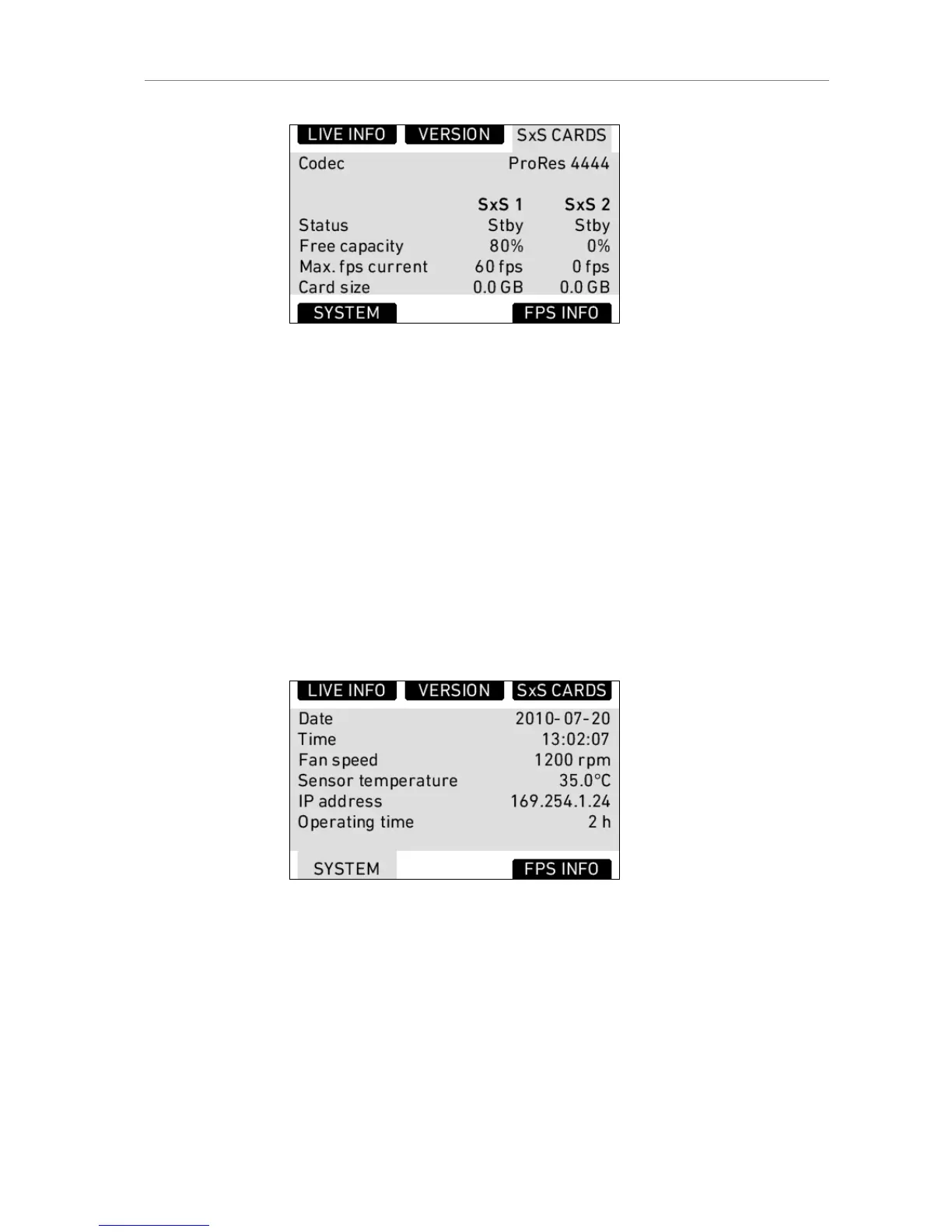
Figure 50: SxS CARDS info screen
SYSTEM Info
Date Currently set date. Can be set in
MENU>SYSTEM>DATE/TIME.
Time Currently set time. Can be set in
MENU>SYSTEM>DATE/TIME.
Fan speed Speed of camera cooling fan in rotations per minute.
Sensor
temperature
Current temperature of image sensor. Target is 35°C
in standard mode, 40°C in tropical mode.
IP address IP address of the camera's Ethernet port.
Operating
time
Shows the total operating time of the camera in
hours (since first installation of SUP 4.0 or higher)
Figure 51: SYSTEM info screen
FPS Info
Gives an overview of all frame rates in the camera.
Sensor fps Frames per second generated by the sensor.
Project fps Frames per second the Timecode is counting and
frame rate used for playback of QuickTime clips.
REC OUT
frame rate
The rate at which frames are output on the REC OUT
HD-SDI.











 To Next Page