Main Controls 73
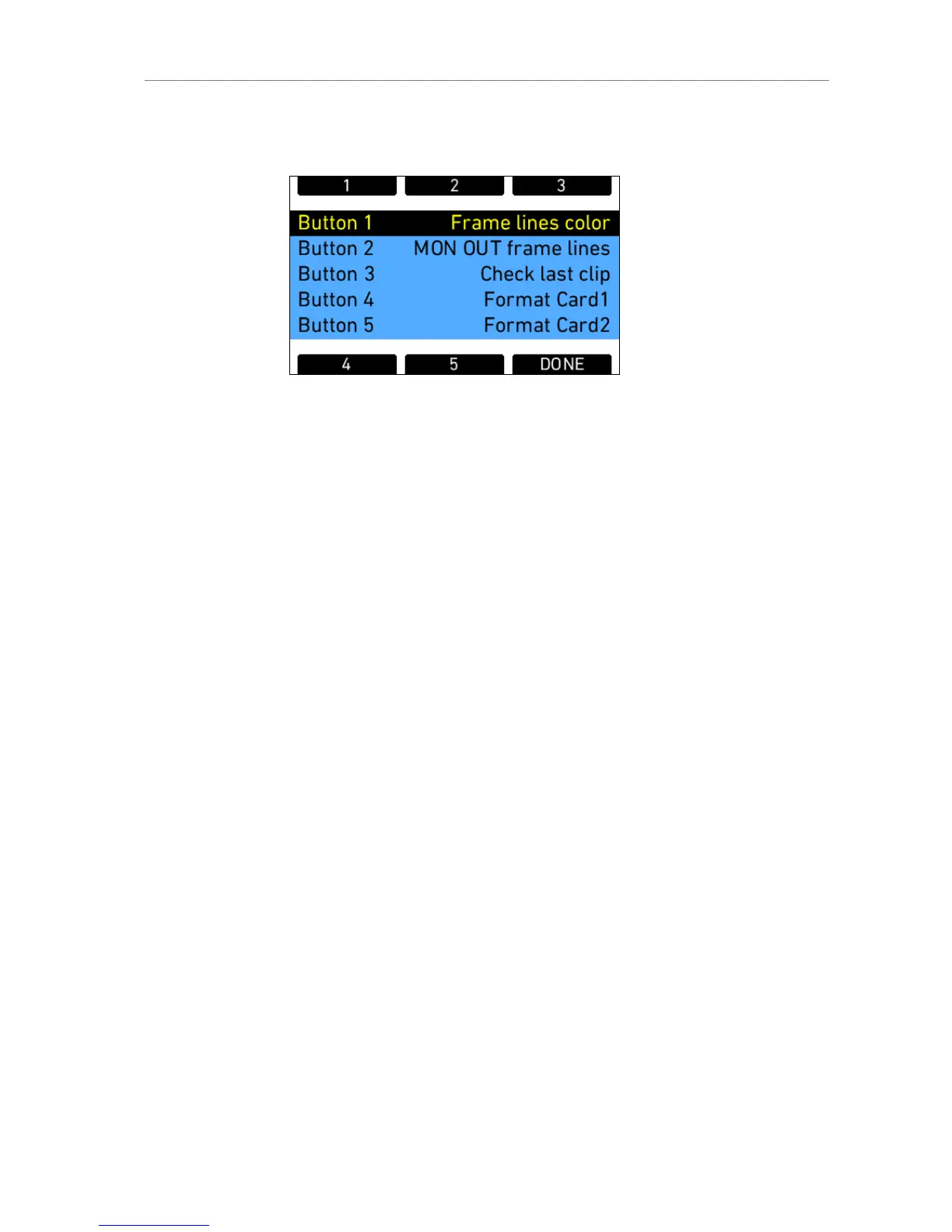
Assign functions to the buttons by using the jogwheel.
Figure 54: Edit User Button assignment
For user buttons 1-3, which are also available on the camera left side, the
following functions can be assigned:
Name description
None button has no function
MON OUT surround toggles surround view of the MON OUT image
on/off
MON OUT gamma toggles gamma of the MON OUT between
REC 709 and log C (only with recording
gamma set to log C)
MON OUT frame lines toggles frame lines of the MON OUT image
on/off
MON OUT status info toggles status info of the MON OUT image
on/off
Mon out false color toggles false color display on MON OUT on/off
MON OUT peaking toggles peaking on MON OUT on/off
Frame lines color toggles color of frame lines image on/off
EVF surround toggles surround view of the EVF image on/off
EVF gamma toggles gamma of the EVF image between
REC 709 and log C (only with recording
gamma set to log C)
EVF frame lines toggles frame lines of the EVF image on/off
EVF status info toggles status info of the EVF image on/off
EVF zoom toggles the zoom function of the EVF
EVF false color toggles false color display on EVF on/off
EVF peaking toggles peaking on EVF on/off
Grab still frame grabs a still frame to the SD card
Return in active toggles RET IN signal active ond EVF and
MON OUT according to user settings
Toggle SxS toggles the currently active SxS PRO card











 To Next Page