Main Controls 83
The frame lines setup applies to both MON OUT and EVF-1. Frame lines
can of course be switched on or off individually for MON OUT and EVF-1.
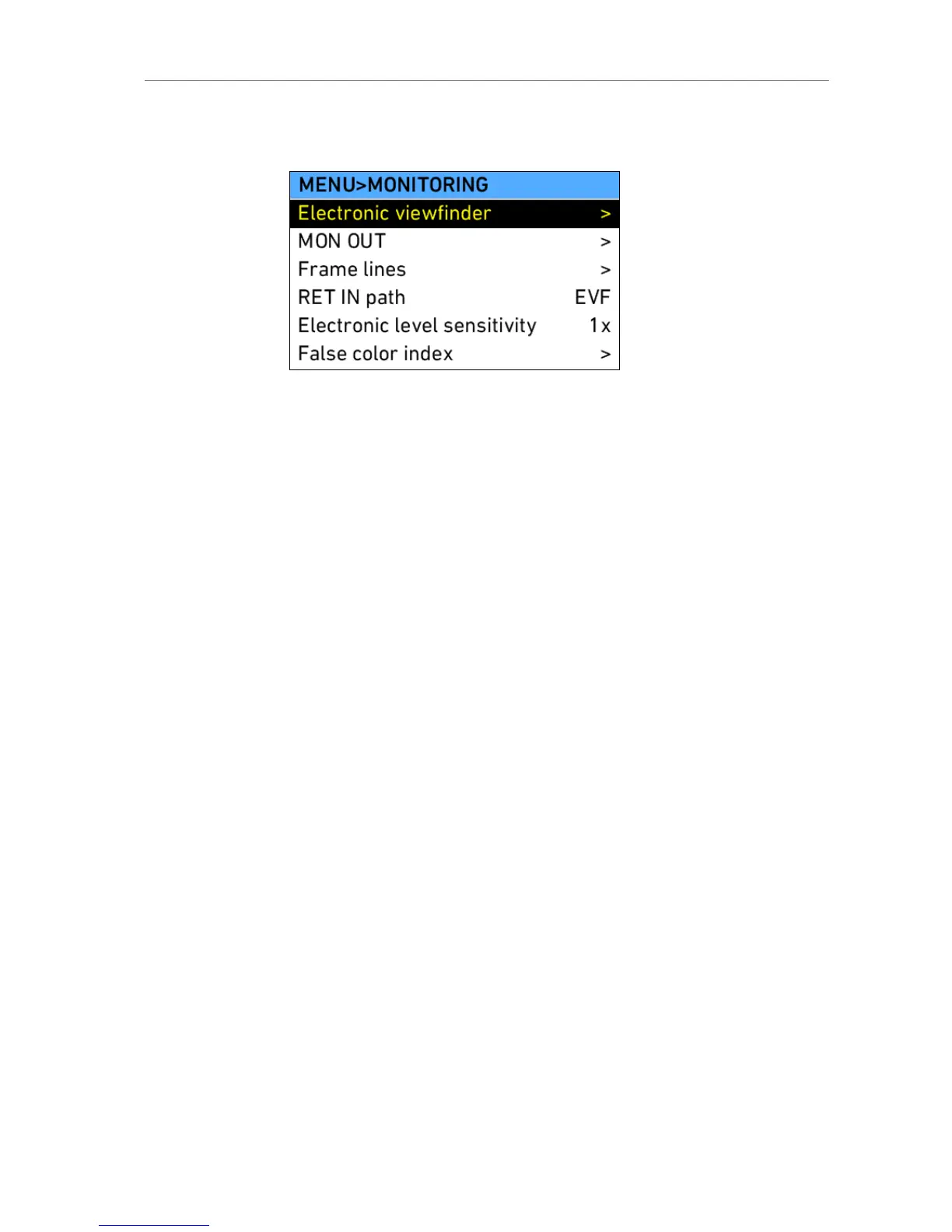
Figure 61: MENU>MONITORING
Electronic
viewfinder
Opens the screen where EVF settings can be
changed
MON OUT Opens the screen where MON OUT settings can be
changed
Frame lines Opens a screen where frame lines can be set up
RET IN path Defines on which of the monitoring image paths the
signal present at the RET IN connector is visible
when return in is activated via user button.
Electronic level
sensitivity
Increases the sensitivity of the electronic level overlay
on MON OUT and EVF
Note: Available on ALEXA Plus only
False color
index
Opens a screen where the color coding of the false
color display option of EVF and MON OUT is
explained.
Electronic Viewfinder
Brightness Select the brightness of the EVF.
Rotate image When mounting the EVF to the right side of the
camera, the image can be flipped so it appears
correctly in the viewfinder. Affects only the EVF
image, MON OUT and recording images are not
rotated!
Smooth mode With smooth mode set, the EVF image shutters less
when panning. Note that smooth mode is only
possible with shutter angles of 180.0 or less.











 To Next Page