Main Controls 89
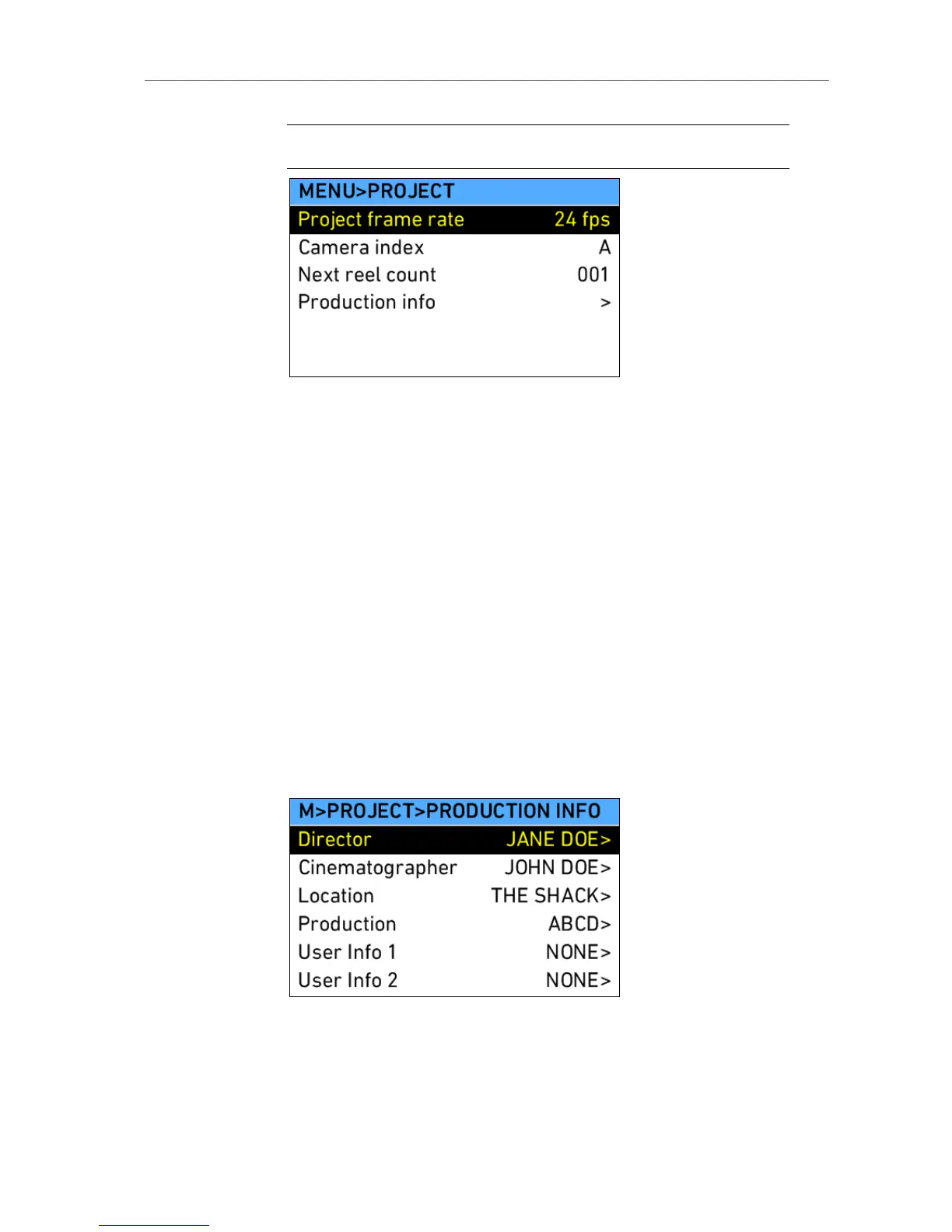
Note: The user should set the value of reel counter to 001 before a shoot begins.
Figure 66: MENU>PROJECT
Production Info
The production info screen contains fields to enter info metadata regarding
the production. The user can enter the names of the director,
cinematographer, location and production. Furthermore, two fields allow
entering undefined data the user would like to add.
Director Enter the name of the director
Cinematographer Enter the name of the cinematographer
Location Enter the name of the location
Production Enter the name of the production
User Info 1 Enter other info
User Info 2 Enter other info
Figure 67: Production info screen











 To Next Page