CHAPTER 7 APPENDICES
EFD1000 VFR PFD Pilot’s Guide
Page 7-7
091-00028-001 ( )
For complete detailed instructions, click on How to download and install new data or
contact Seattle Avionics Technical Support Sta (425-806-0249).
7.3.2.2. Seattle Avionics Software Updates
The Seattle Avionics Updates are located in the Seattle Avionics ChartData Manager.
The Data Manager must be downloaded onto your computer to obtain updates from
the Seattle Avionics ChartData Manager. A compatible computer with the ability to
write to a microSD card is required.
Overview for downloading the Seattle Avionics Updates
1. Insert the card in your computer’s card slot.
2. Start the Data Manager application and login to your Seattle Avionics
account.
3. From the Seattle Avionics ChartData Manager, select Aspen
4. Click on the Download Now button to initiate the download.
For complete detailed instructions, refer to seattleavionics.com/aspen and click on How
to download and install new data or contact Seattle Avionics Technical Support Sta
(425-806-0249).
Once the microSD card is updated with the latest Jeppesen data and Seattle Avionics
data, the card is ready for use.
7.4. MicroSD Card
This section contains the instructions for inserting the preloaded microSD card into the
Evolution Flight Display unit. Each unit that uses the database must have a microSD
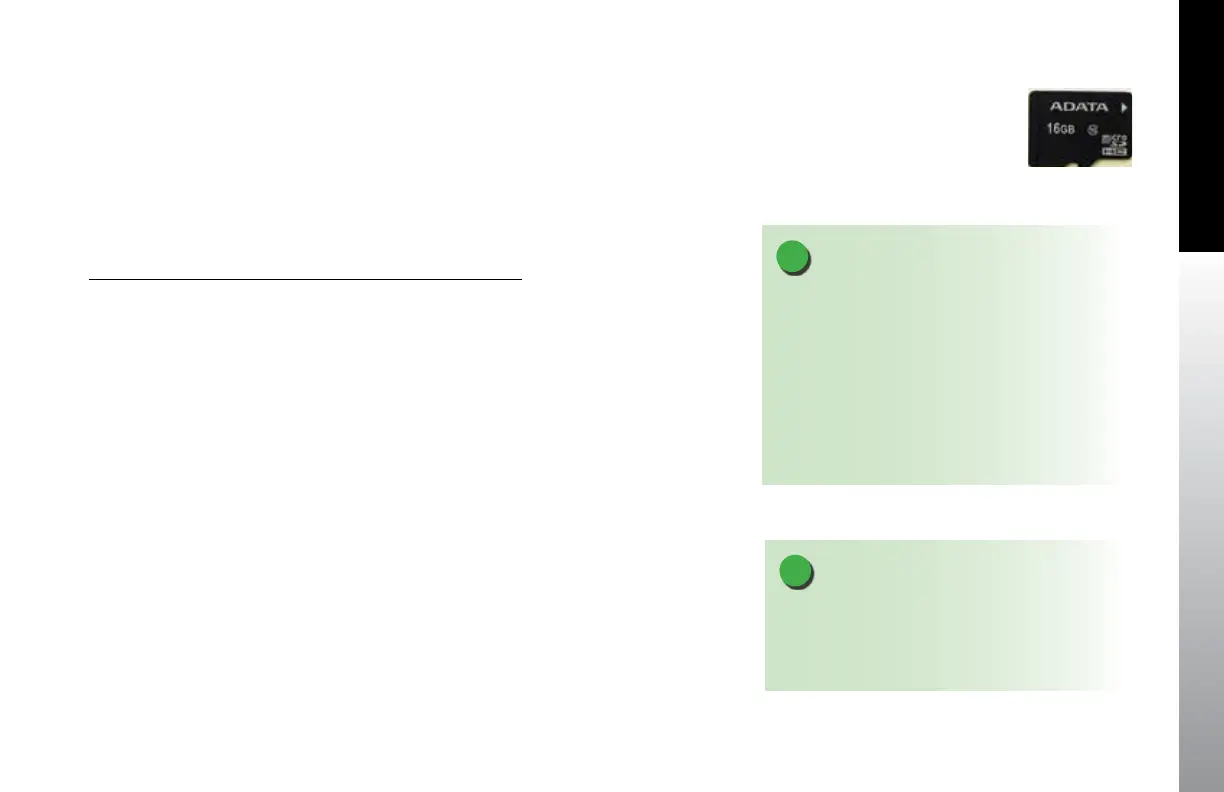
card (Figure 7-4).
NOTE
Each new MFD unit comes with a microSD card
provided by Aspen or Jeppesen. The card is specially
formatted and preloaded with the Jeppesen
NavData® and the Seattle Avionics ChartData™.
Only microSD cards received from Aspen Avionics
or Jeppesen may be used. Use of any other card can
adversely aect system operation or performance
and is NOT AUTHORIZED
Figure 7-4
MicroSDHC (Secure Digital High Capacity) Card
Label side facing up
NOTE
Replacement or additional cards supplied from
Jeppesen are preloaded with terrain data only and
must be updated as described in Sections 7.3.1
and 7.3.2 before use.



 To Next Page