CHAPTER 2 CONTROLS AND DISPLAY
EFD1000 VFR PFD Pilot’s Guide
Page 2-25
091-00028-001 ( )
The pilot can set a target airspeed using the Left Knob (see Section 4.2.2.1.). The target
airspeed is shown on the Airspeed Tape as an Airspeed Bug with its setting displayed
numerically above the Airspeed Tape (Figure 4-10 and Figure 4-11). The Airspeed
Bug and numerical value are for visual reference only, to help the pilot maintain a target
airspeed; there is no alerting for deviations from the target.
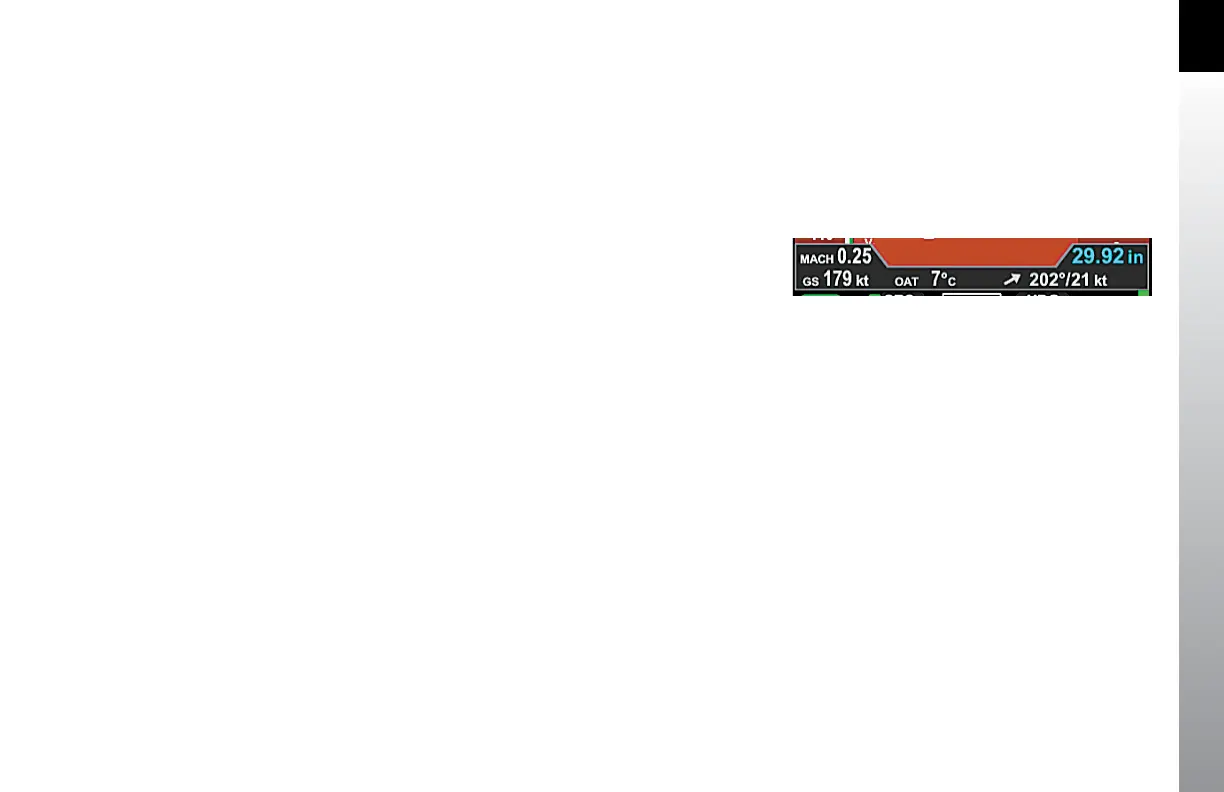
2.3.2.2.a. Mach Number Display for Mmo Aircraft
The Mach number for Mmo aircraft is displayed in the Data Bar (Figure 2-30a). The
Mach number can be congured to be displayed whenever the aircraft is above the
selected transition altitude or above a selected Mach number.
When the conguration is set to ALTITUDE transition, the TAS indication will be
replaced by the Mach number whenever the aircraft is above the selected transition
altitude.
When the conguration is set to SPEED transition, the TAS indication will be replaced
by the Mach number whenever the aircraft is above the selected transition Mach
number (see Chapter 5, Table 5-2 for MACH Display setting options)
.
2.3.2.3. Altitude Tape, Altitude Alerter, and Vertical Speed
Altitude is indicated by a moving altitude tape against a xed position altitude pointer
(Figure 2-2, No. 21, 24), shown on the right-hand side of the Attitude Display
Figure 2-30a
Mach Number Display



 To Next Page