CHAPTER 3 FLYING THE EFD1000 PRO PFD
EFD1000 VFR PFD Pilot’s Guide
Page 3-10
091-00028-001 ( ) EFD1000 VFR PFD Pilot’s Guide
Page 3-11
091-00028-001 ( )
Select GPS1 as the CDI Navigation Source. Because we have enabled Auto Course
Select, the Course Pointer automatically slews to 261º (the initial course from the airport
to the rst x on the LARGO2 departure, ABQ VOR).
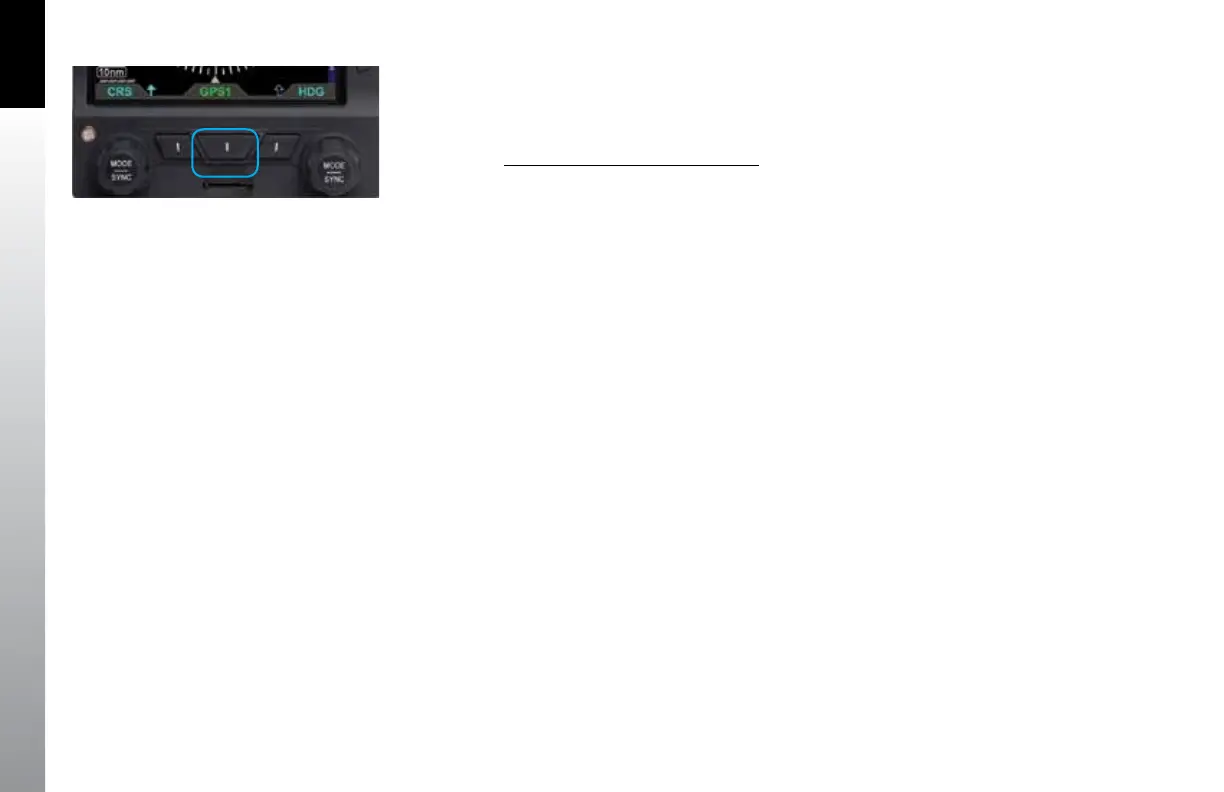
Select the CDI Navigation Source
• Press the CDI Navigation Source Select Button (Figure 3-10) until the desired
navigation source is shown above the Button (in this case, GPS1).
Figure 3-10
CDI Navigation Source Selection Button



 To Next Page