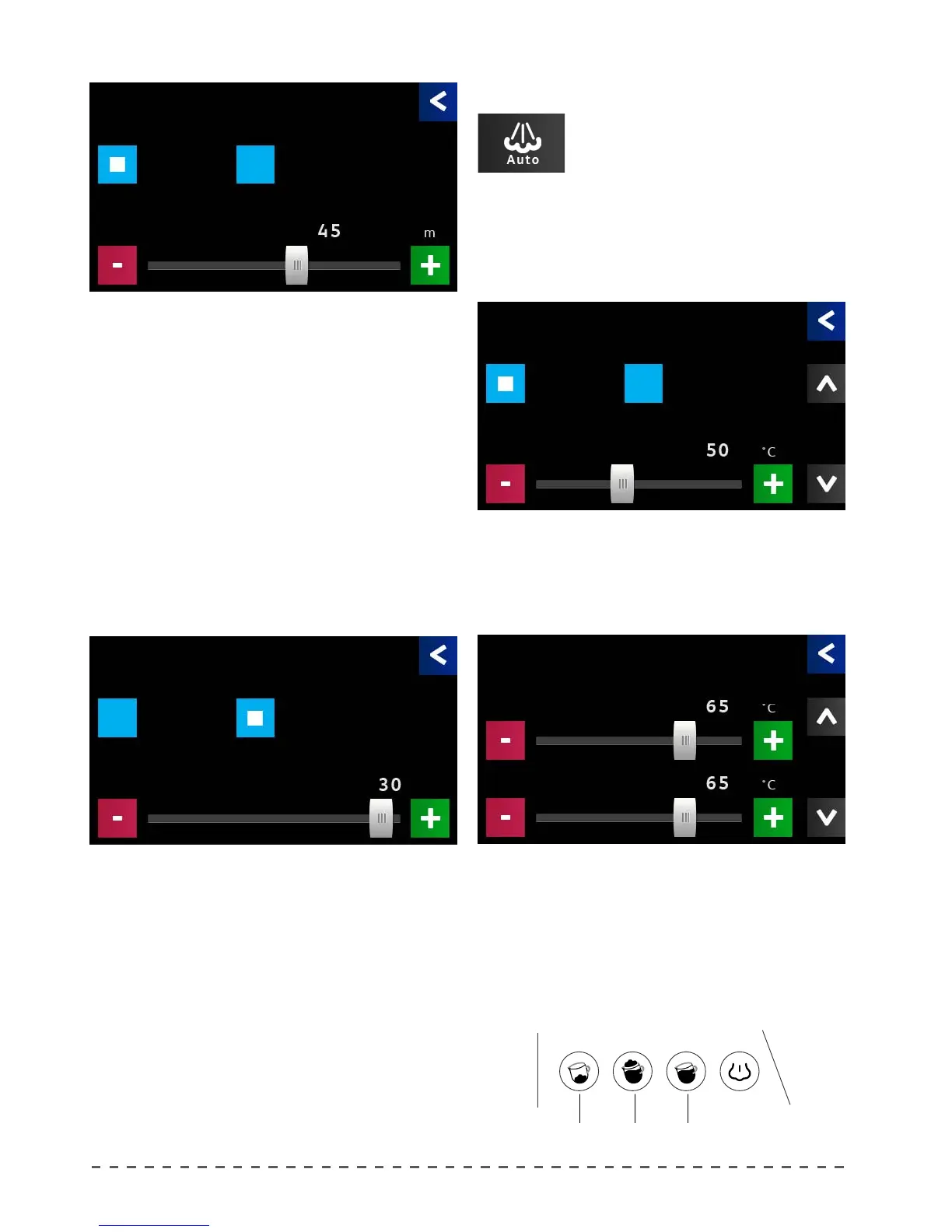
12.8 Autosteamer option
To enable or disable the autosteamer
and adjust its temperature, proceed as
follows:
Autosteamer
Depending on the mode, the display shows the
option to be adjusted:
TIMER
When the group is in stand-by mode (STOP/PROG
LED flashes), if you press the STOP/PROG key for 3
seconds, you can reset the group to its ideal temperature
(this takes about 2 minutes) and dispense doses.
If doses are not dispensed within the programmed
time (Delay), the system will go back to stand-by.
To program the time, select "Timer" and set the
desired "Delay" in minutes.
AUTO
With this mode you can set the number of dispensed
beverages in one hour (Threshold); below that value
the system places each delivery group in stand-by (little
work).
Select "Auto" and set the required "Threshold".
• Pressing "Autosteamer", displays the adjustment
screen.
• Set the desired temperature.
Enable or disable the autosteamer (if you select NO,
the "Autosteamer" keyboard will be excluded).
If enabled, you can set the desired temperature (50
to 80 °C) for each button.
The 3 temperature values (T1,T2 e T3) can be
programmed singularly and refer to the 3 functions on
the autosteamer keyboard:
T1. T2. T3.
Stand-By mode
Timer Auto
Delay
Stand-By mode
Timer Auto
Threshold
Autosteamer
Yes No
Setpont T1
Autosteamer
Setpont T3
Setpont T2
Mode
Mode










 To Next Page