• wait for the washing to be carried out until the fol-
lowing messages appear on the display:
Carry out the washing operations on the other groups,
following the same procedures indicated above.
If you wish, you can force the washing, see chapter
"Programming".
• remove the lter holder from delivery group 1 and
press the “PROG/STOP” key.
• wait for the rinse cycle to be carried out (this takes
roughly 30 seconds), and the following messages will
appear on the display:
• at the end of the rinse cycle, the following messages
will appear on the display:
i
The washing operations can also be carried out
simultaneously on several delivery groups. To
exit the washing phase, the washing must be
completed on all the groups.
i
To disable automatic display of the wash request
or to modify the time of activation of the message,
see the chapter "Programming".
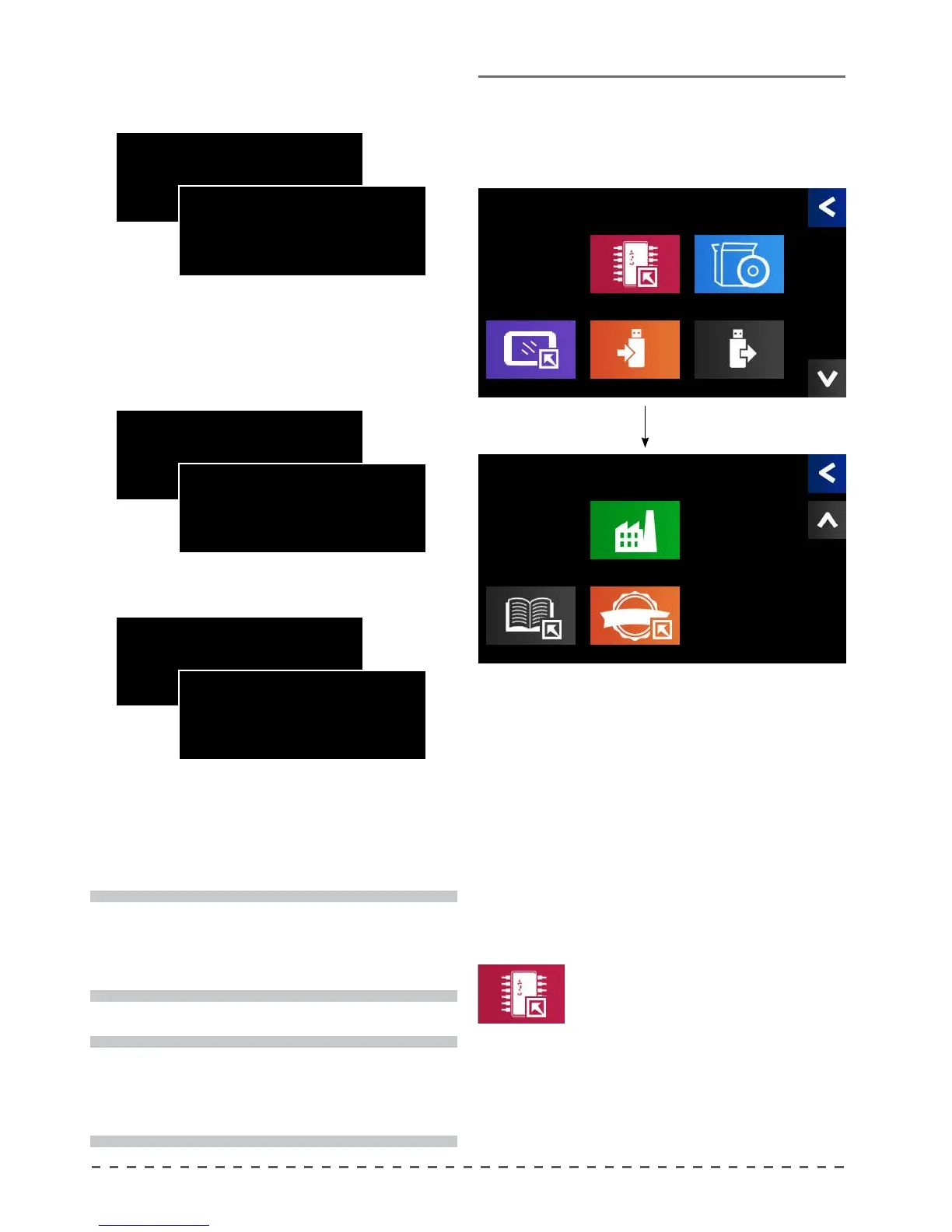
13 Settings Menu
From the main menu, pressing the "Settings" button,
gives access to the screens below.
page 1
page 2
13.1 Update rmware
This command allows you to upgrade
the machine automation software,
located in the electronic
control unit
To update, press this command, then
the machine will load the new version of the automation
software, located on the USB stick; once nished, check
the new version of the software installed.
Update rmware
GR.1 REMOVE FILTER
GR.2 ADD DETERGENT
GR.3 ADD DETERGENT
GR.4 ADD DETERGENT
GR.1 STOP/PROG KEY
GR.2 STOP/PROG KEY
GR.3 STOP/PROG KEY
GR.4 STOP/PROG KEY
GR.1 RINSE
GR.2 ADD DETERGENT
GR.3 ADD DETERGENT
GR.4 ADD DETERGENT
GR.1 END OF WASHING OK
GR.2 INSERIRE DETERGENTE
GR.3 INSERIRE DETERGENTE
GR.4 INSERIRE DETERGENTE
GR.1 RINSE
GR.2 STOP/PROG KEY
GR.3 STOP/PROG KEY
GR.4 STOP/PROG KEY
GR.1 END OF WASHING OK
GR.2 STOP/PROG KEY
GR.3 STOP/PROG KEY
GR.4 STOP/PROG KEY
Settings
Update TFT Disp.
Update Firmware
Save data
Update resources
Load data
Settings
Update text
Defaults
Update Logo










 To Next Page