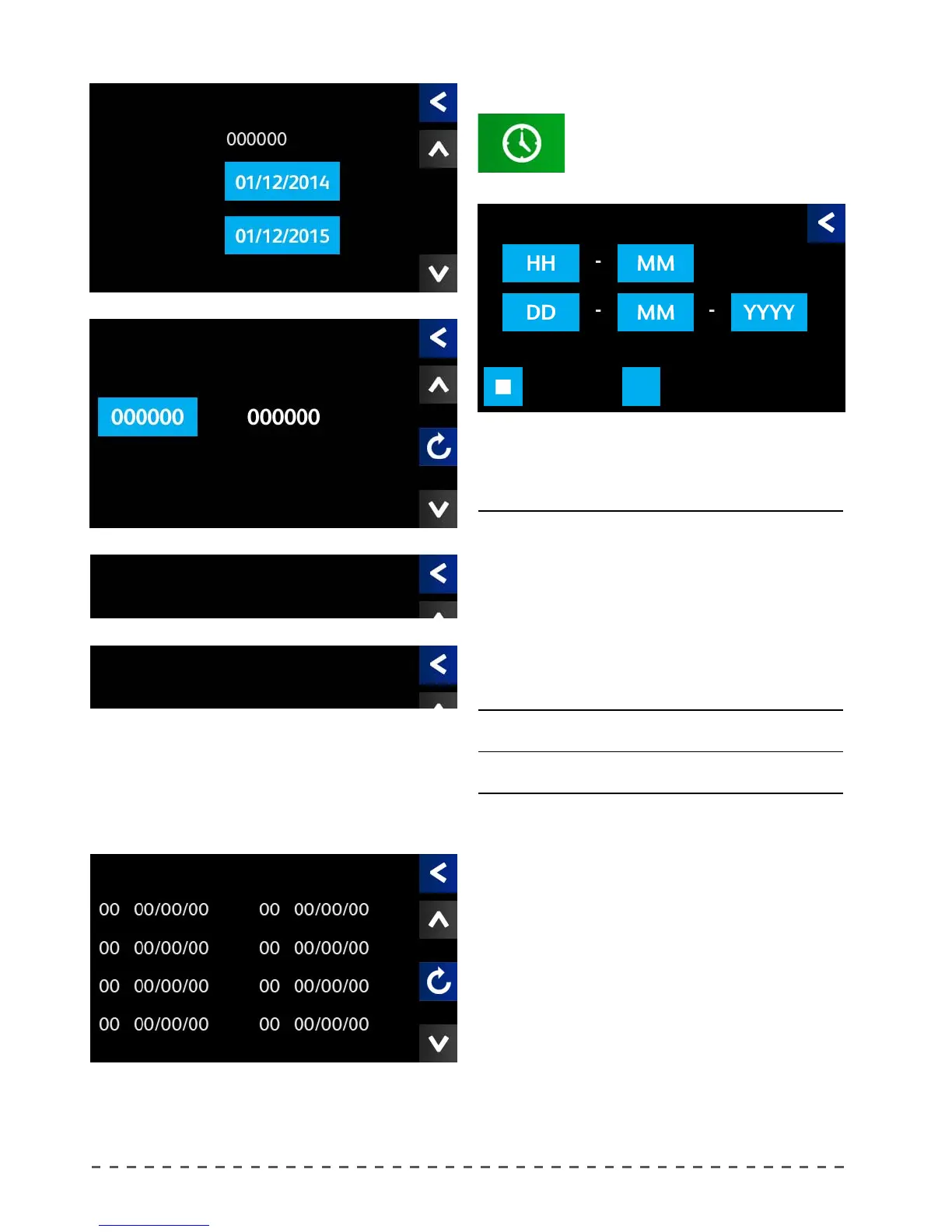
HH hours
MM minutes
DD day
MM month
YYYY year
Auto The clock automatically switches from standard time to
daylight saving time and vice versa.
Manual The time does not change from standard time to daylight
saving time and vice versa.
Finally, the last screen shows the last eight alarms
stored by the machine. For further information, refer to
the "Settings menu" chapter.
The screens above allow to control the alerts for
scheduled maintenance. For further information, refer
to the "Scheduled maintenance" chapter.
12.11 Setting the date
To set the time and date shown on the
display, proceed as follows:
• Pressing "Clock setup", displays the date
and time adjustment screen.
Press the desired option to adjust the time and date.
Clock setup
Maintenance
Total cycles
Date Ins.
Service Plan
Clock setup
Legal Hour
Manual Auto
Service C
Service cycles Performed Cyc.
Alarm Register
Service B
Service A










 To Next Page