14.1 Information
Selecting this item displays useful
information on current versions of the
software installed on the machine.
This is the information listed:
• TFT rmware: shows the rmware version of the in-
stalled display adapter;
• Firmware card: shows the motherboard rmware ver-
sion identied by date and revision number.
Informazioni
14 Info Menu
From the main menu, pressing the "Info" button, gives
access to the screen below.
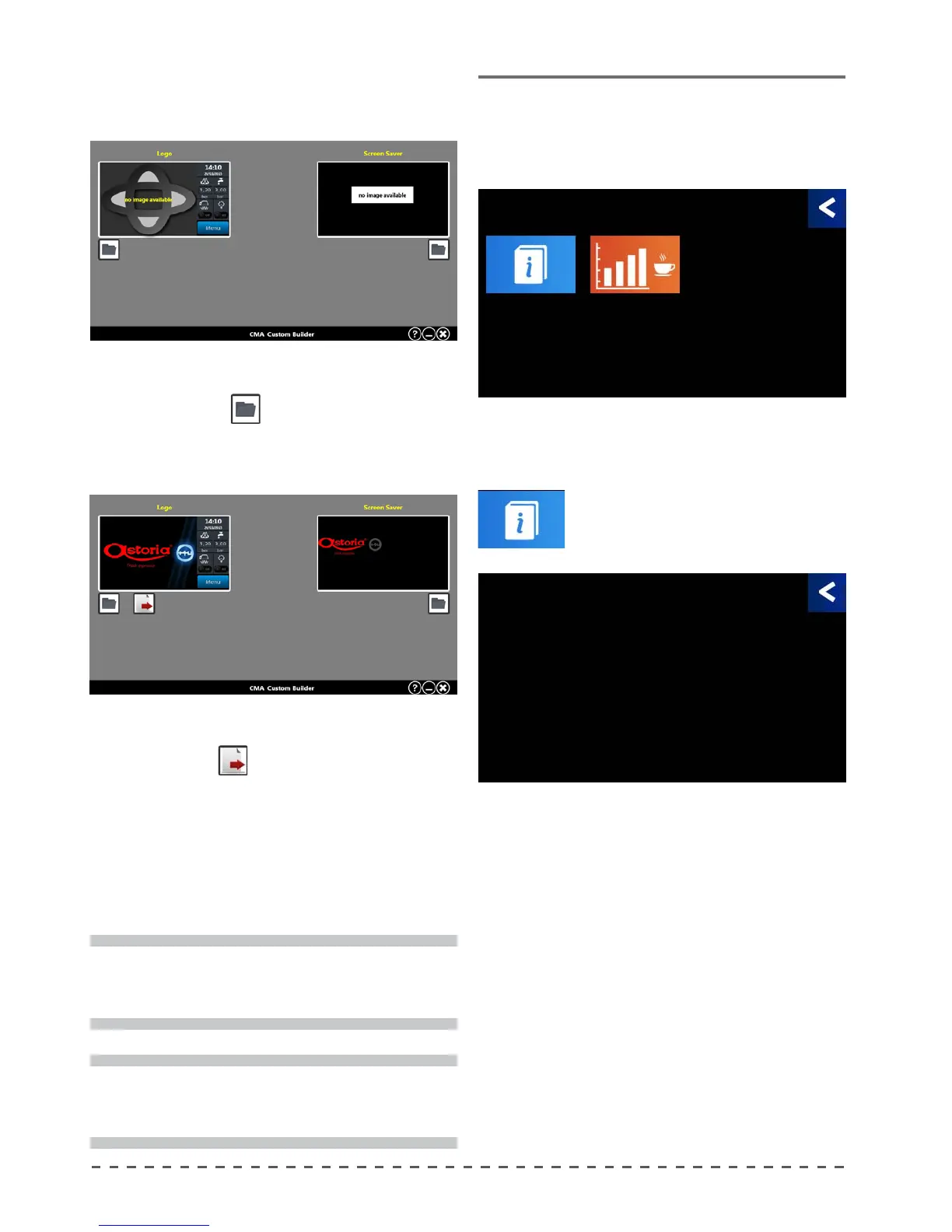
• click on "browse"
under the left screen to load
the new logo, then click "browse" again under the
right screen to load the screen saver;
• after loading both graphics, the button to export to
le will appear
. Click on the button and save
the le "custom.bin", in the CUSTOM folder on the
USB stick.
• Then insert the USB stick into the machine and update
the logo.
!
Do not use the provided USB stick to download
updates, but always use a new USB stick.
i
Once uploaded, the images will be resized. You
should not use images that are too large.
• Once installed, launch the software called "Custom-
Builder"; the screen below will appear:
Informations
Firmware TFT
00.00
Firmware card
EVPLUS GG-MM-AAAA R0
Info
Informations Statistics










 To Next Page