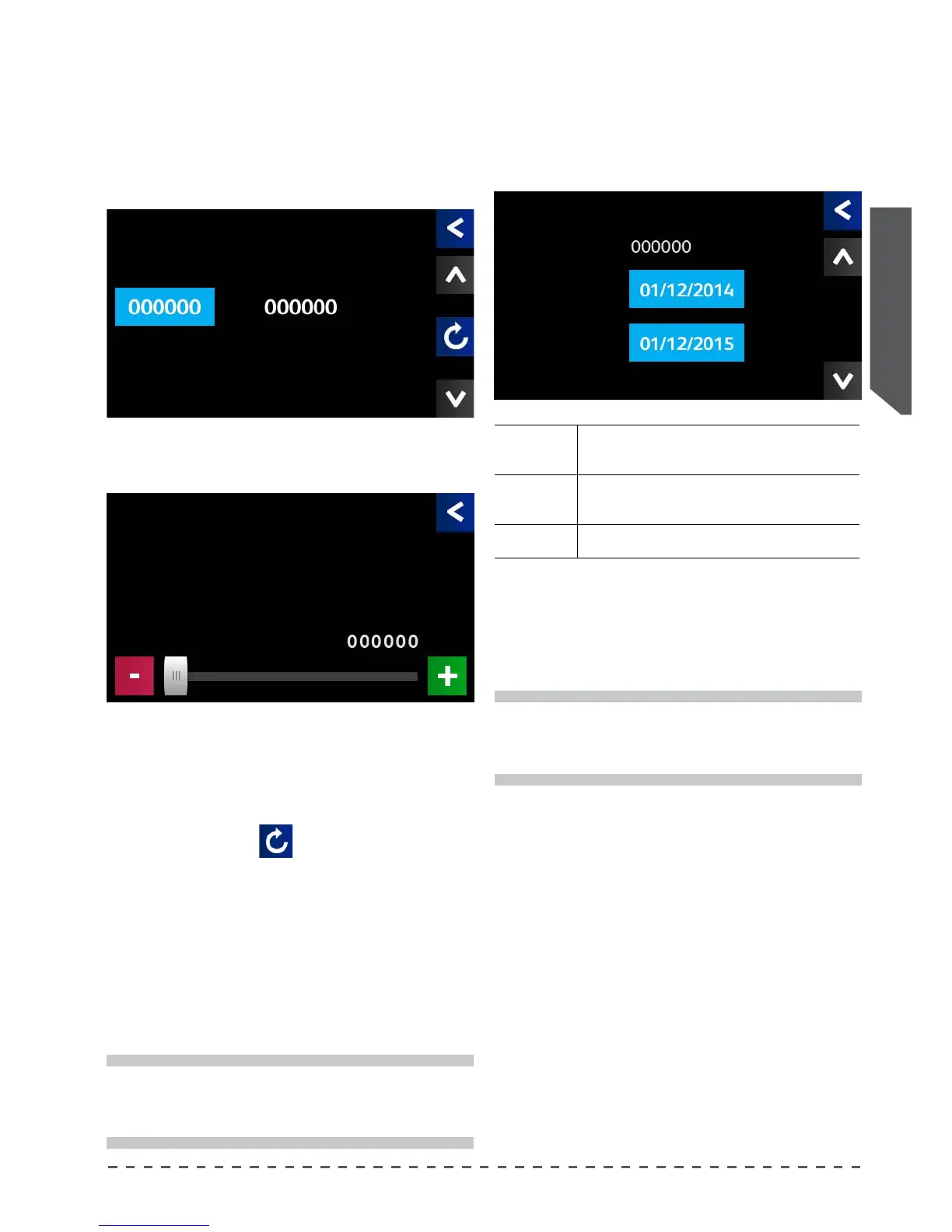
To reset the executed cycles counter proceed as
follows:
• press the reset key (
);
• in the next screen answer "Yes";
• performed cycles count will restart from 0.
There are three thresholds (ABC) to request
intervention, which can be programmed separately.
To modify the assistance thresholds, proceed as
follows:
select the desired maintenance threshold, eg. C:
Press "Service Cycles" and select the threshold for
the service cycles for which to require the maintenance
service:
The system displays an alert when there are less than
1000 cycles to reach the programmed threshold.
i
The scheduled assistance setting and resetting of
cycle counters are reserved for a technician.
i
Setting a value of 000000 the scheduled assistance
service s excluded.
To display and modify the timed assistance thresholds,
proceed as follows:
• Scroll through the screens with the arrows () or (),
until you see the screen below:
• Set a request date for scheduled maintenance (Ser-
vice Plan);
• The system begins to notify the user 15 days before
the scheduled date.
Total cycles Total number of selections made on the machine.
Instasll. date
Machine installation date or date of activation of timed
service.
Service Plan Scheduled date of required assistance.
Service C
Service Cycles Performed Cyc.
Service Cycles
Service Cycles
Maintenance
Total cycles
Date Ins.
Service Plan










 To Next Page