Ch. 9. Scanning Tunneling Microscopy Sec. 9.3. Preparing an STM sample
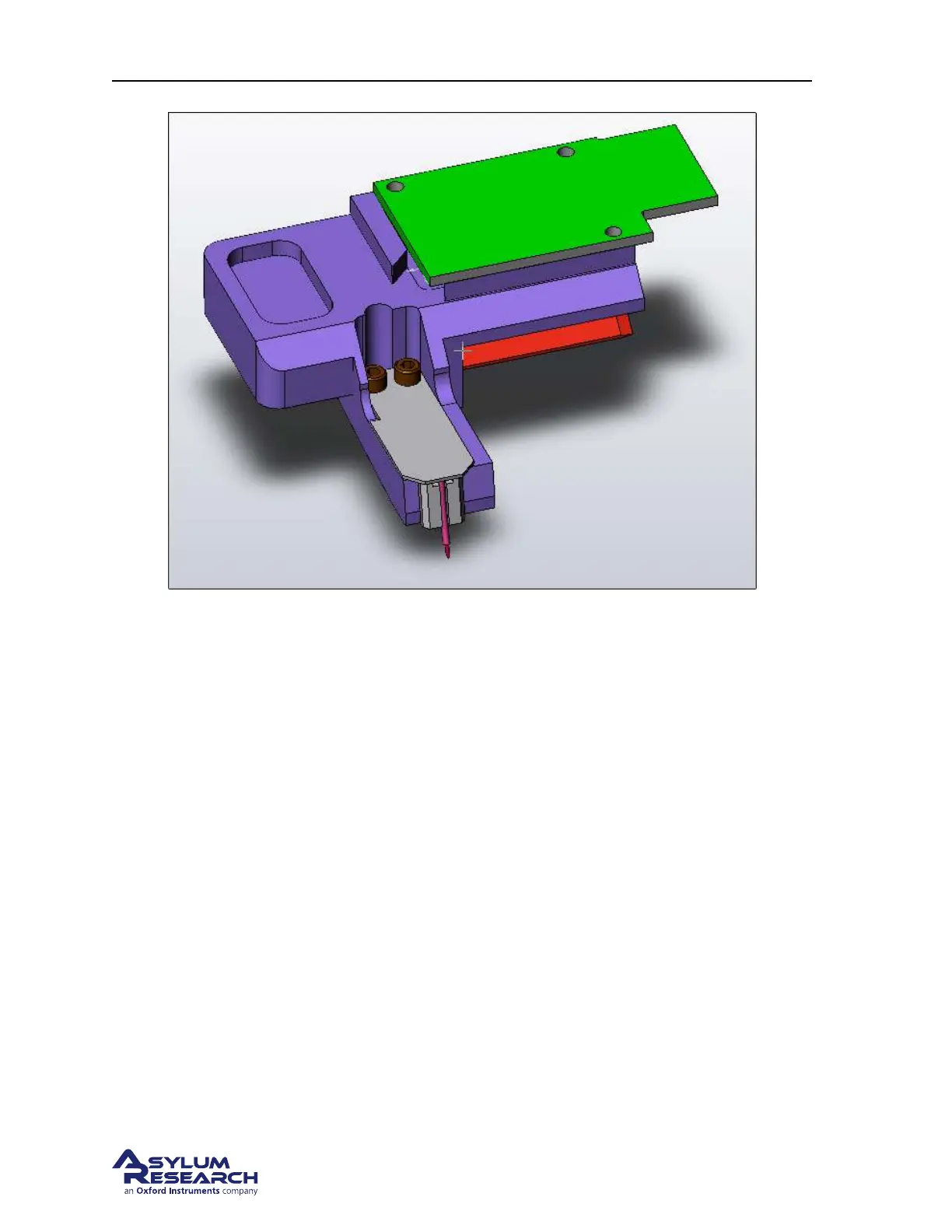
Figure 9.1.: Cypher STM tip holder. Note the probe tip sticking from the small tube.
9.3. Preparing an STM sample
1. Place your sample on a steel AFM disc. It’s assumed the sample is conducting and has a relatively
flat bottom.
2. Put some small dots of silver paint around the perimeter of the sample. And let the paint dry in a
warm place, like under a desk lamp.
3. Place the sample on the Scanner.
4. Place a small magnet next to the sample. The STM kit includes 5.
5. Plug the bias wire into the ‘sample’ socket on the scanner’s terminal block.
6. Stick the other end of the wire to the magnet next to the sample. You can also attach the wire
directly to the sample puck.
Note The surface onto which you place the magnetic AFM disc is black anodized aluminum. The
anodization acts as an insulator which means the sample is only electrically connected to the attached
bias wire. If you ever see any metal through the black surface (a possibility due to excessive wear, nicks,
or abuse) then the sample bias may not work properly. In that case a thin insluating layer, such as a very
thin sheet of mica, can be placed under the sample disc.
Additional magnets and bias leads can be purchased separately if this mounting method is desired.
support.asylumresearch.com Page 104



 To Next Page