Ch. 15. Conductive AFM Sec. 15.4. Testing the ORCA Amplifier
6.
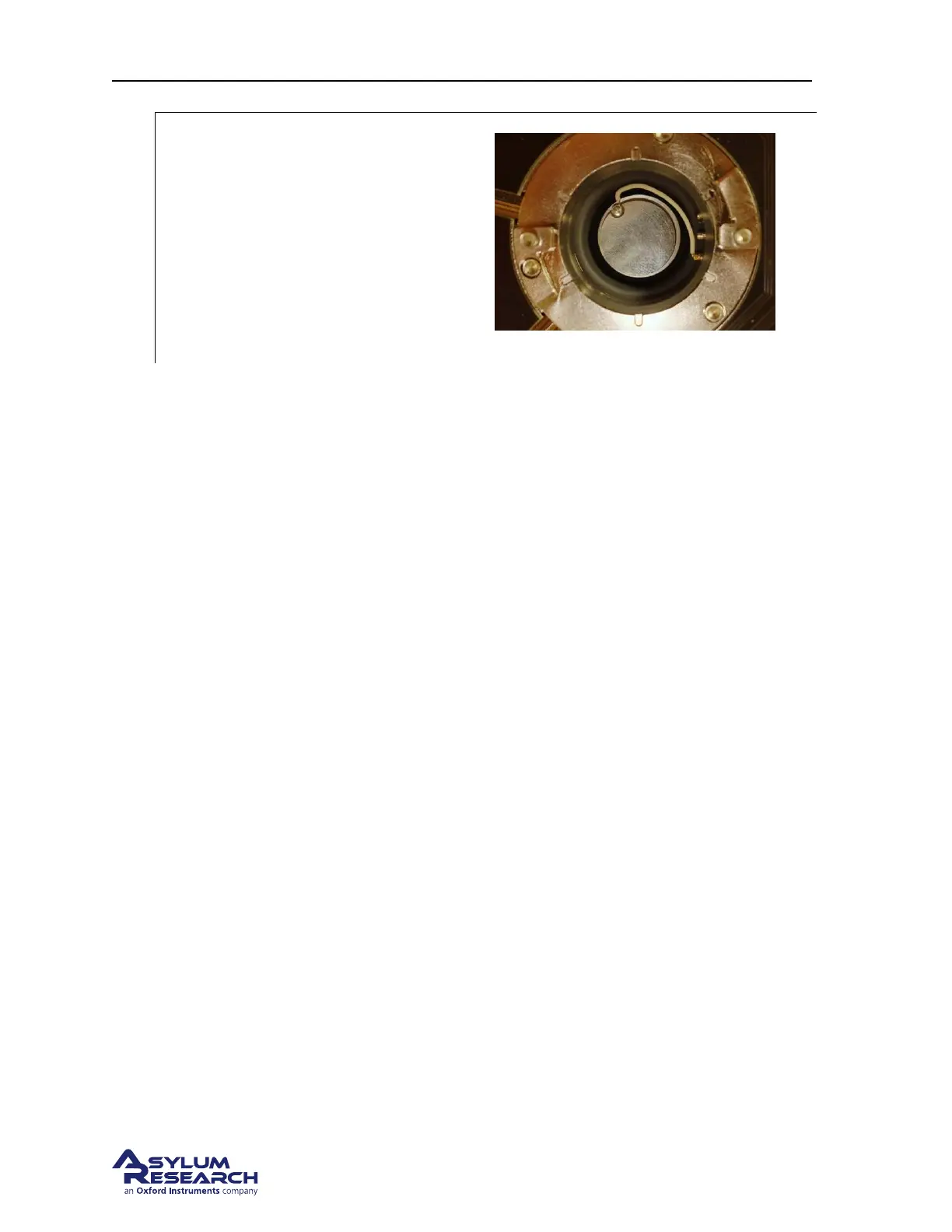
Insert sample into the AFM:
• Remove the cantilever holder.
• Insert the sample puck as shown.
• Use blunt tipped tweezers to connect the
wire as shown., to the front connection.
This applies a sample bias.
Note Lower the cell body to get more sample
access: see
Step 17 on page 136.
7. Continue the AC mode tutorial from Step 20 on page 137.
8. Once imaging, refer to Applications Guide, Chapter: Conductive AFM.
15.4. Testing the ORCA Amplifier
To be completed at a future date.
DRAFT
Page 180



 To Next Page