Ch. 11. Tutorial: AC Mode in Air, ES Sec. 11.2. Loading the Cantilever and Sample
17.
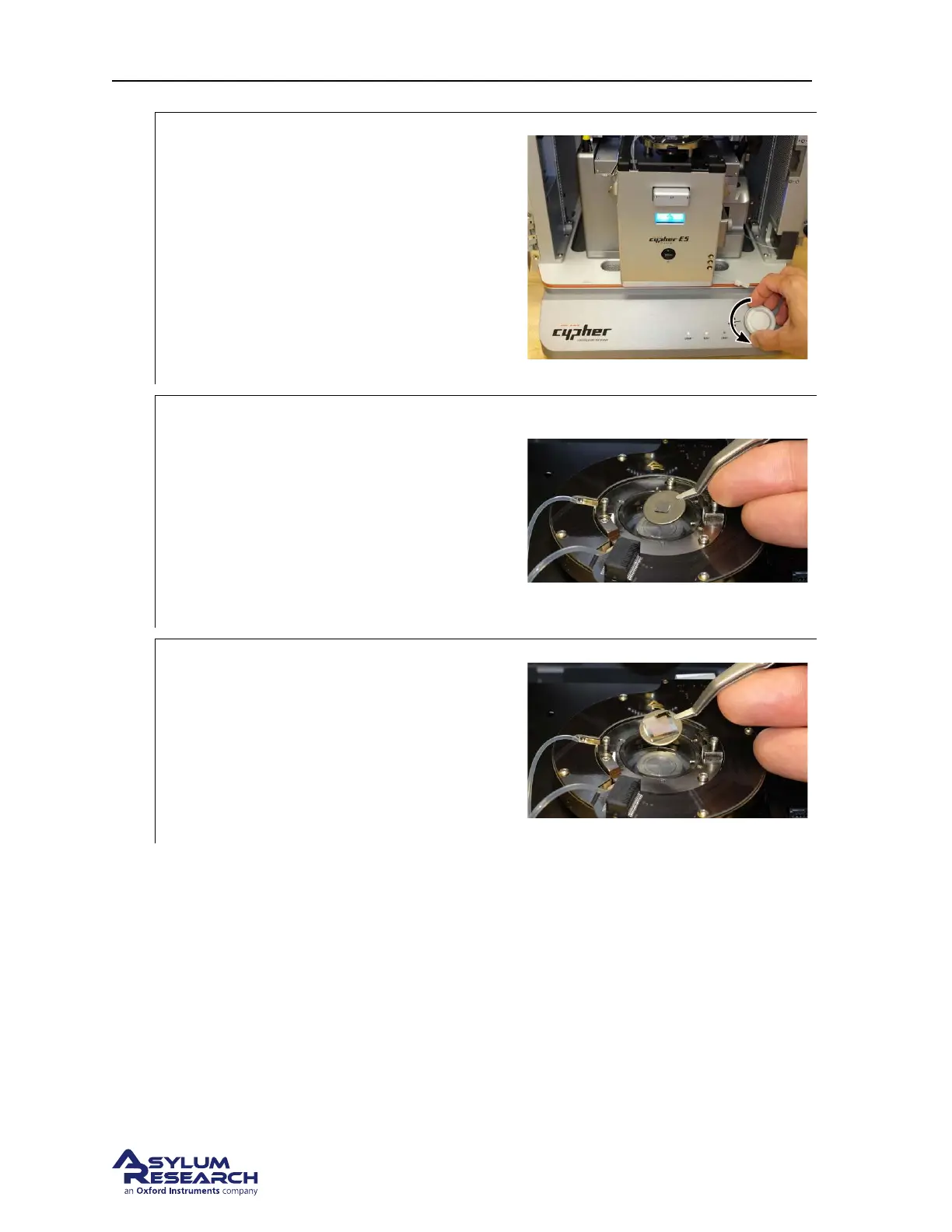
Prepare scanner to remove old sample:
• Leave the cantilever holder on your
workspace for now.
Note To load or unload a sample, you will
need to lower the coarse engage stage so that
you can access the sample stage.
• Rotate the Engage Control Knob
counterclockwise until it reaches its
lower limit of travel.
18.
Remove old sample:
• Use “Platypus” tweezers (Asylum Part #
114.721) to remove the old sample from
the sample stage.
• Wipe the sample stage clean with a
cloth or use compressed air. Any dust or
grit will prevent the sample disc from
seating properly.
19.
Replace with new sample:
• Use “Platypus” tweezers (Asylum Part #
290.165) to place new sample on
sample stage. For this tutorial, use the
Asylum Research calibration grating
sample, part # 900.237. It will attach
magnetically.
DRAFT
Page 137



 To Next Page