Ch. 9. Scanning Tunneling Microscopy Sec. 9.10. STM probes
7.
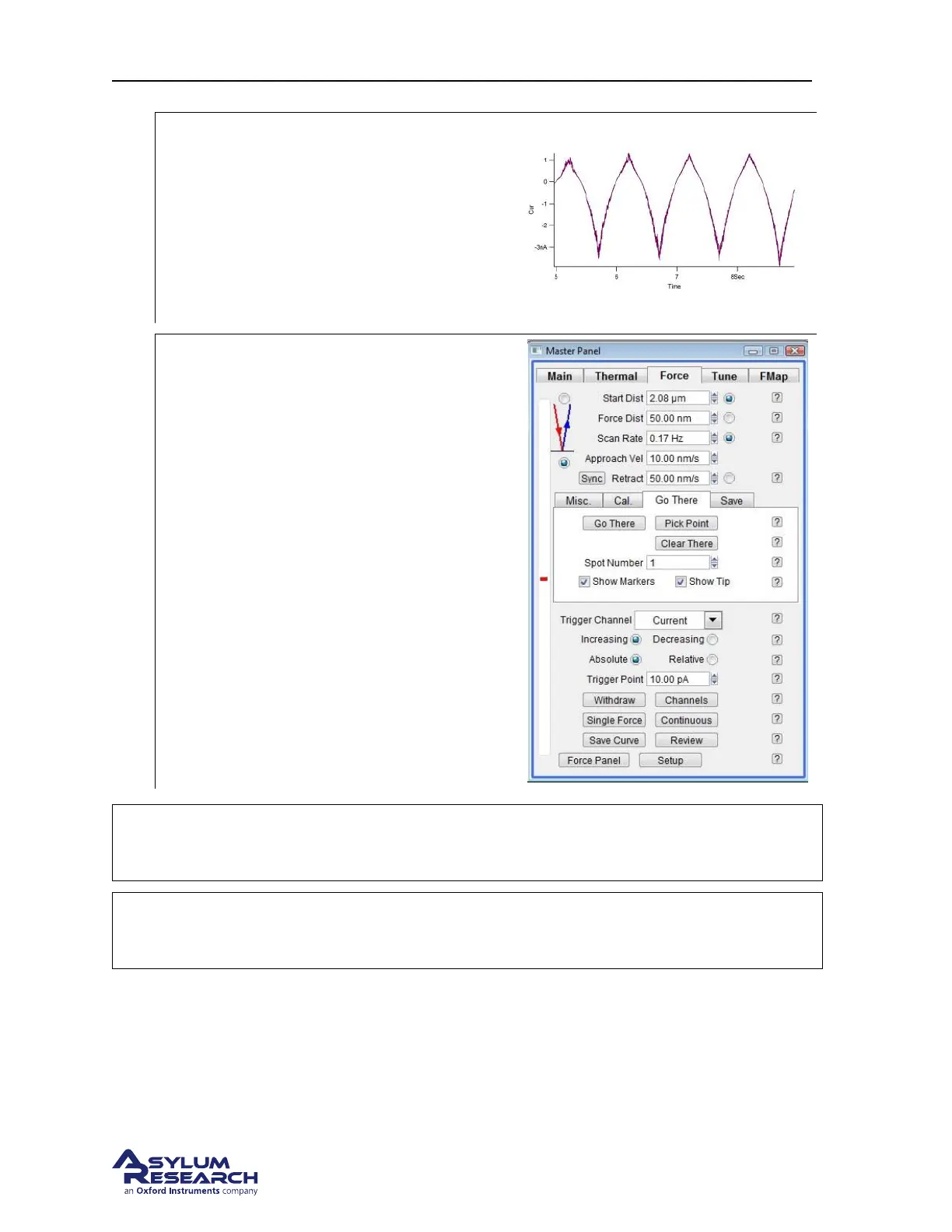
Single Force
• Clicking Single Force button will
perform individual IV measurements.
• This will perform a triggered force
curve and dwell on the surface using the
Z sensor while running the ramp
waveform from the Do IV Panel.
8.
Point and Shoot Tip positioning
• Engage and image the sample surface
• Hit Stop or Withdraw to pull the tip
away from the surface
• Click Show Markers and Show Tip
• Select Sights on the image to do a Force
Curve and hit the Pick Point and That’s
It for each location
• Hit Single Force at each point and Go
There to move for each numerical
location
NOTE
A 10pA trigger current works only if the system is acoustically isolated well. If
the trigger point is reached before the tip is on the surface, increase the trigger
current greater than 10pA. Try 20pA or 50pA.
NOTE
If the magnitude of the current increases with time during the cycles this is
probably due to thermal drift. If the temperature of the sample is still equilibrating,
there could be expansion of the sample which will increase the tunneling current.
9.10. STM probes
The Cypher STM kit came supplied with 20 mechanically formed (i.e. carefully clipped with super
sharp wire cutters) probes. Additional probes can be purchased from Asylum Research. If you wish to
make your own probes the material and dimensions for making the supplied probes are:
support.asylumresearch.com Page 111



 To Next Page