Ch. 18. Laser Sources Sec. 18.4. Troubleshooting
18.4. Troubleshooting
18.4.1. Accidentally Disconnected Light Tube Cable
Oops! You accidentally pulled too hard on the light tube cable, and it became unplugged from the circuit
board inside the AFM. This is fairly harmless, but it will require some work to plug it back in:
• Remove the AFM enclosure top cover
• Plug in the cable
• Replace the AFM top cover.
Please follow the detailed instructions below to get the job done.
18.4.1.1. Removing the Enclosure Top cover
Warning
The enclosure top is the only thing keeping your Cypher SPM from sliding around
inside its enclosure. Be especially careful while removing and replacing the cover
and in general any time the cover is missing. The SPM is heavy, but it can slide
around. If it does slide around, the electrical connections to the SPM can be
dislodged or even damaged.
1. Power down your Cypher by turning off the power to the ARC2 controller.
2.
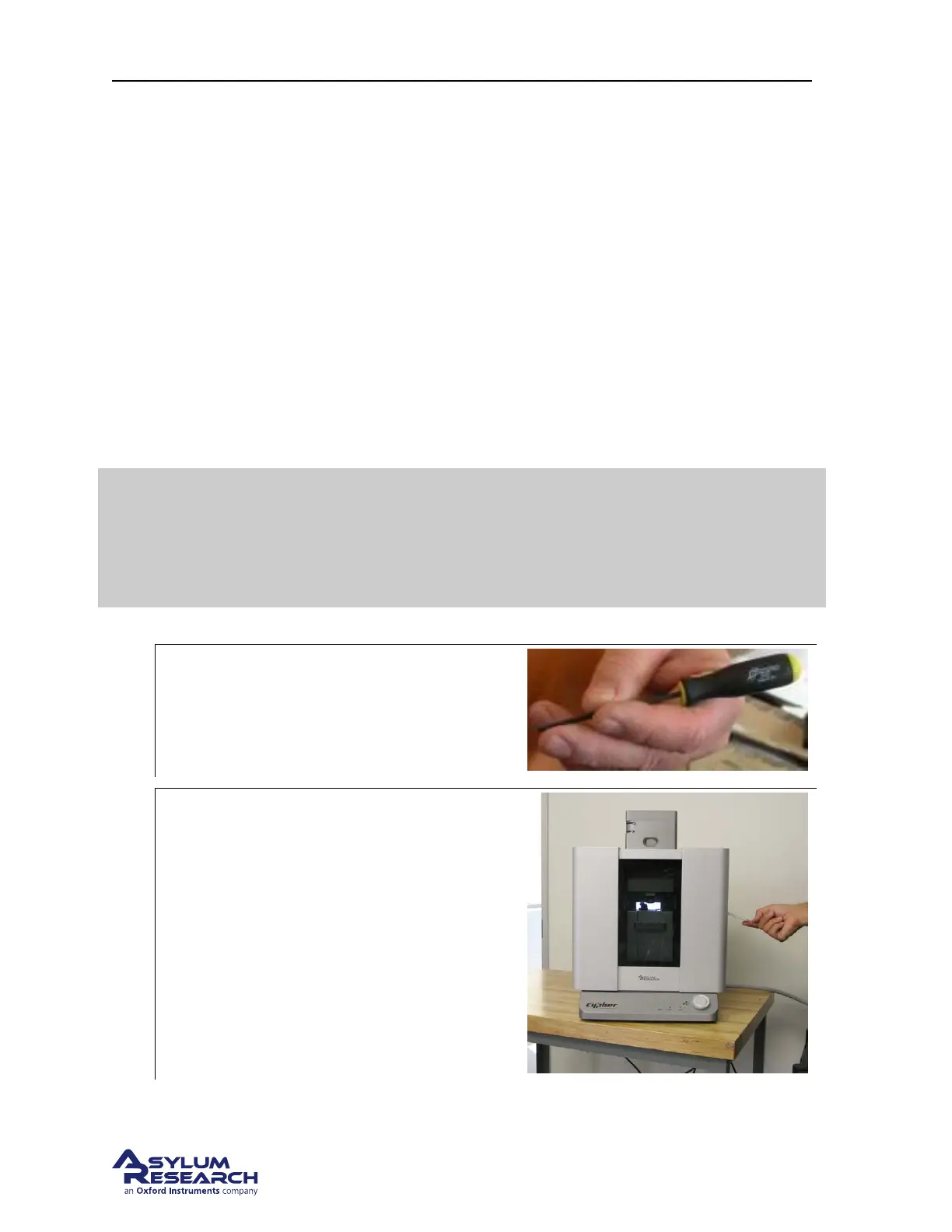
Locate tools:
• Locate the 3/32 Hex Driver
(part#290.134)
3.
Open enclosure:
• Lift the door latch and open the
enclosure door.
BETA
Page 198



 To Next Page