Ch. 18. Laser Sources Sec. 18.3. ’Spot On’ calibration
4.
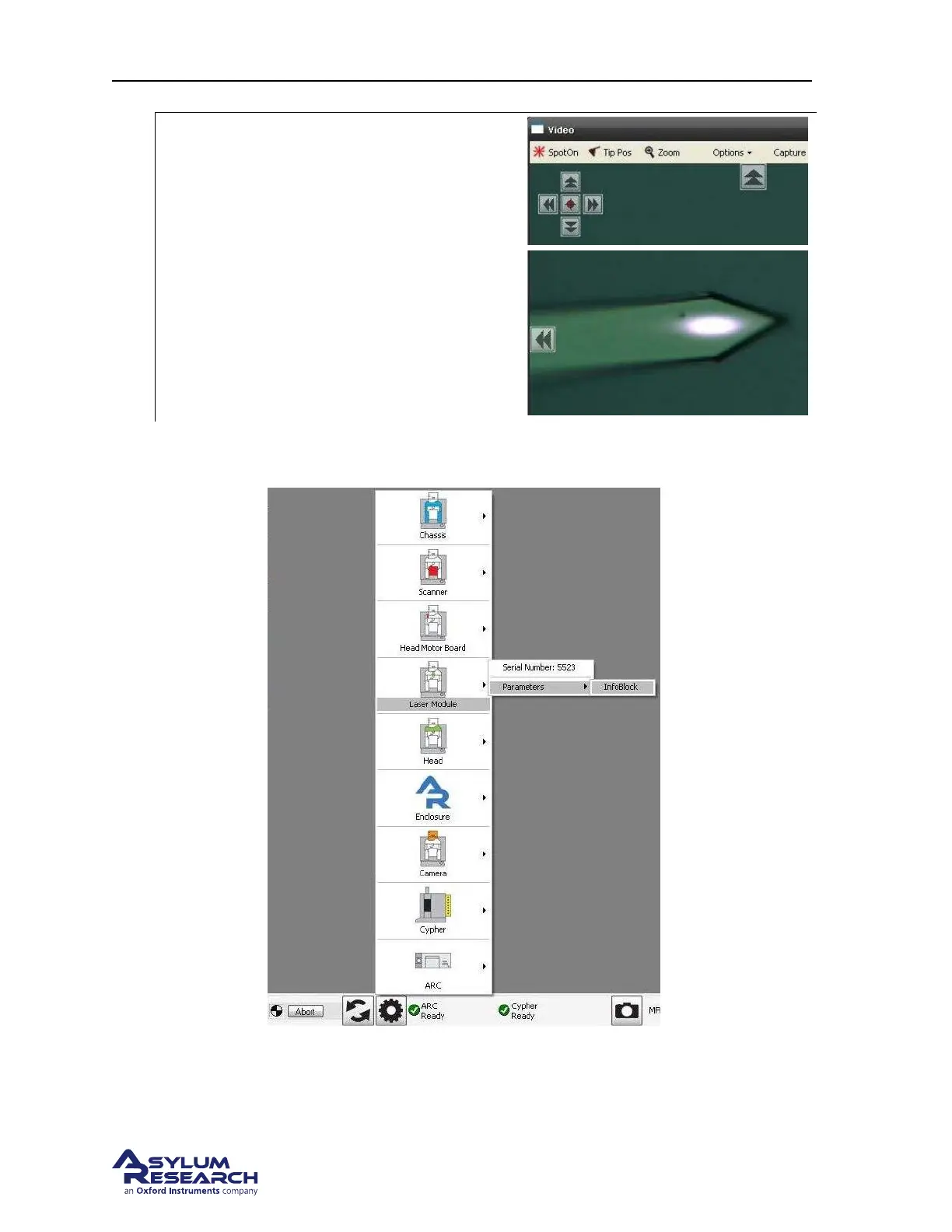
Test ’Spot On’:
• Use the arrow markers at the top of the
video window to steer the spot off the
cantilever.
• Click the Spot On button at the top left
of the video window.
• Click in the center of the cantilever and
confirm that ’Spot On’ is properly
calibrated.
From now on this light module should be properly calibrated for use (and re-use) in your Cypher SPM,
since each light tube has a small memory element which stores the calibration values.
Figure 18.1.: To open the Light Tube (Laser Module) infoblock, click on the “gear” icon at the bottom of the
screen, then mouse up to the Laser Module and over to the infoblock. Then release the mouse button.
BETA
Page 197



 To Next Page