Ch. 2. System Power Up
5.
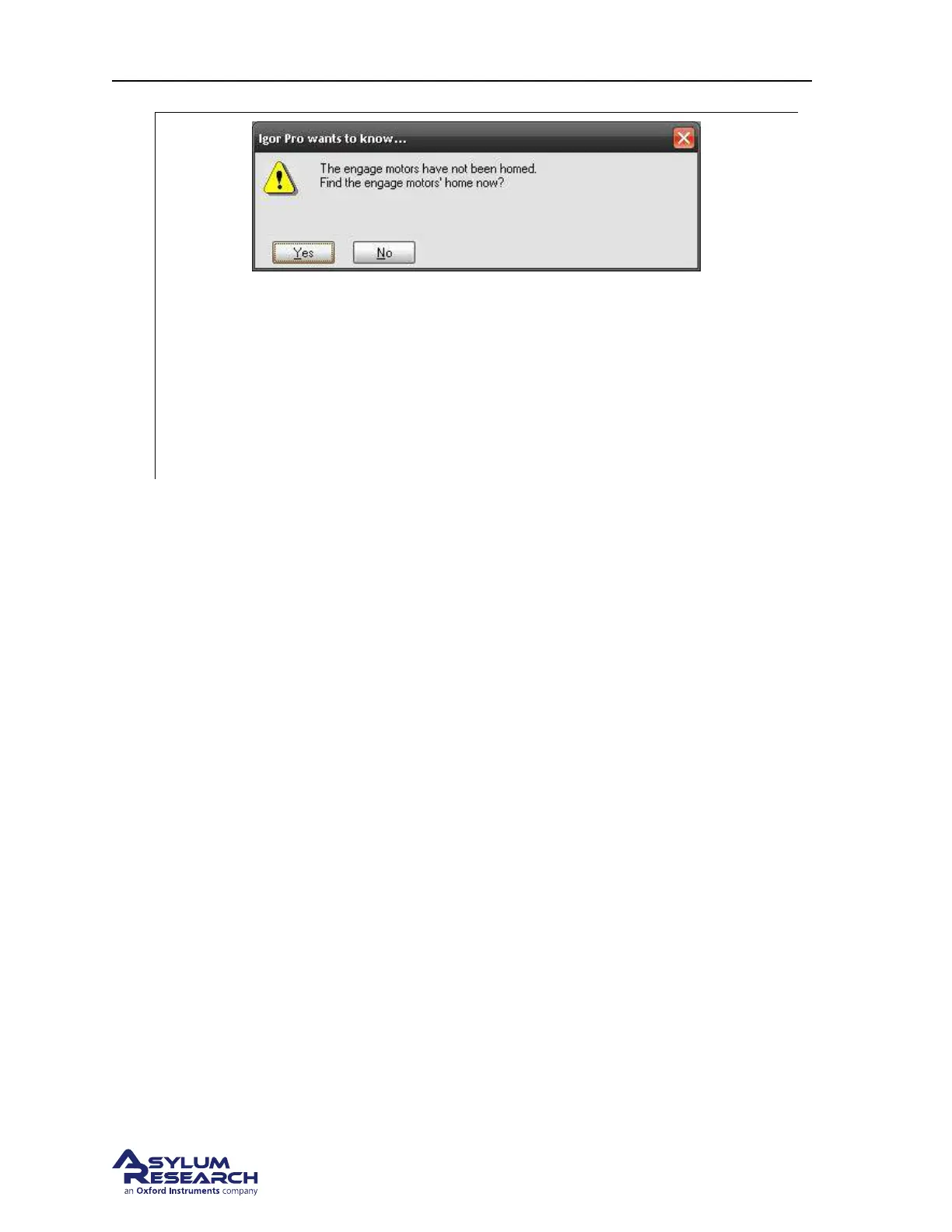
• Once the software has finished initializing, you will get a prompt asking if you would
like to home the engage motors.
• If necessary, slide the scanner all the way into the chassis. Close the microscope
enclosure door. For safety reasons the motors cannot home unless the door remains
closed during the process.
• Click ‘Yes’. You will hear motors moving during the homing process, which will take
about 20 seconds.
6. If you are new to the Cypher AFM system, please take the tutorial which is appropriate for your
scanner:
• For the standard scanner see: Chapter 4 on page 17.
• For the Environmental Scanner see: ??
on page ??.
support.asylumresearch.com Page 11



 To Next Page