55
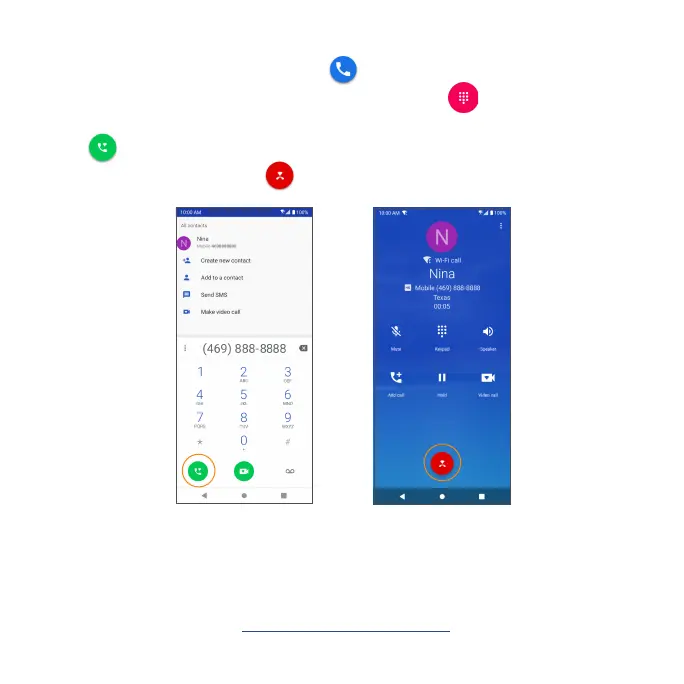
Make a call with Wi-Fi Calling
1. From the Home screen, tap Phone .
2. If the keypad does not appear on the screen, tap to open it. Enter a
phone number in the keypad to make a call.
3. Tap to make the call.
4. During a call, you can tap at the bottom of the screen to hang up.
Note: You must have an active Wi-Fi connection and have Wi-Fi Calling
service activated on the device before it can be used. To turn on Wi-Fi
Calling, you will need to set up an emergency address to help emergency
services nd you if you make an emergency call (911).
For more information, see "Wi-Fi Calling" on page 111.


 To Next Page
 Loading...