Setting Supply Options 2-1
SETTING SUPPLY OPTIONS
This chapter explains how to select the supply type, ribbon, speed, feed mode, cut
mode, backeed, print position, supply position, margin position, cut position, dispense
position, backfeed distance, separators, skip index mode, rotate image, and print
contrast.
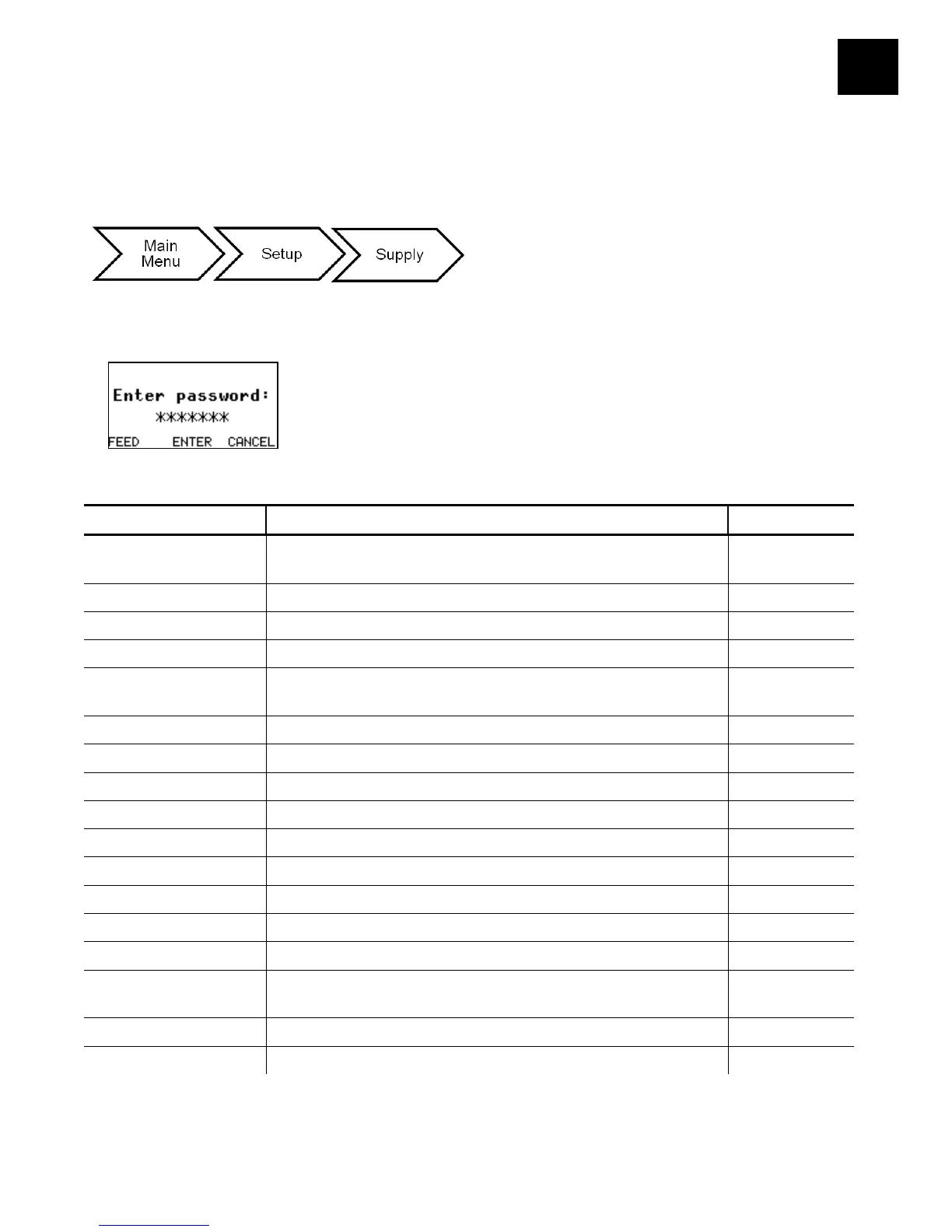
You may limit access to this menu to prevent changes by the users. Users are prompted
to enter a password when password protection is enabled.
The supply options are listed in the table below.
Supply Type
E Aperture/E Die Cut/E Black Mark/Continuous/ C
Aperture/C Die Cut/C Black Mark/C Tag Edge
E Die Cut
Speed 2.5/4.0/6.0/8.0/10.0/12.0/Default Default
Feed Mode Continuous/On-Demand/Liner Takeup Continuous
Cut Mode
Disabled/Cut Each Tag/Cut Each Batch/
Mode 3/Mode 4/Mode 5
Disabled
Backfeed Off/On Off
Print Position -450 to 450 0
Supply Position -300 to 300 0
Margin Position -99 to 99 0
Cut Position -300 to 300 0
Backfeed Distance 10 to 200 65
Separators No/Yes/Long No
Skip Index No/Yes No
Error Action
Normal
Overstrike/Continue 1x – 5x
Normal
Rotate Image No/Yes No
Contrast -699 to 699 0
Press CANCEL to exit an option without changing the setting.










 To Next Page