8-12 System Administrator’s Guide
Verifying the RFID Inlay Data
This option only appears in the Advanced Setup menu. The RFID printer can read/verify
the RFID data programmed into an RFID inlay. The default is none.
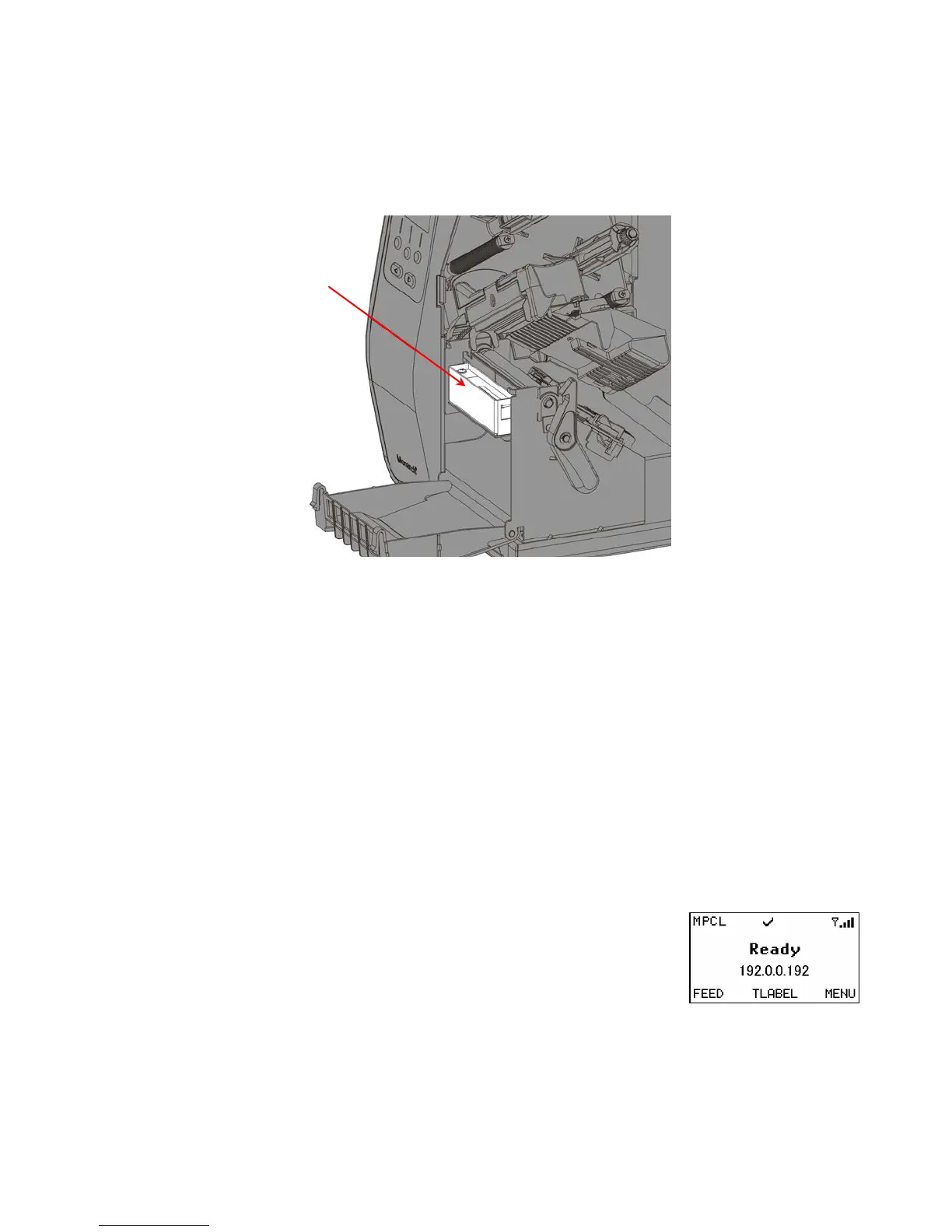
Note: To externally verify/read programmed RFID data, purchase the optional external
verifier.
Exit cover is shown open for visibility. The exit cover does not need to be
opened.
Select To
None Do not verify the programmed RFID data.
Internal Confirms the read EPC data matches the programmed EPC data using
the internal antenna.
External Confirms the read EPC data matches the programmed EPC data using
the optional external verifier. Requires setting the tag verify position.
This option should not decrease throughput because verifying an inlay
keeps up with the encoding speed.
Both Confirms the read EPC data matches the programmed EPC data using
the internal antenna and optional external verifier. Requires setting the
tag verify position.
Note: Enabling internal or both may decrease throughput.
A checkmark icon appears on the display for a half second
once verification is successful.
External










 To Next Page