Setting Ethernet Communications 4-1
SETTING ETHERNET COMMUNICATIONS
The printer communicates on a 10baseT or 100baseTX wired Ethernet connection or
on an 802.11 a/b/g/n network. See Chapter 5, “Setting Wireless Communications” for
more information.
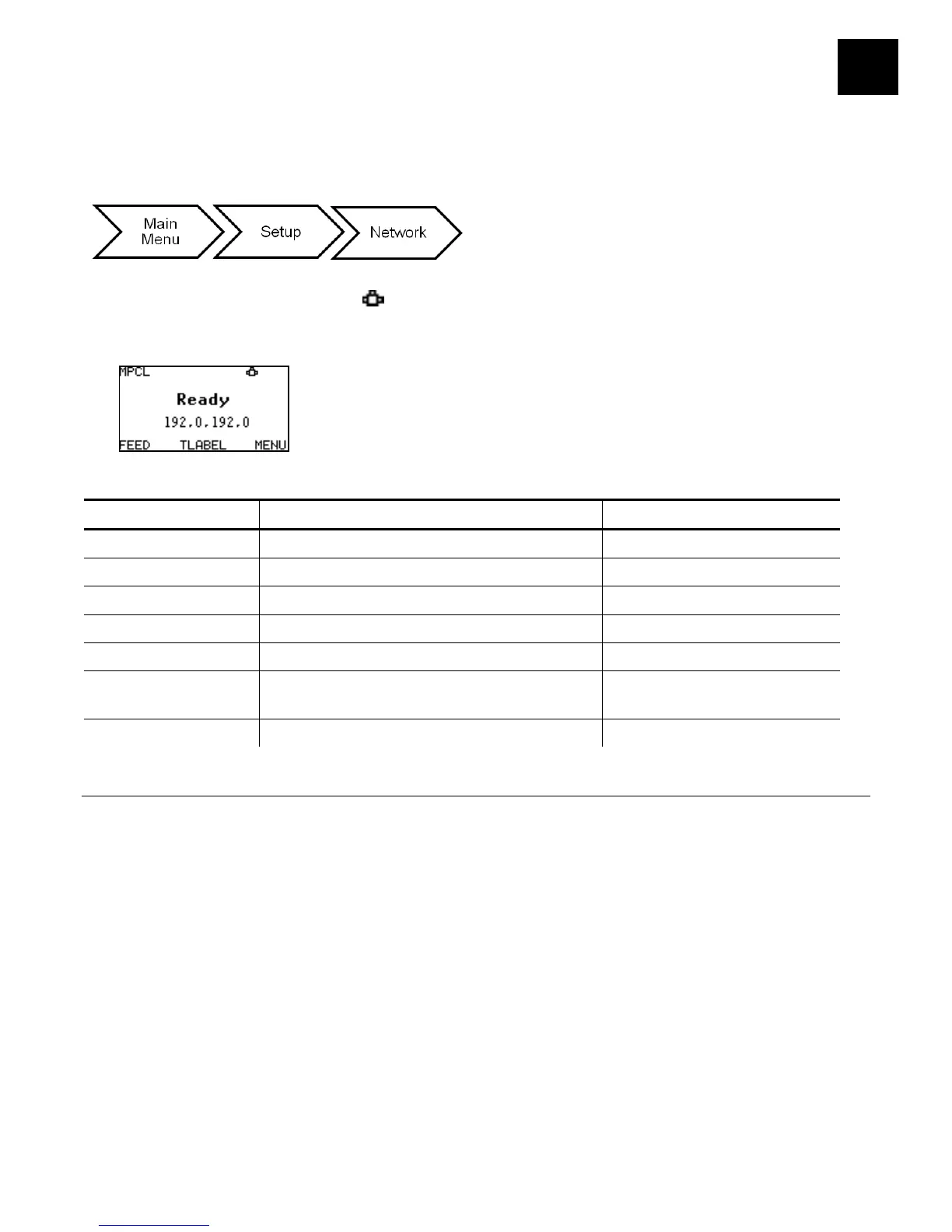
The printer’s display shows the network symbol (wired) when the printer is connected
and ready to receive data. Additionally, the printer’s IP address is displayed when a
connection is established.
The network options are listed in the table below.
MAC Address View only None – preset value
IP Address xxx.xxx.xxx.xxx 192.0.192.0
IP Gateway xxx.xxx.xxx.xxx 0.0.0.0
Boot Method Static/DHCP Auto
Wireless
See Chapter 5, “Setting Wireless
N/A
Default Network Default Setting/Factory Default N/A
Viewing the MAC Address
The Media Access Control (MAC) Address is a hard-coded value that cannot be changed
(like a serial number). It consists of four 3-digit numeric fields, usually separated by
periods.
Select To
MAC Address View the printer’s MAC Address.










 To Next Page