6-8 System Administrator’s Guide
Using Flash Memory
Use these basic guidelines when storing files in your printer's flash memory.
♦ Your printer has volatile RAM (packets deleted when the printer is off) and flash
memory (packets saved when the printer is off).
♦ Flash memory must be formatted before any packets can be saved. See "Formatting
Flash Memory" for more information.
♦ Formats, graphics, and check digits can be saved in flash (a copy is automatically
placed in RAM). Any packets saved in flash cannot exceed the memory available in
RAM.
♦ There is not a 1-to-1 ratio between the RAM memory (formats, graphics, and check
digits) in your printer and the memory in your PC. For example, a file that is 5K in
Windows may require 15-20K to store in your printer.
♦ Use temporary storage for graphics that are only used once or twice. However, if you
have a logo that is used on multiple formats, save the graphic in flash.
♦ Each line in a packet requires the same amount of memory. The smaller the format,
the less memory required to save it.
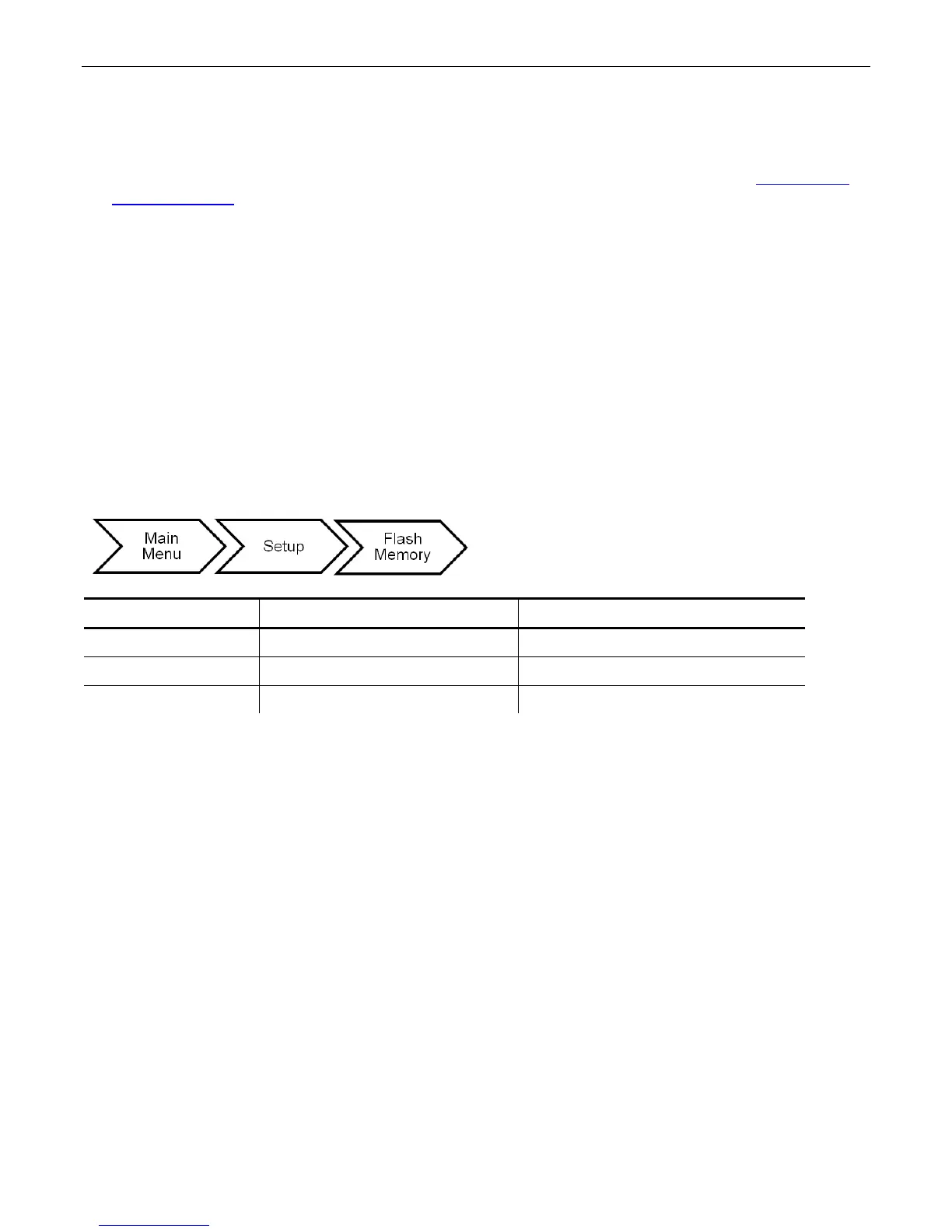
The flash memory options are in the table below.
Format Flash No/Yes No
Unused Flash NA NA
Pack Flash No/Yes No










 To Next Page