2-4 System Administrator’s Guide
Setting the Speed
Select the print speed in IPS (inches per second). If print quality is important, reduce the
print speed - a lower print speed increases the print quality of labels. Use premium
supplies when printing at high speeds.
Select To Select To
2.5 IPS Print at 2.5 IPS. 10.0 IPS Print at 10.0 IPS.
4.0 IPS Print at 4.0 IPS. 12.0 IPS Print at 12.0 IPS.
6.0 IPS
8.0 IPS
Print at 6.0 IPS.
Print at 8.0 IPS.
Default Print formats with serial bar codes
at 2.5 inches per second and
formats with parallel bar codes at
6.0 inches per second.
When using Easy Setup to configure the printer for RFID supplies, the print speed may be
decreased. For example:
Inlay Selected Speed RFID Easy Setup Configured Speed
AD-318M5GWC 8.0 IPS 6.0 IPS
Easy Setup changes the printer to print 6.0 ips.
AD-318M5GWC 4.0 IPS 4.0 IPS
Easy Setup does not adjust the print speed.
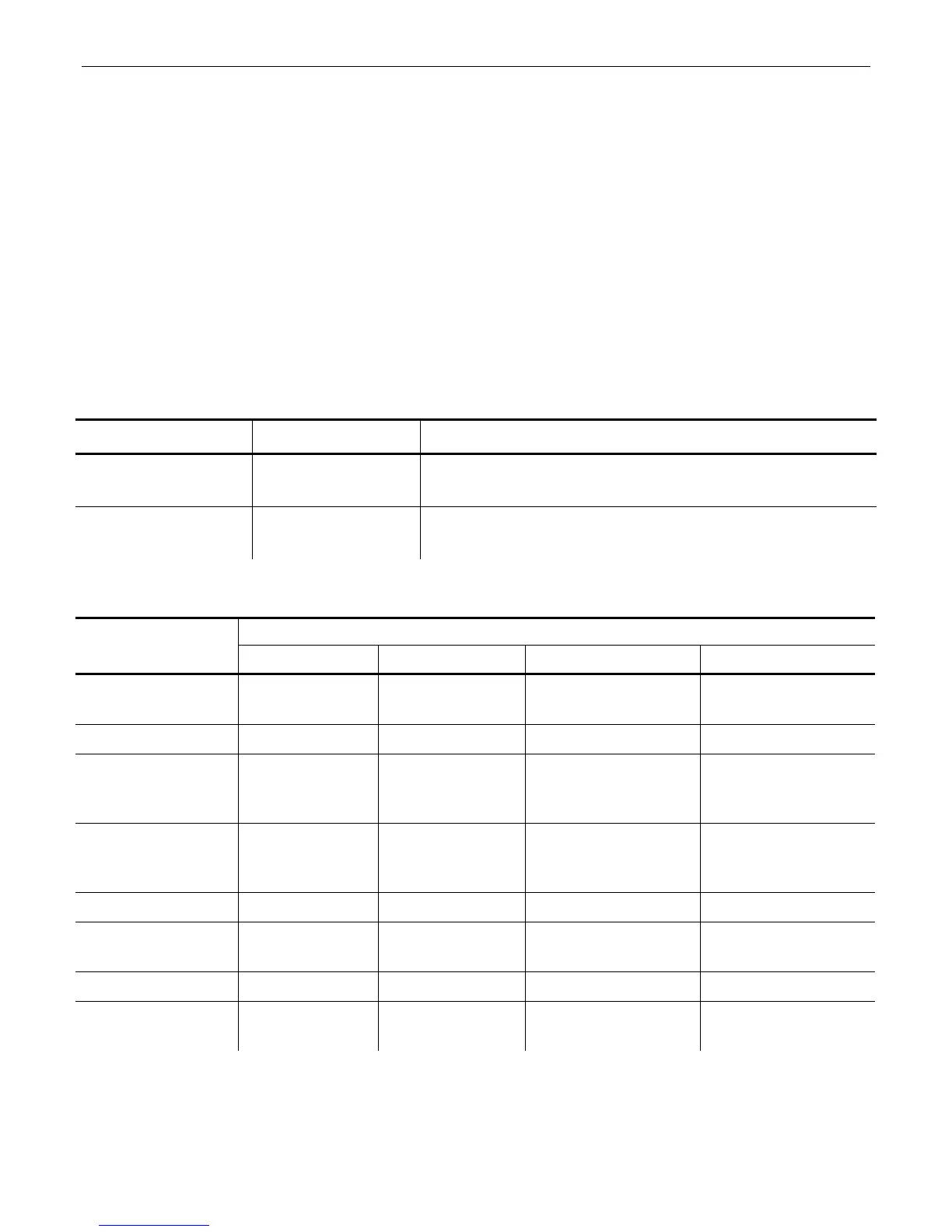
Recommended Maximum Pint Speeds
Options:
Print Speed, inches per second
300 dpi
printhead
supported supported not supported not supported
Tags
supported supported not recommended not recommended
TuffMark®
Supply
2.5 ips
maximum
recommended
not
recommended
not
recommended
not
recommended
Serial bar
codes
2.5 ips
maximum
recommended
not
recommended
not
recommended
not
recommended
Liner Take-up
supported supported not supported not supported
Cutter &
Stacker
supported supported not supported not supported
Peel Mode
supported supported not supported not supported
Bar Code
Verifier
supported not
recommended
not recommended not recommended
Note: If you change the speed, you must resend your formats or turn off the printer and
back on before the change takes effect.
If you change the speed in offline mode, turn off the printer then turn it back on
before the change takes effect.










 To Next Page